FlowVella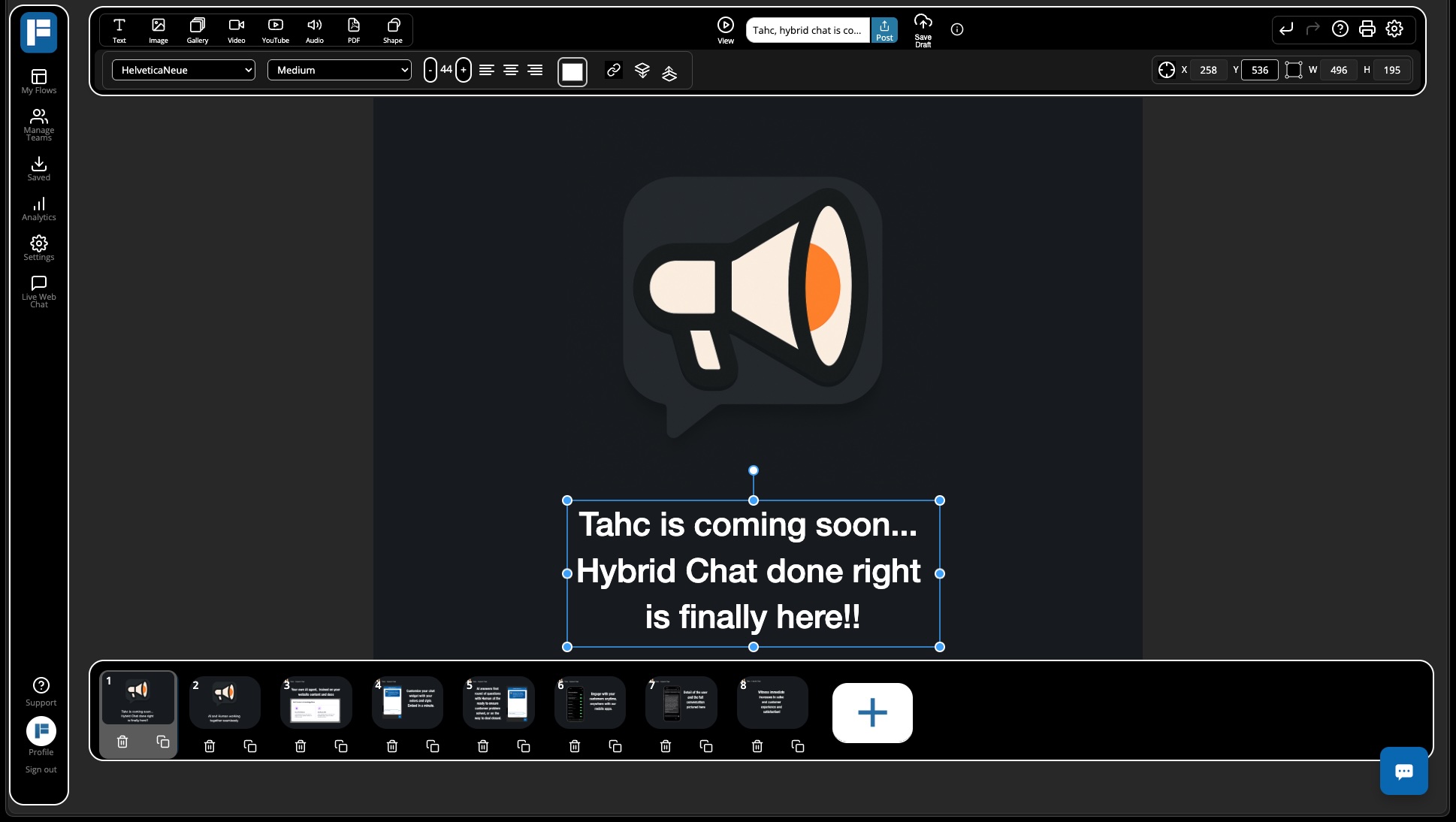
FlowVella Web Creator — Now Out of Beta
Smarter. Faster. Darker. Better.
After months of iteration and customer feedback, we’re thrilled to announce that the FlowVella Web Creator is officially out of beta. Whether you’re building interactive iPad kiosks, rich multimedia presentations, or museum exhibits, the web editor is now more powerful, stable, and beautiful than ever.
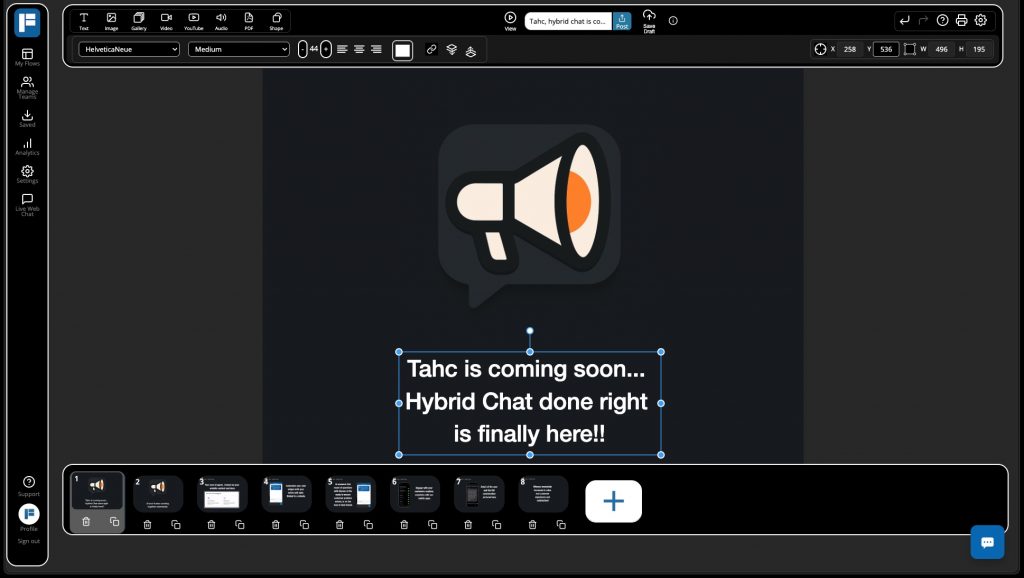
Here’s what we’ve been up to —>>
A New, Modern Dark Mode UI
We redesigned the FlowVella Creator from the ground up for modern creators:
- Sleek dark mode for reduced eye strain
- Compact, streamlined control panel with fixed height (no more UI bouncing)
- Polished buttons, icons, and modals with rounded corners and consistent styling
- Beautiful new animated FlowVella logo loader
- Redesigned screen selector and template browser
- We may bring back the light mode, but wanted to get dark mode out first
Better Canvas, Better Text
More space. More control. Better editing.
- Maximized canvas real estate – removed distractions and improved scaling
- Fixed font sizing controls
- Smoother text editing UX with better delete behavior
- Updated legacy text fields for better compatibility with iOS and Mac apps
Media & Upload Upgrades
Big changes under the hood to make your media faster and more reliable:
- Migrated to Cloudflare R2 for faster, more scalable hosting (b, bye, Rackspace)
- Enabled cache busting for versioned JS/CSS loads
- Smarter duplicate screen handling
- Resolved proxy-related preview issues
Stability & Critical Bug Fixes
We tackled the biggest issues head-on to deliver a dramatically more stable and performant experience:
- Fixed image upload bug (no more base64 bloat – all uploads now go to the CDN properly)
- Resolved memory leaks that caused crashes during long sessions
- Stopped object drift – your elements now stay exactly where you place them
- Improved flow access control – say goodbye to white screens and login loops
- Fixed issues with PDF uploads, screen previews, text editing, and screen navigation
Performance & Developer Experience
We didn’t just fix bugs — we refined the entire experience:
- Better state machine handling for more robust editing
- Improved color persistence and object settings
- Added video autoplay tooltips
- Internal debugging documentation for React/TypeScript edge cases
You can give it try by logging in at https://flowvella.com and going to your ‘My Flows’ page.
We would love to hear any and all feedback to make this better.