







FlowVella-PPTX-Importer-2.0
PPTX IMPORTER
2.0
Completely revamped for FlowVella 5.0 (Click or Tap for Details)
What’s new
How to import
Send us feedback
WHAT’S NEW IN 2.0
Real, editable flows
More of your deck
• Text comes in as real, editable text. • Fonts are matched to FlowVella fonts and sized to fit. • Images and shapes come across as their own objects.
• Borders and rounded corners are kept. • Bold and italic styling carries over. • Much faster, even on big decks.
Home
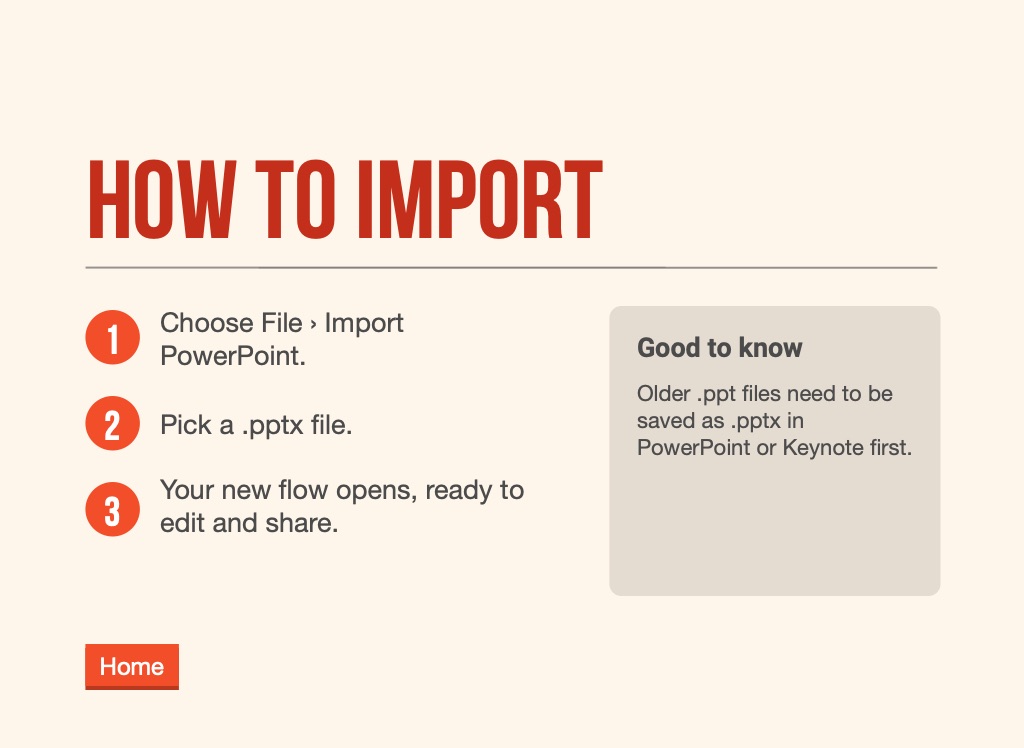
HOW TO IMPORT
Choose File › Import PowerPoint.
Good to know
Older .ppt files need to be saved as .pptx in PowerPoint or Keynote first.
Pick a .pptx file.
Your new flow opens, ready to edit and share.
Home
SEND US FEEDBACK
Something didn’t come across right?
Email us the .pptx and a quick note about what looked off. Every deck you send makes the importer better.
Home