











Primary Toolkit: Collect, Create, Share
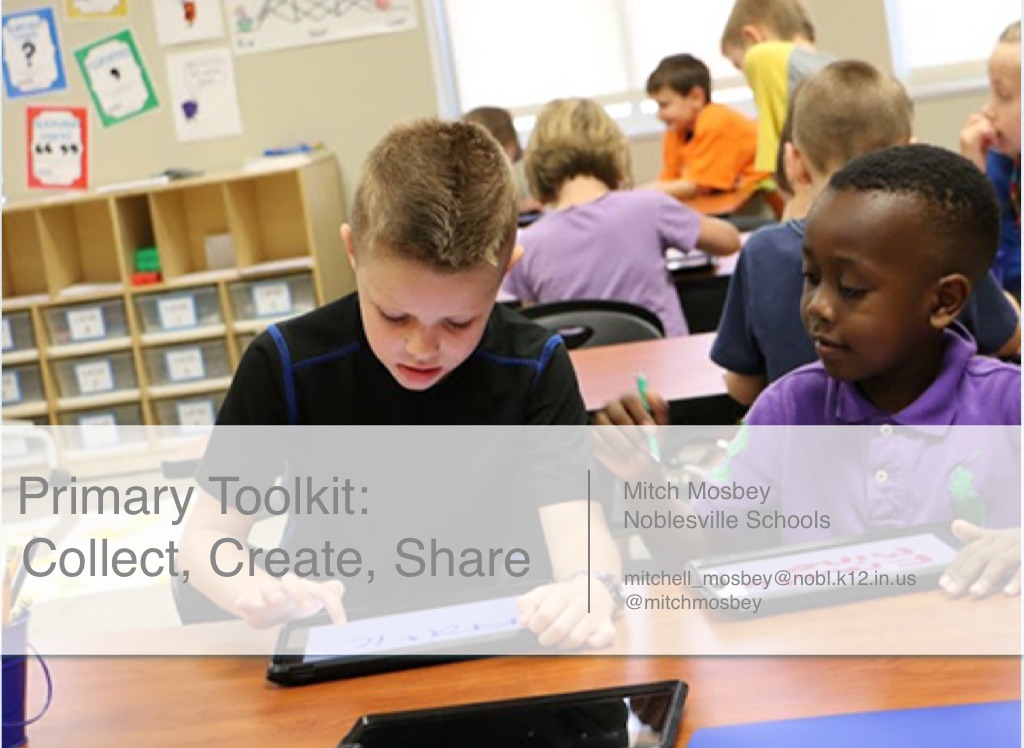
Primary Toolkit:
Mitch Mosbey Noblesville Schools
Collect, Create, Share
[email protected] @mitchmosbey
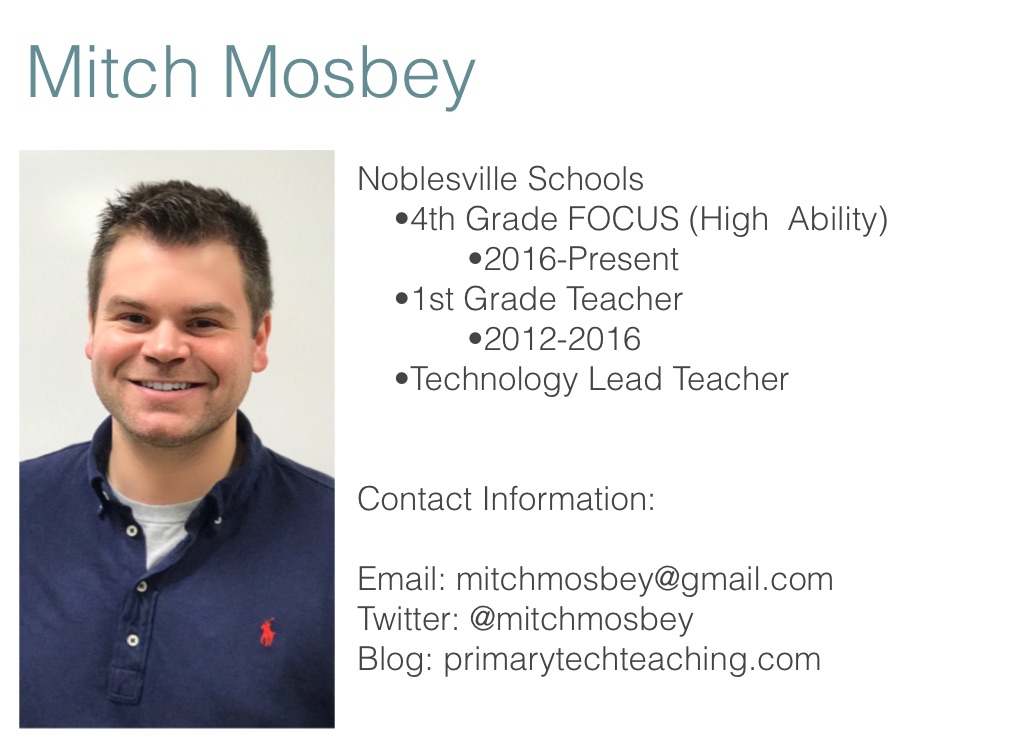
Mitch Mosbey
Noblesville Schools •4th Grade FOCUS (High Ability) •2016-Present •1st Grade Teacher •2012-2016 •Technology Lead Teacher Contact Information: Email: [email protected] Twitter: @mitchmosbey Blog: primarytechteaching.com
Today’s Meet
https://cdn.flowvella.com/toolkit
How to Pick Apps
What is the purpose of this app? Can it be used in multiple ways? If there is a cost, will I use it frequently? Can items be shared?
How to Pick Apps
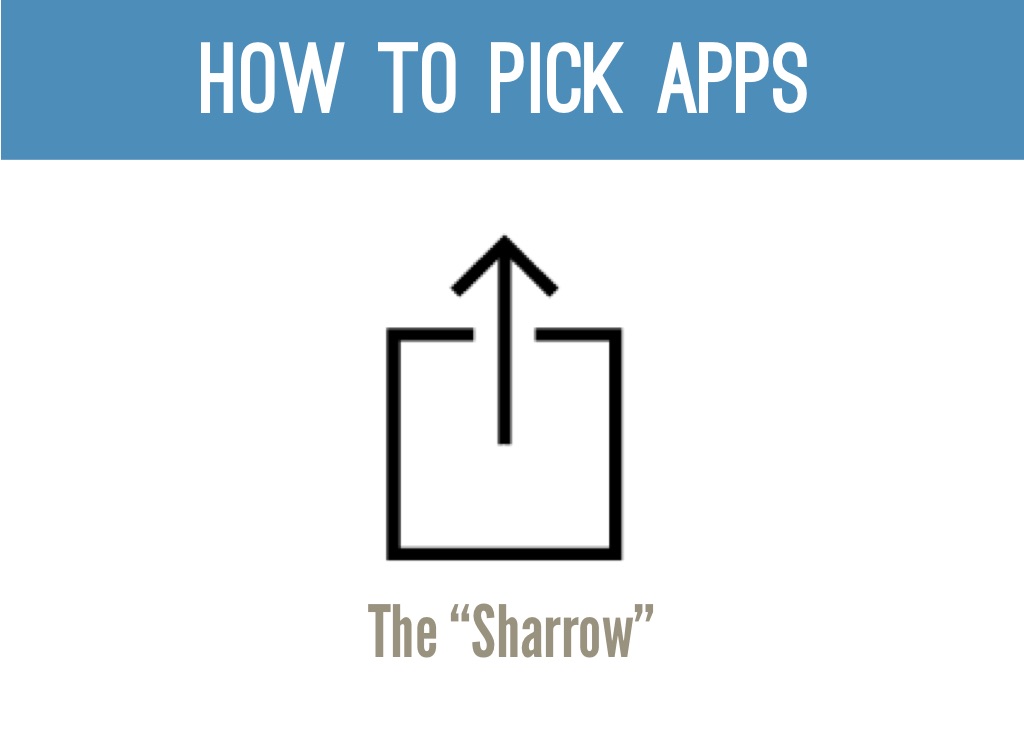
The “Sharrow”
How to Pick Apps
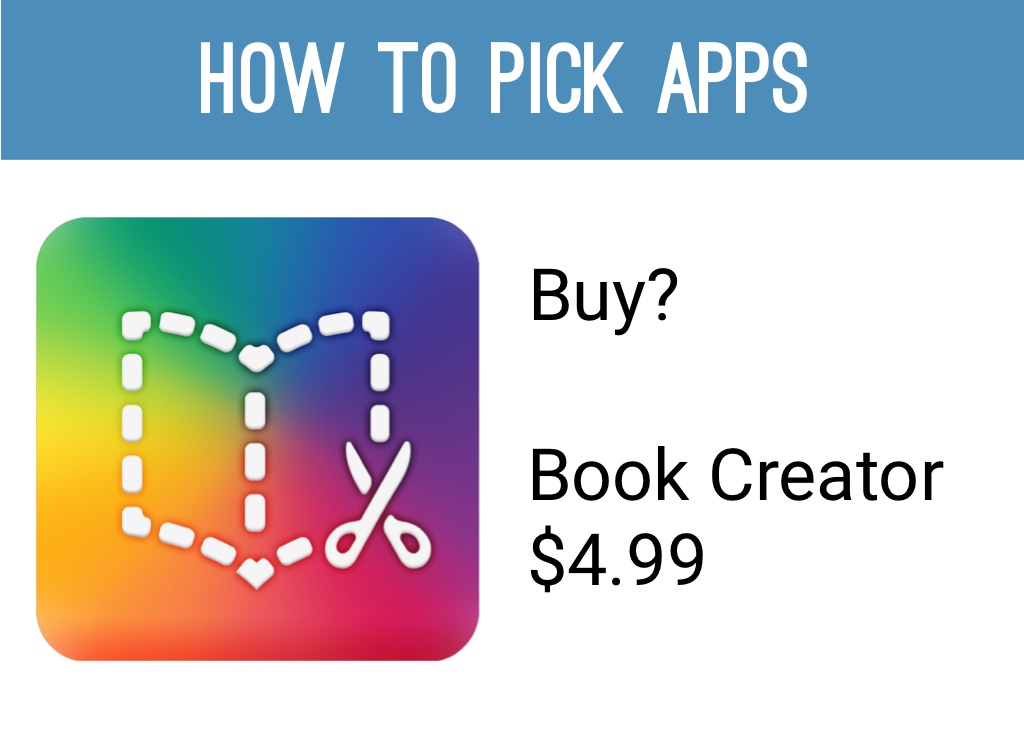
Buy?
Book Creator $4.99
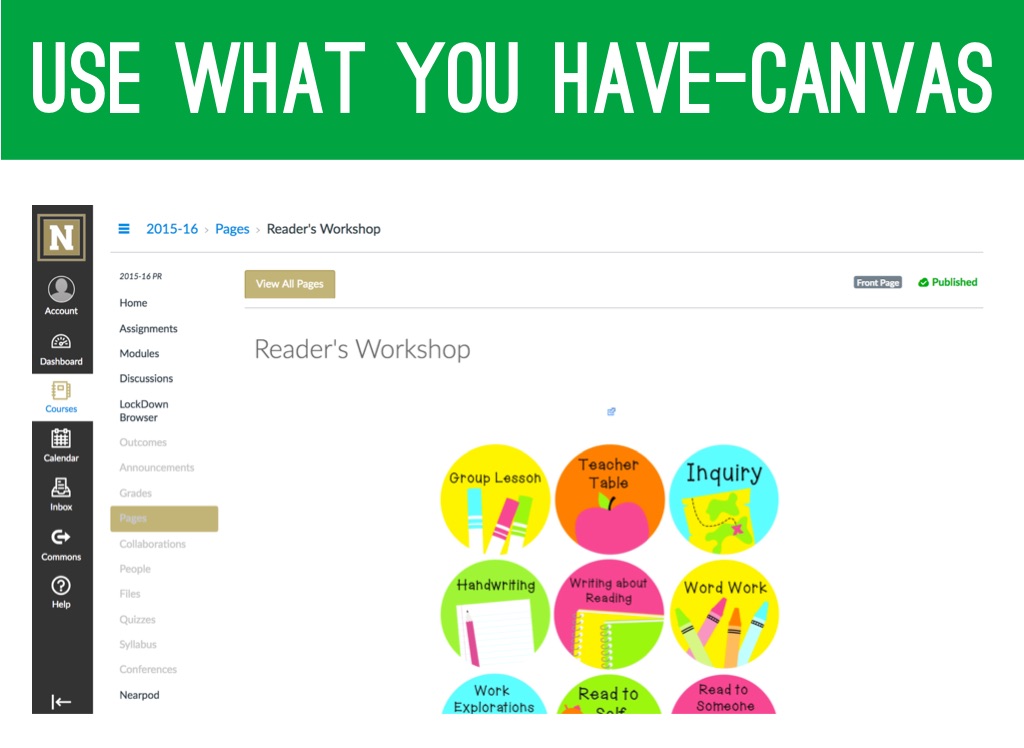
Use What you Have-Canvas
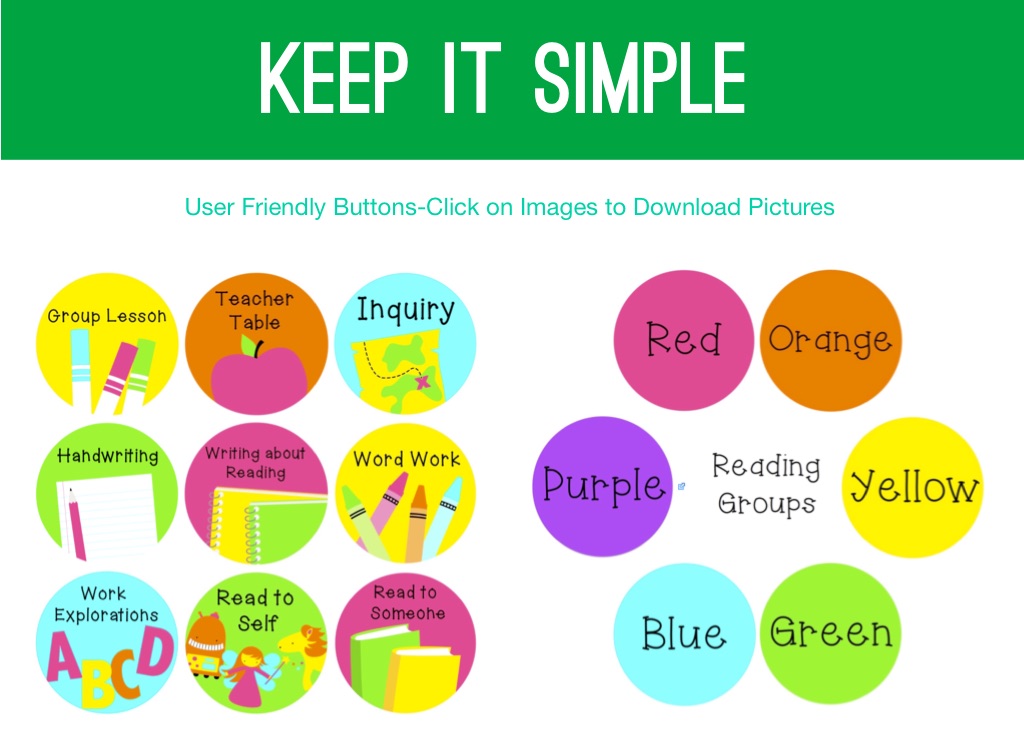
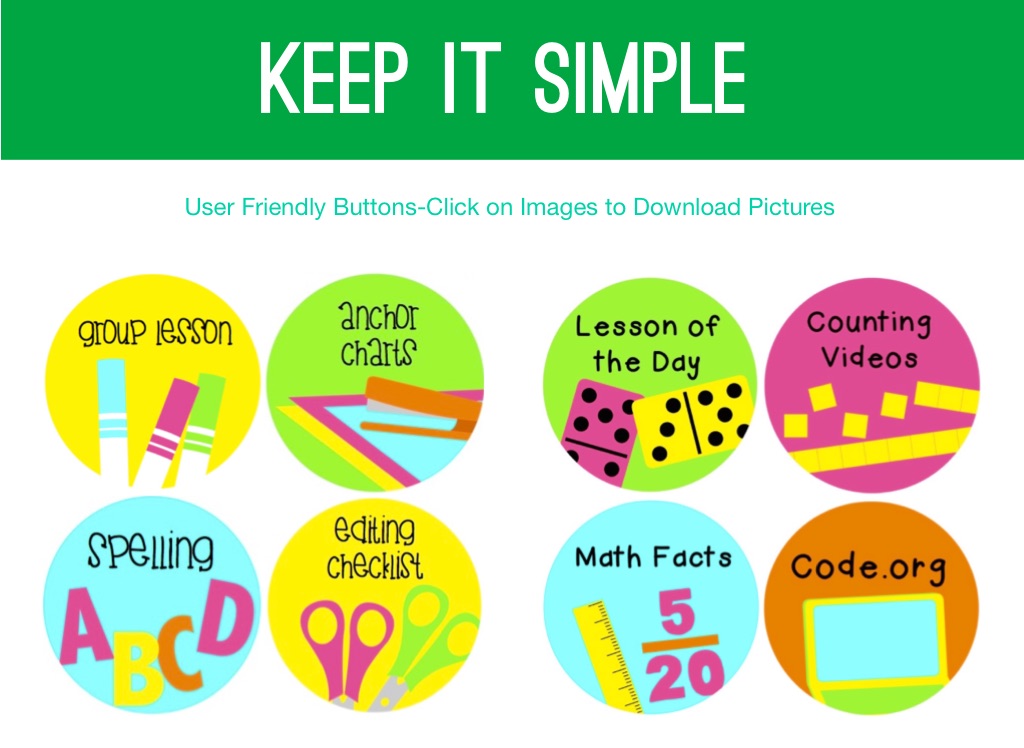
Keep It Simple
User Friendly Buttons-Click on Images to Download Pictures
Keep It Simple
User Friendly Buttons-Click on Images to Download Pictures
Notability
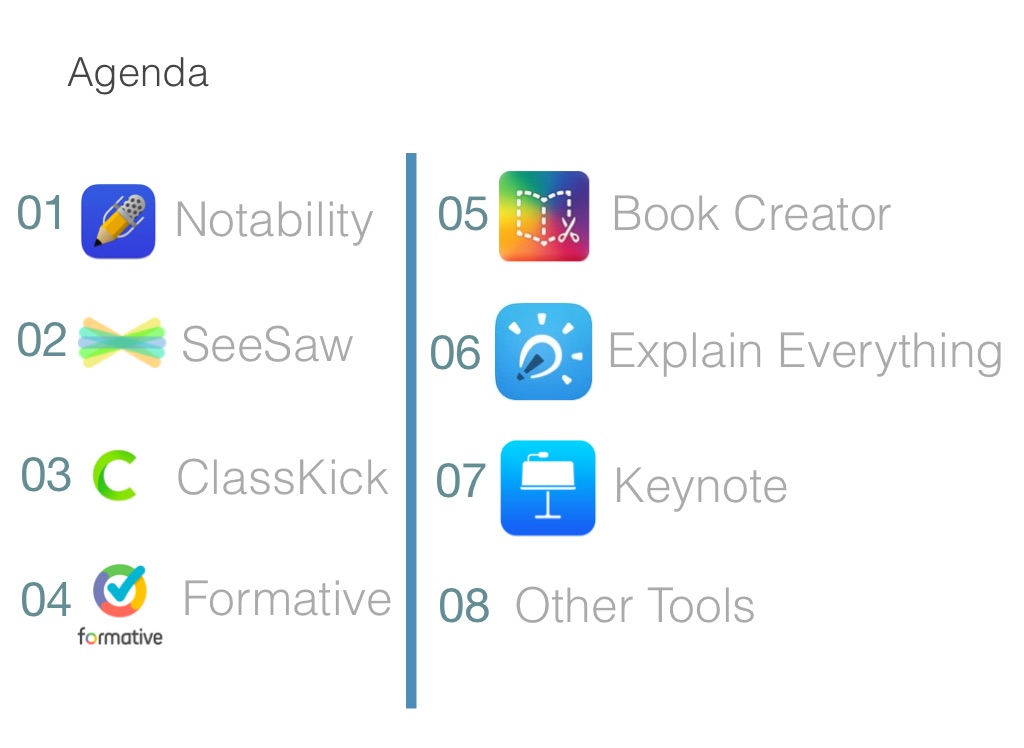
Agenda
Book Creator
SeeSaw
Explain Everything
ClassKick
Keynote
Formative
Other Tools
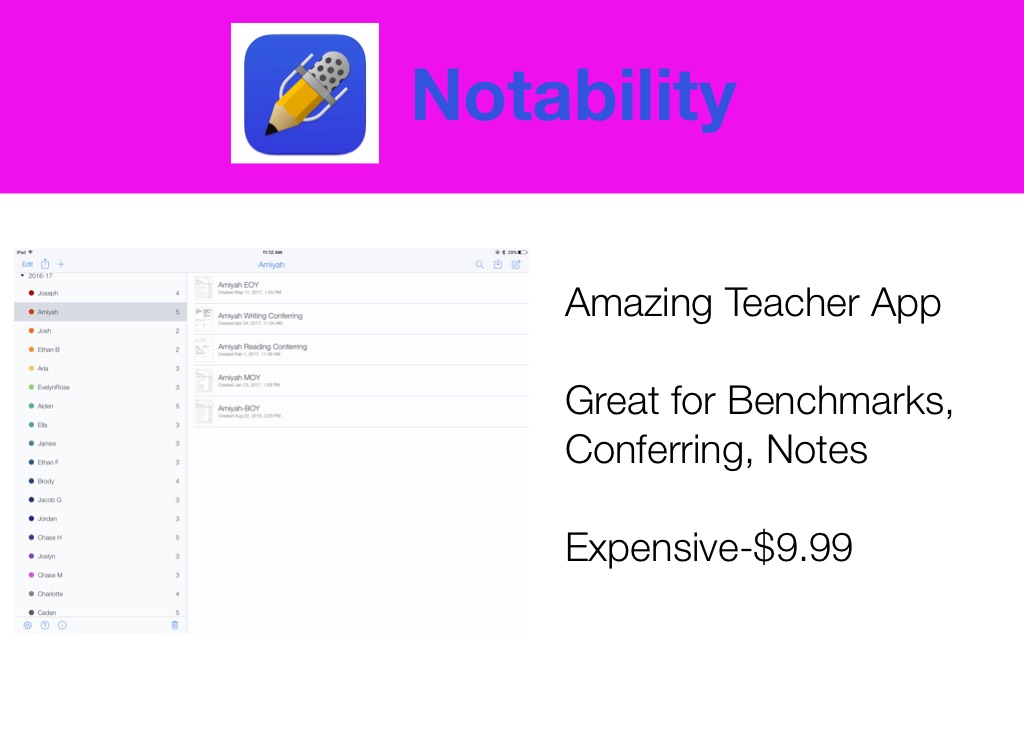
Notability
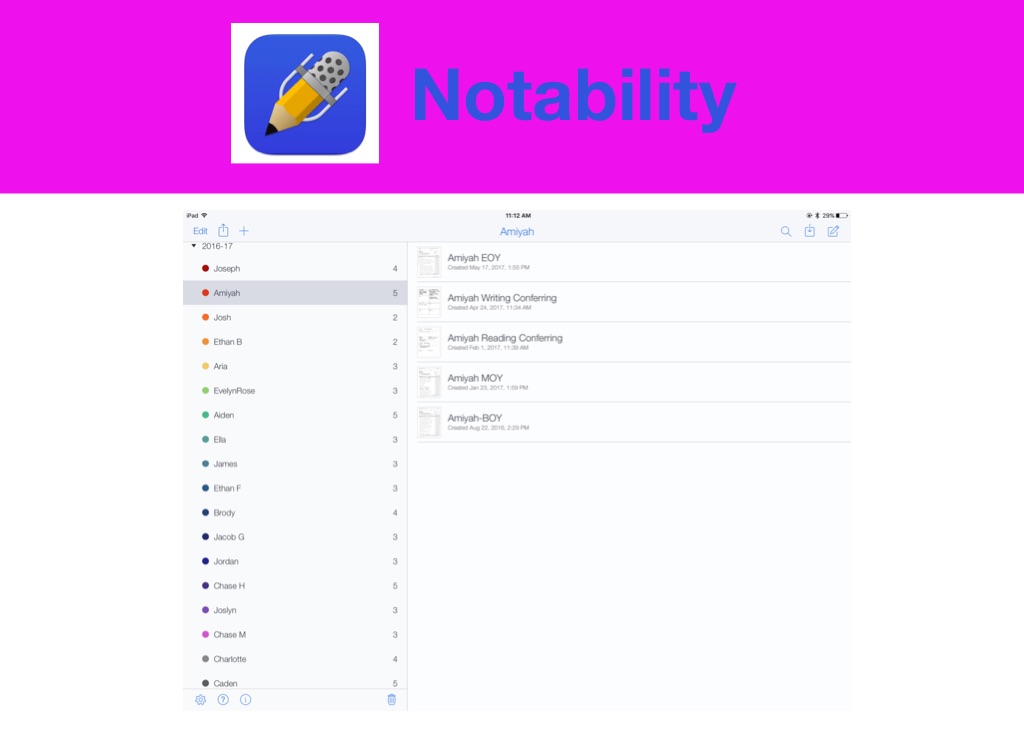
Amazing Teacher App Great for Benchmarks, Conferring, Notes Expensive-$9.99
Notability
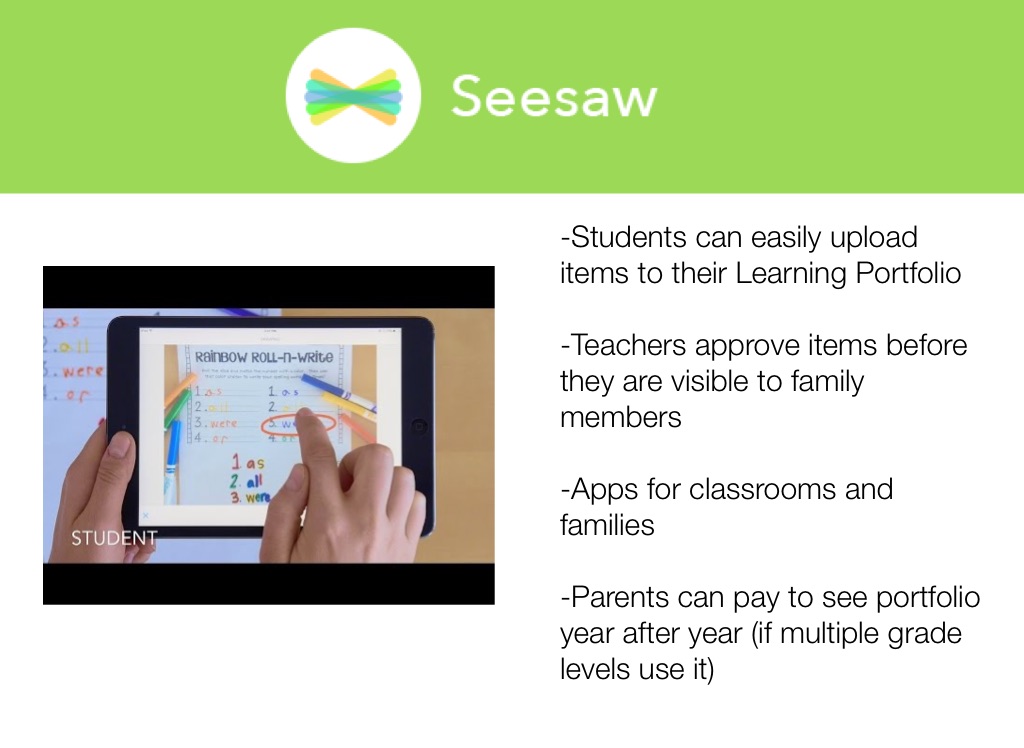
-Students can easily upload items to their Learning Portfolio -Teachers approve items before they are visible to family members -Apps for classrooms and families -Parents can pay to see portfolio year after year (if multiple grade levels use it)
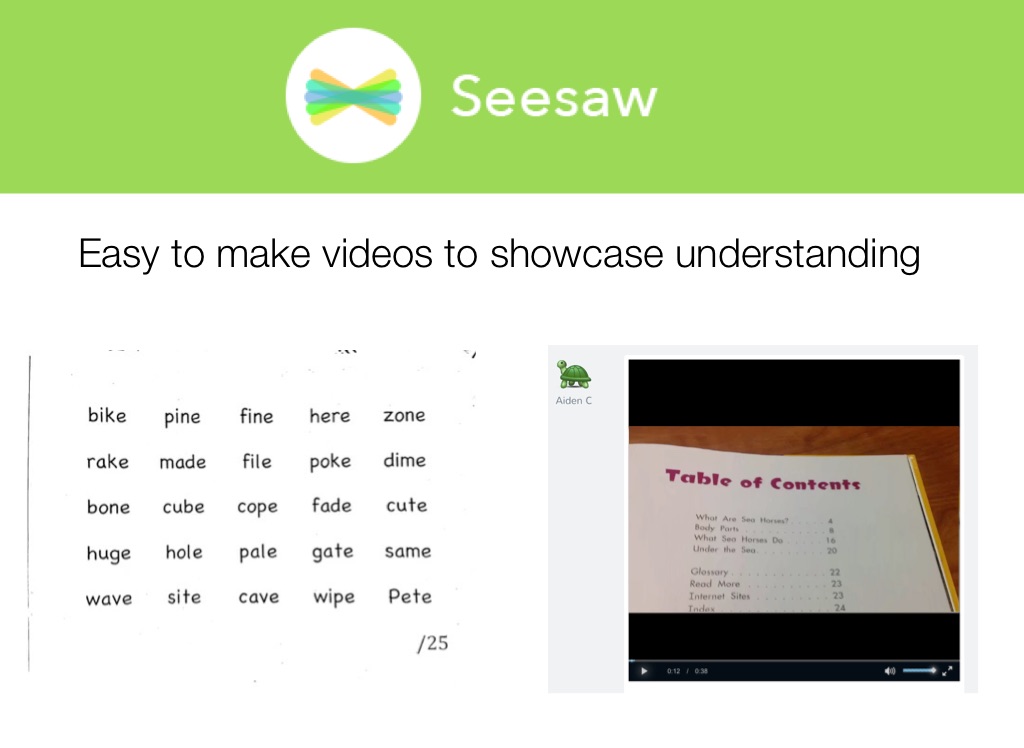
Easy to make videos to showcase understanding
ClassKick
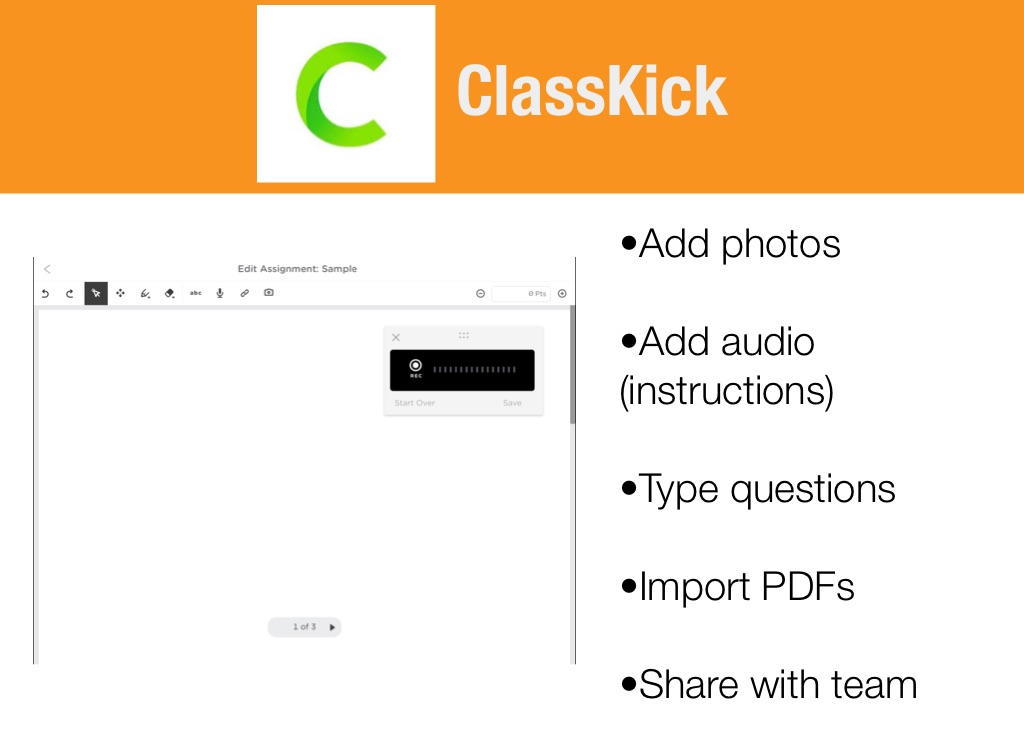
•Add photos •Add audio (instructions) •Type questions •Import PDFs •Share with team
ClassKick
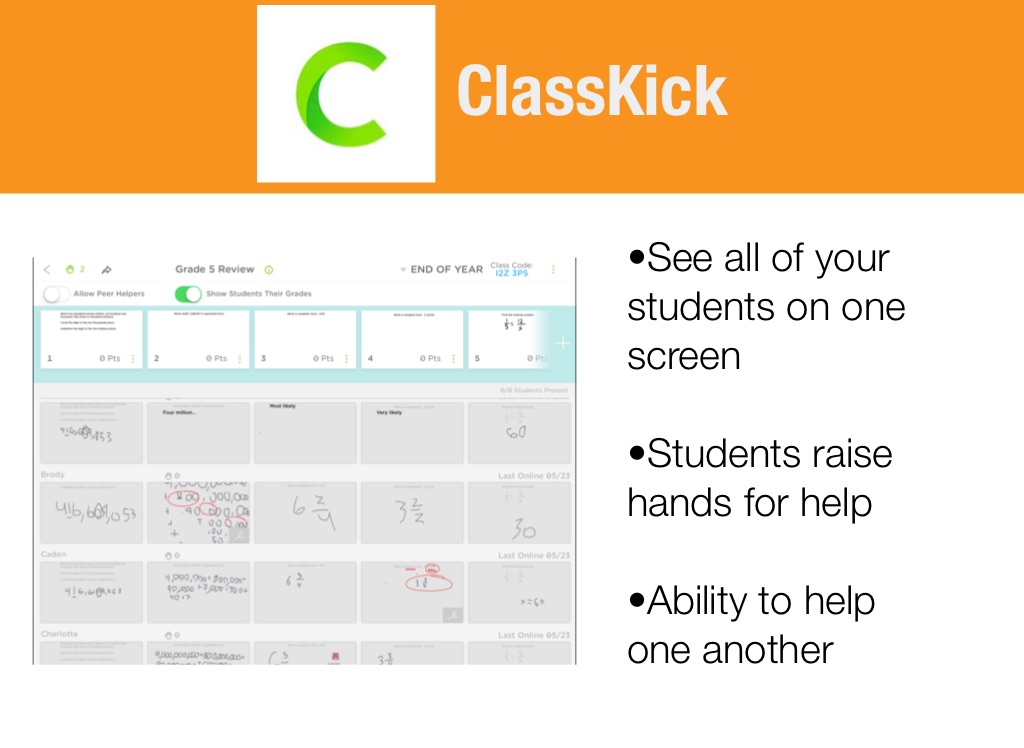
•See all of your students on one screen •Students raise hands for help •Ability to help one another
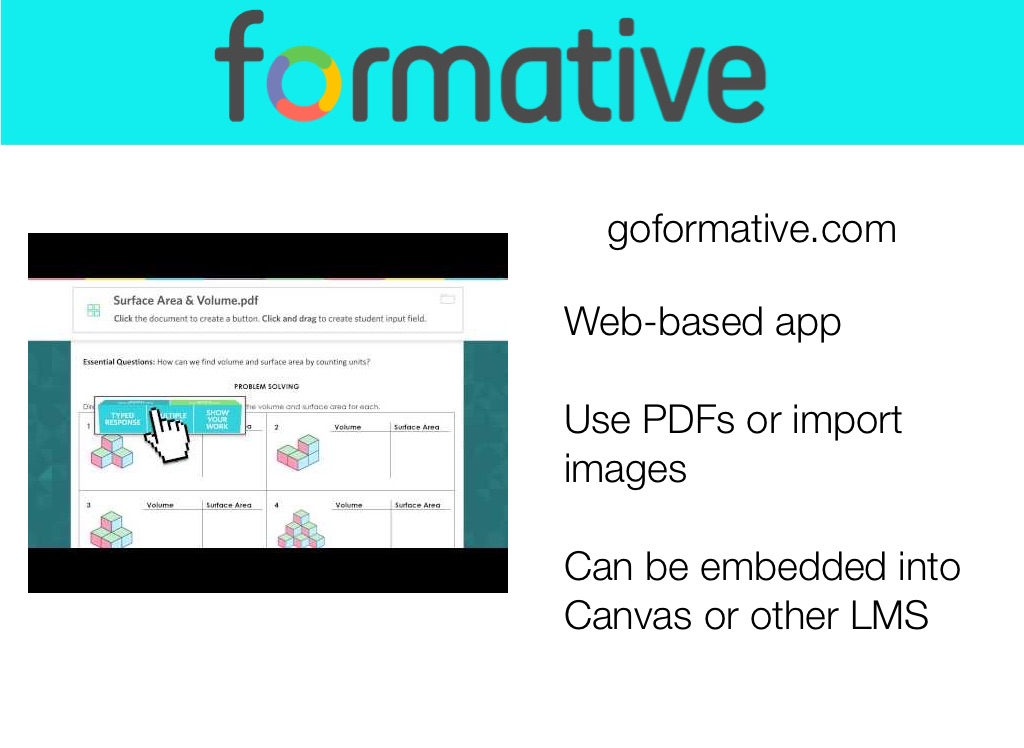
goformative.com
Web-based app Use PDFs or import images Can be embedded into Canvas or other LMS
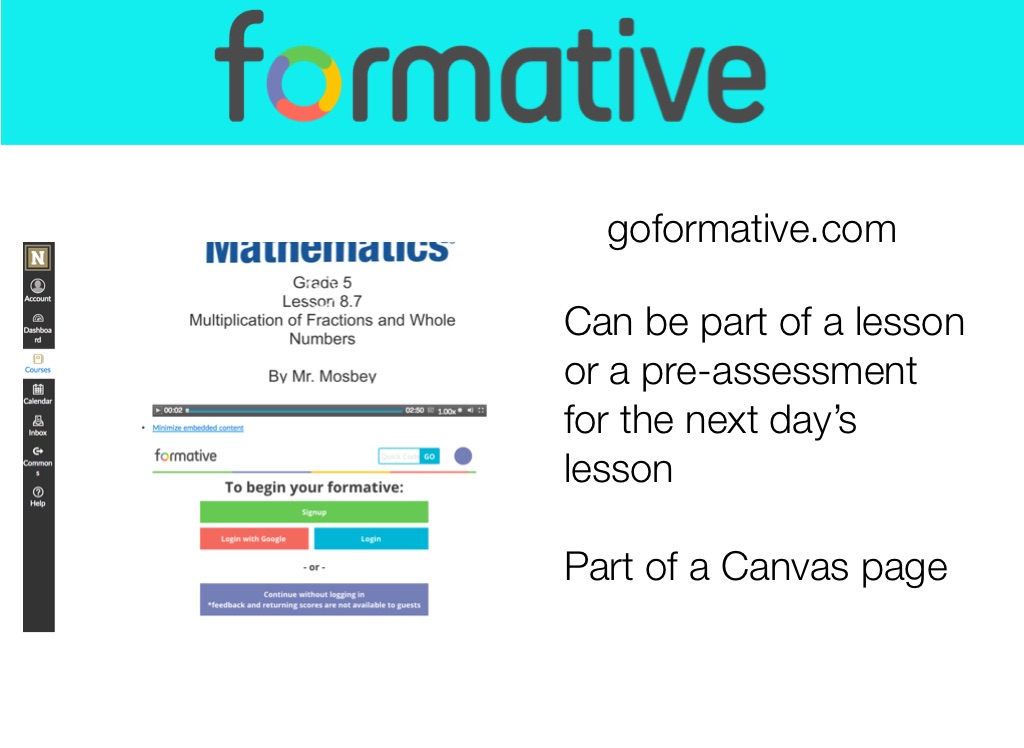
goformative.com
Can be part of a lesson or a pre-assessment for the next day’s lesson Part of a Canvas page
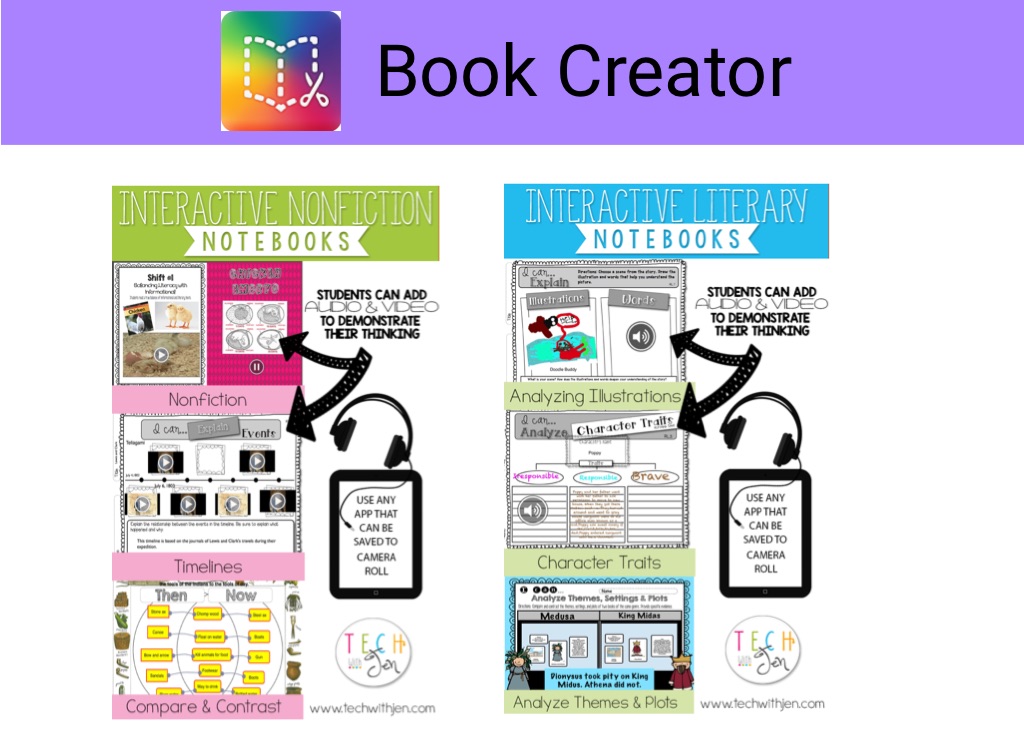
Book Creator
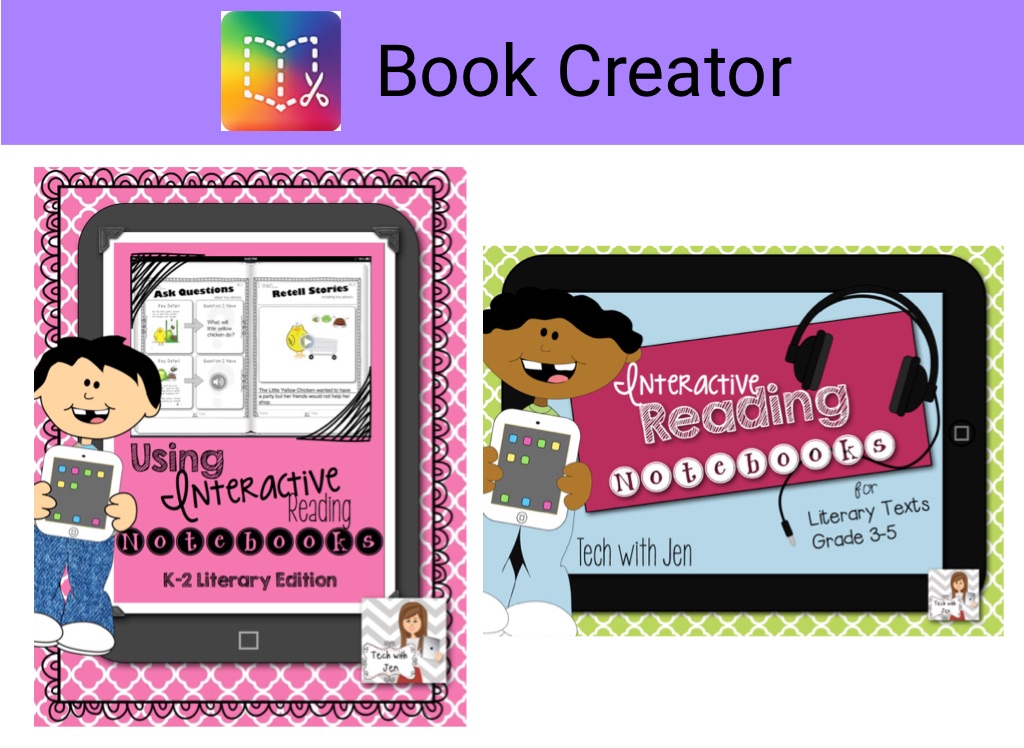
Book Creator
Explain Everything
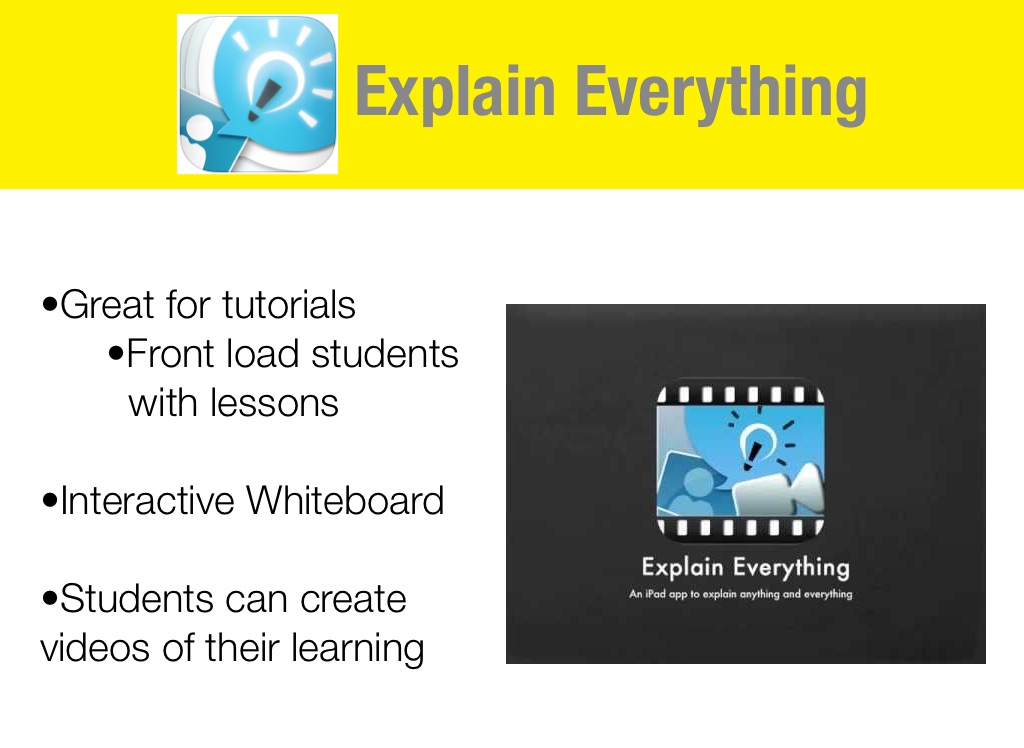
•Great for tutorials •Front load students with lessons •Interactive Whiteboard •Students can create videos of their learning
Explain Everything
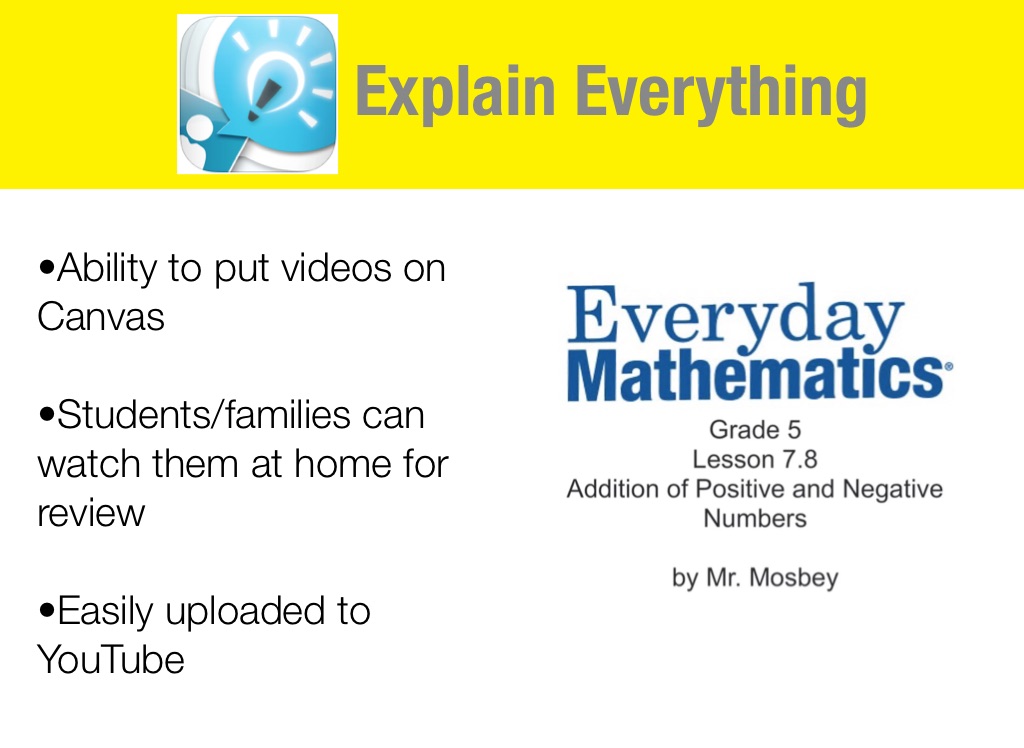
•Ability to put videos on Canvas •Students/families can watch them at home for review •Easily uploaded to YouTube
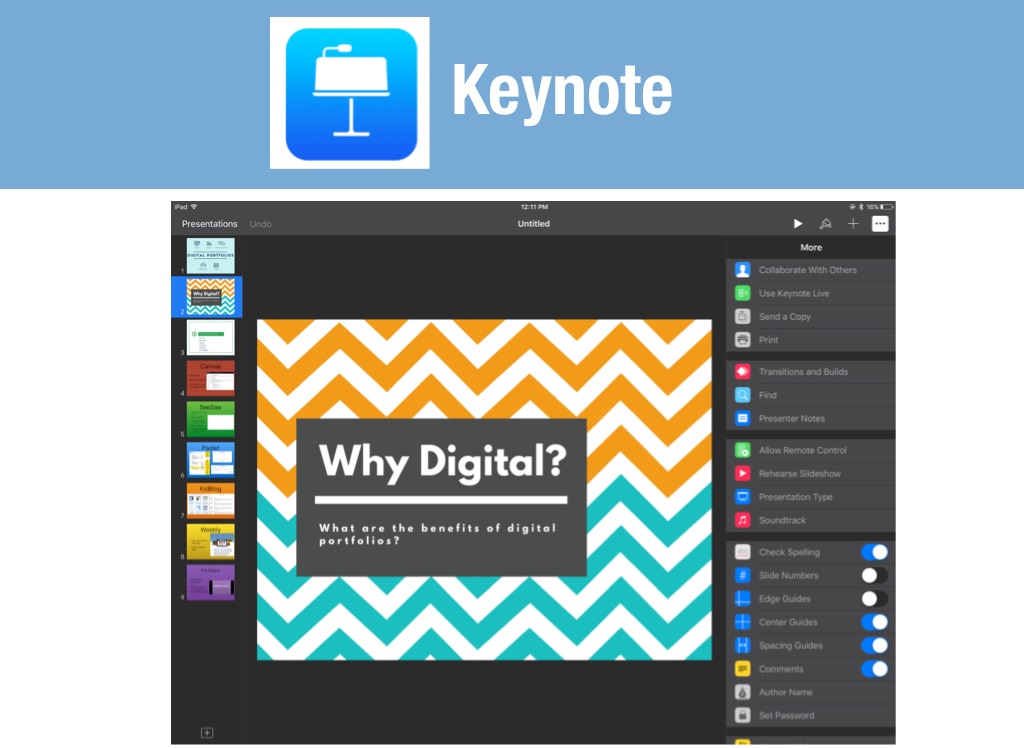
Keynote
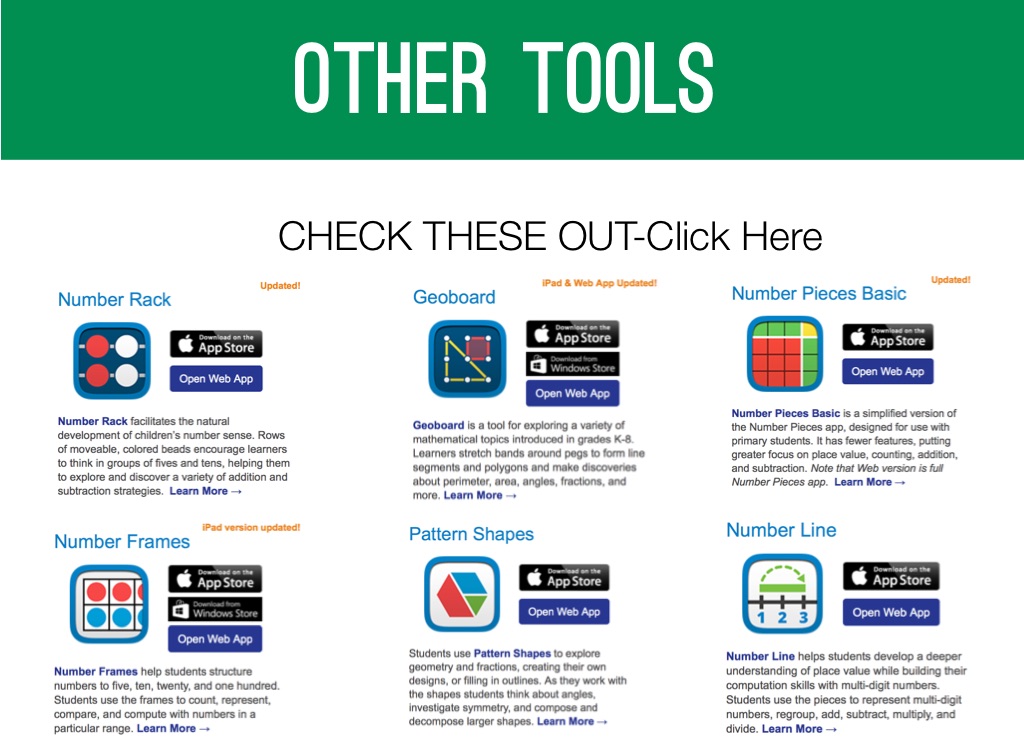
Other Tools
CHECK THESE OUT-Click Here