














Canvas in the Primary Grades
Mitch Mosbey @mitchmosbey
Canvas
IN the { Primary Classroom
We’ve all seen this…
Add a short caption here
Question:
How is this helpful?
What are your challenges?
https://cdn.flowvella.com/canvas
Click to Edit Text
Helpful Tips
Keep it simple TAbles Limit Number of Clicks Limit Scrolling
Your Username
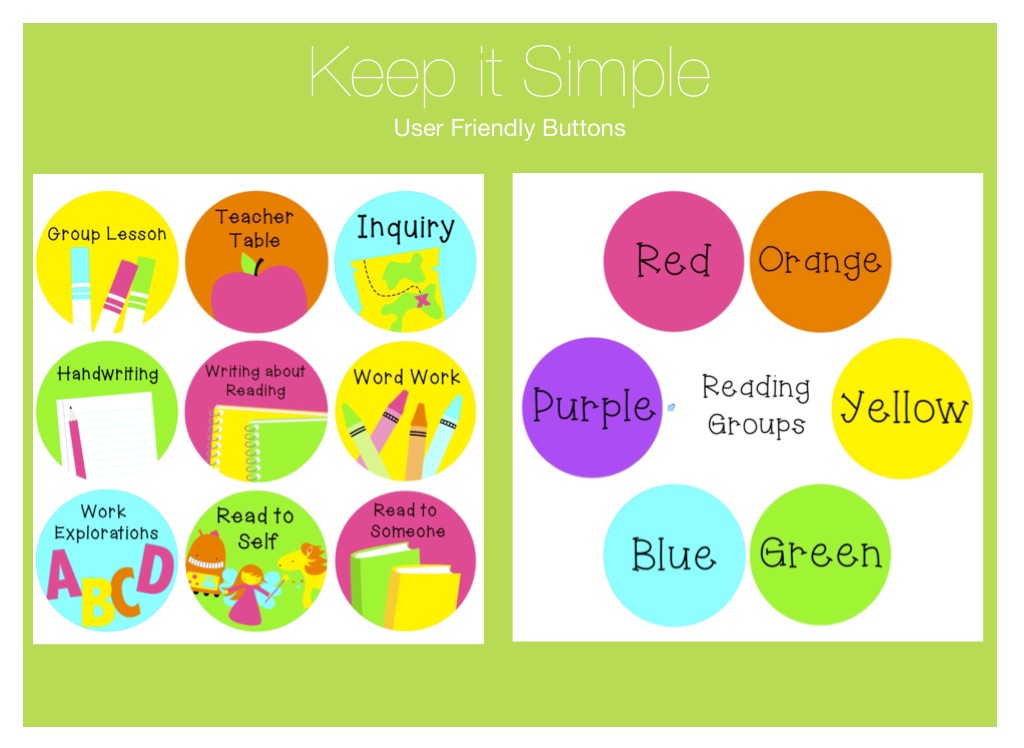
Keep it Simple
User Friendly Buttons
Keep it Simple
User Friendly Buttons
reading
Guided Reading
•Include all important components •Students can preview book before coming to your table •Great for guest teachers
You can put a short caption here
Sample Lesson
Video title
Reading Log
A short description of your video goes here
•Google Form •Students log daily •Refer back during 1:1 Conferring •Similar form for Read to Someone
Video title
A short description of your video goes here
“I like how I can choose how I want to answer.”
Discussions
Classroom and small group responses
Students can respond in various ways: •Typing •Audio Recording •Video Recording
Your Username
Stations
Embed instructions into pages to avoid repeating directions
Word Work Pages
Word Study
Put in modules
Students work at their own pace. Spell check at the end.
Mix of External Tools YouTube Quizlet
Math
Lessons
Workshop Model
Include instructions for stations Videos for Guest Teachers
Ten Penny Addition
Frame-and-Arrow
Resources
Instead of searching, create a page to easily access materials you use frequently
Writing
Tips
Start with you Lesson plans -Take out the Teacher Notes Options to include Anchor Charts Directly from Pinterest
What would you like to work on now?
https://cdn.flowvella.com/canvas
WORK
TIME
How are you feeling now?
https://cdn.flowvella.com/canvas