
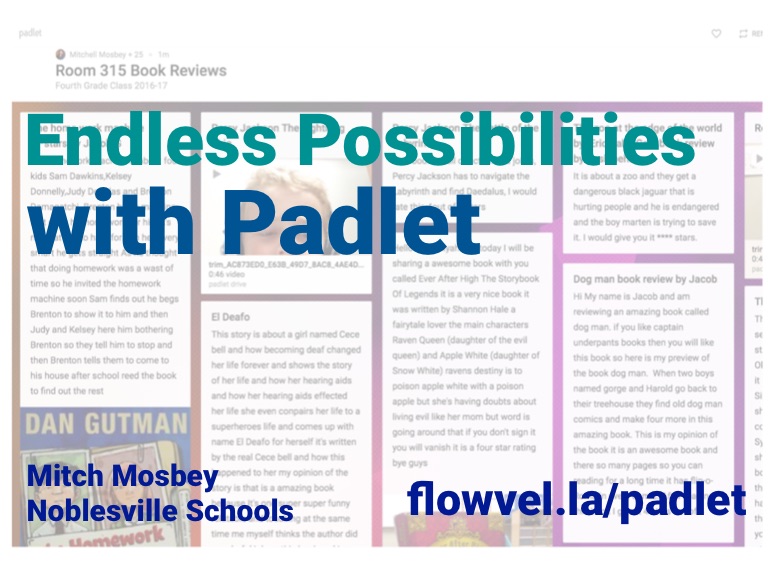








Endless Possibilites with Padlet
with Padlet
Endless Possibilities
Mitch Mosbey Noblesville Schools
flowvel.la/padlet
Mosbey
Mitch
@mitchmosbey
primarytechteaching.com
Getting Started
What are some ways that you’ve used Padlet?
Click here for Padlet
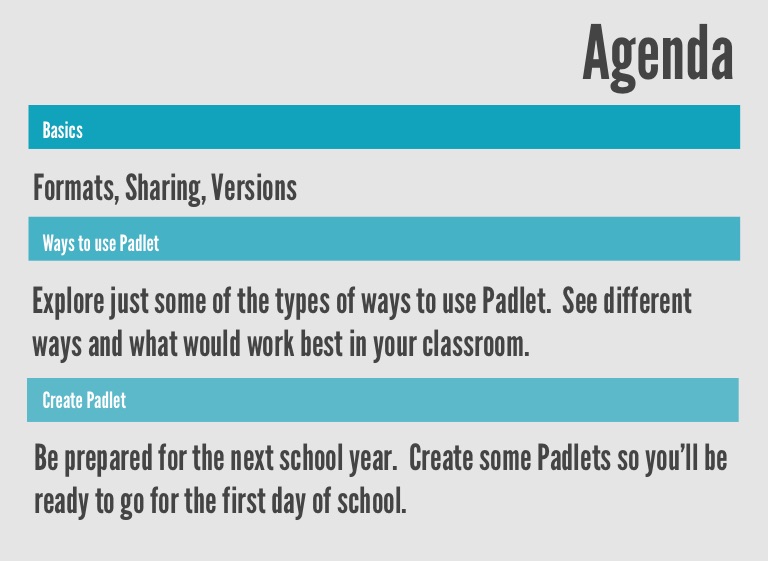
Agenda
Basics
Formats, Sharing, Versions
Ways to use Padlet
Explore just some of the types of ways to use Padlet. See different ways and what would work best in your classroom.
Create Padlet
Be prepared for the next school year. Create some Padlets so you’ll be ready to go for the first day of school.
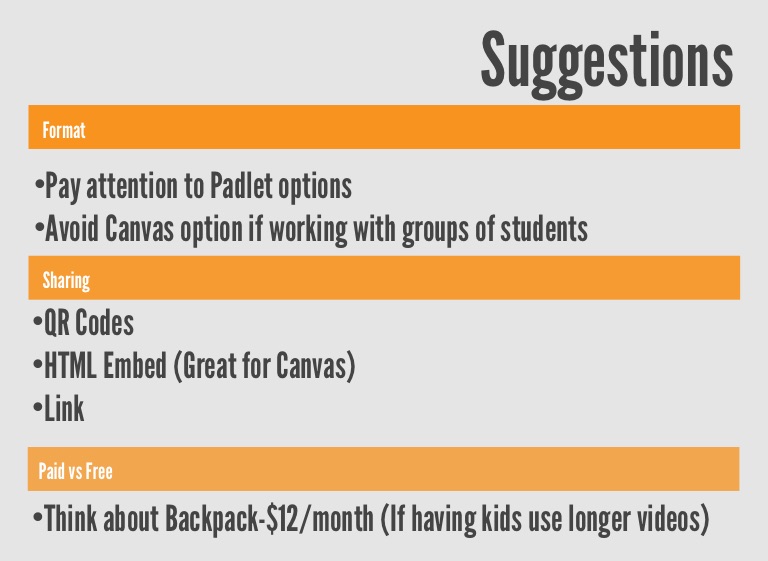
Suggestions
Format
•Pay attention to Padlet options •Avoid Canvas option if working with groups of students
Sharing
•QR Codes •HTML Embed (Great for Canvas) •Link
Paid vs Free
•Think about Backpack-$12/month (If having kids use longer videos)
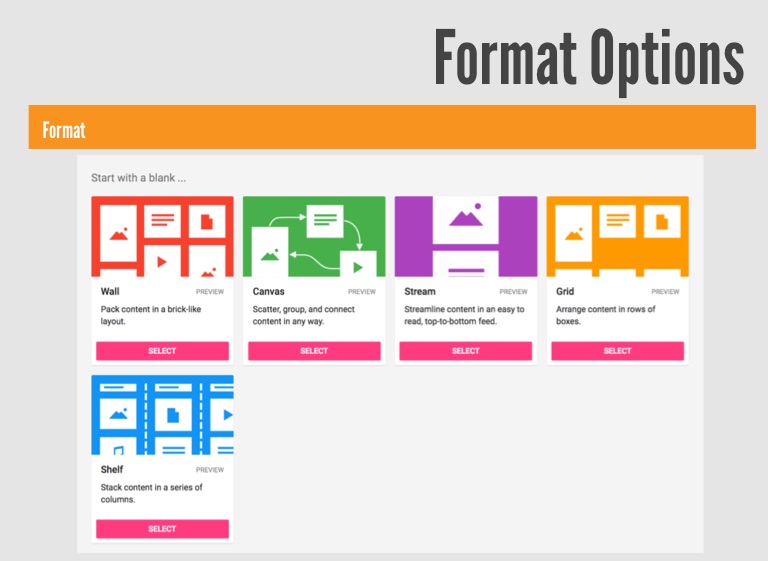
Format Options
Format
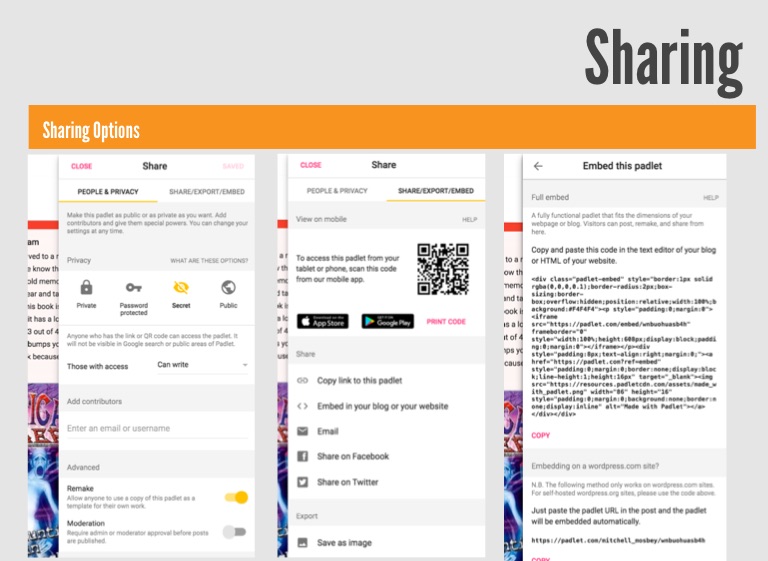
Sharing
Sharing Options
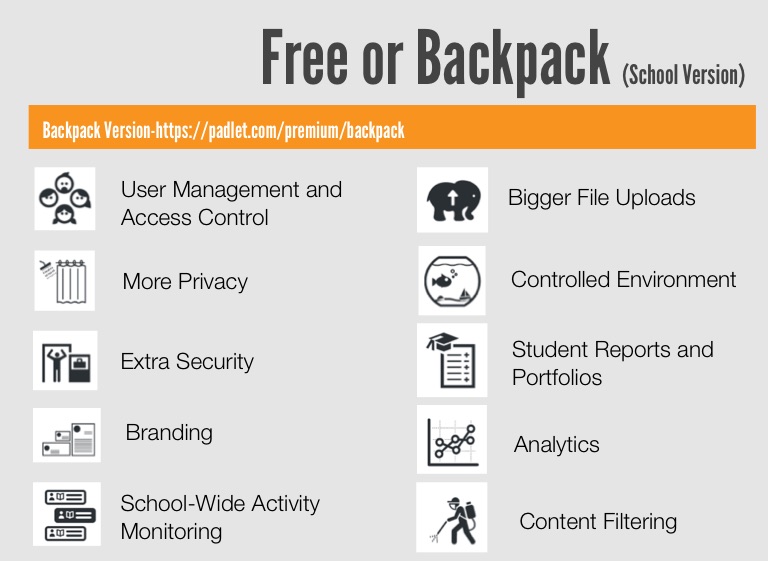
Free or Backpack (School Version)
Backpack Version-https://padlet.com/premium/backpack
User Management and Access Control
Bigger File Uploads
More Privacy
Controlled Environment
Student Reports and Portfolios
Extra Security
Branding
Analytics
School-Wide Activity Monitoring
Content Filtering
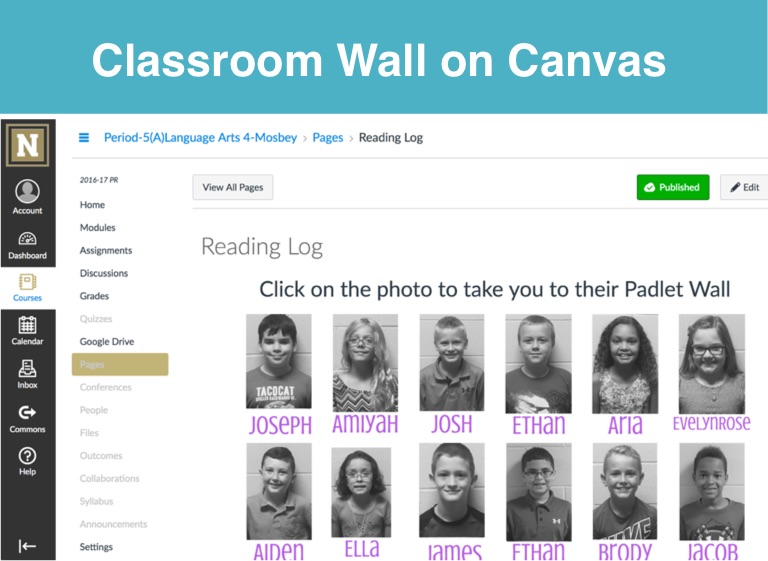
Classroom Wall on Canvas
Classroom Wall on Canvas
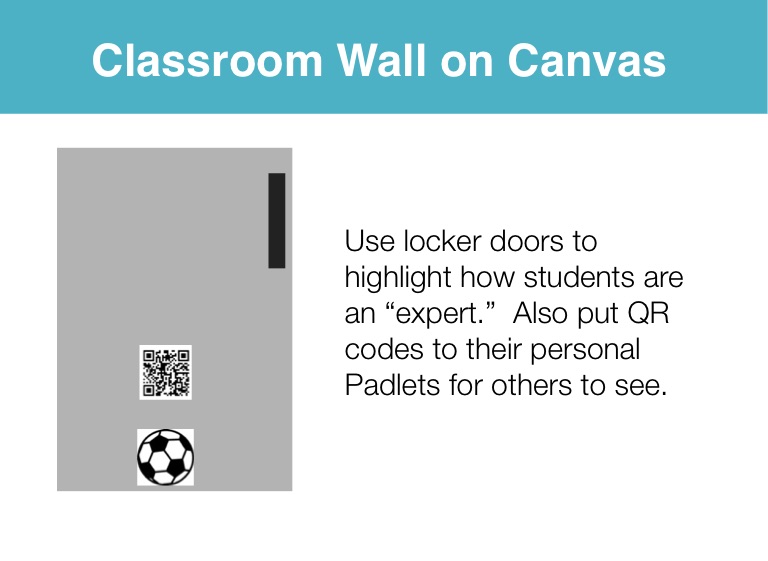
Use locker doors to highlight how students are an “expert.” Also put QR codes to their personal Padlets for others to see.
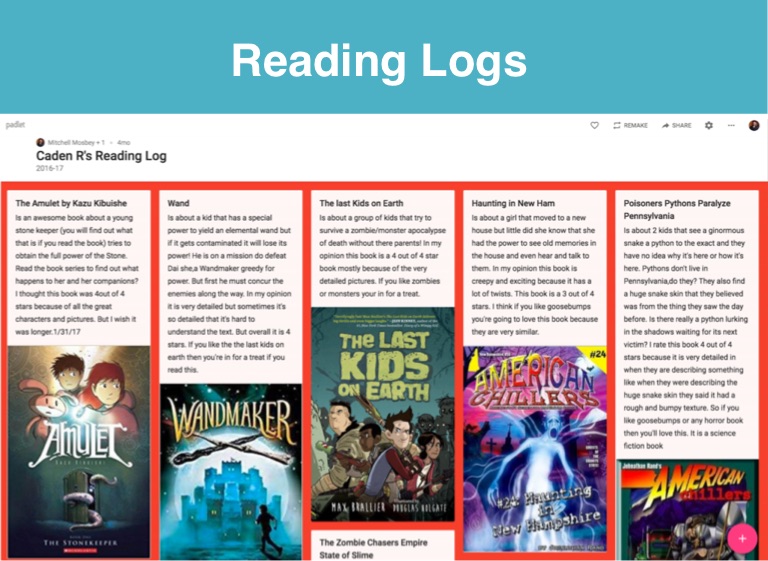
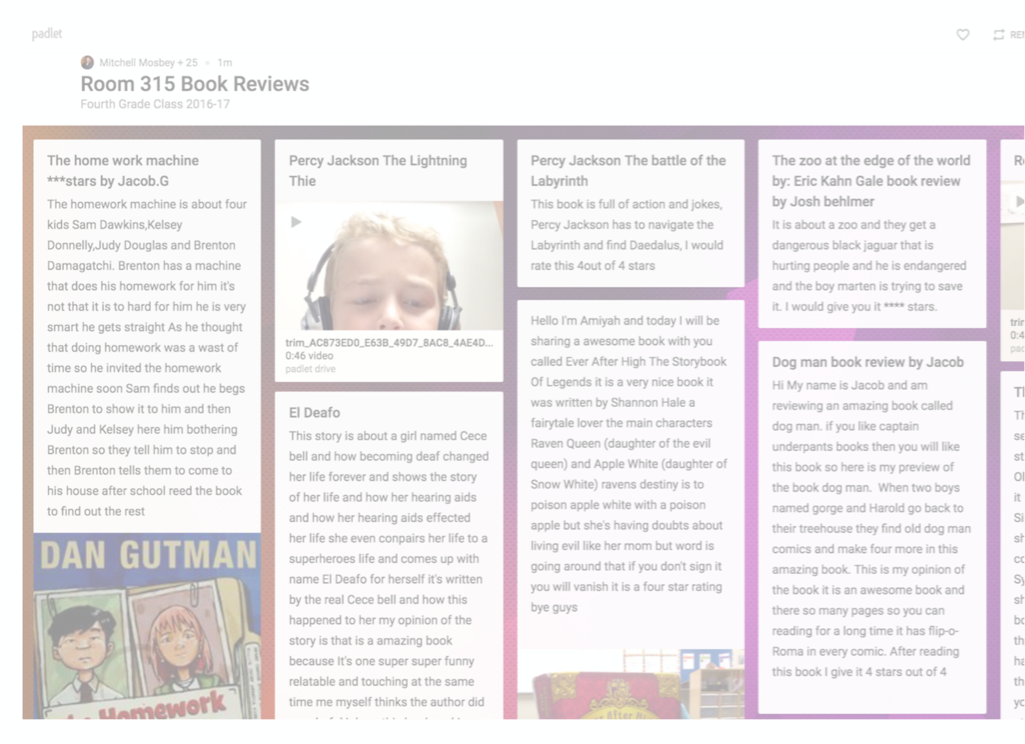
Reading Logs
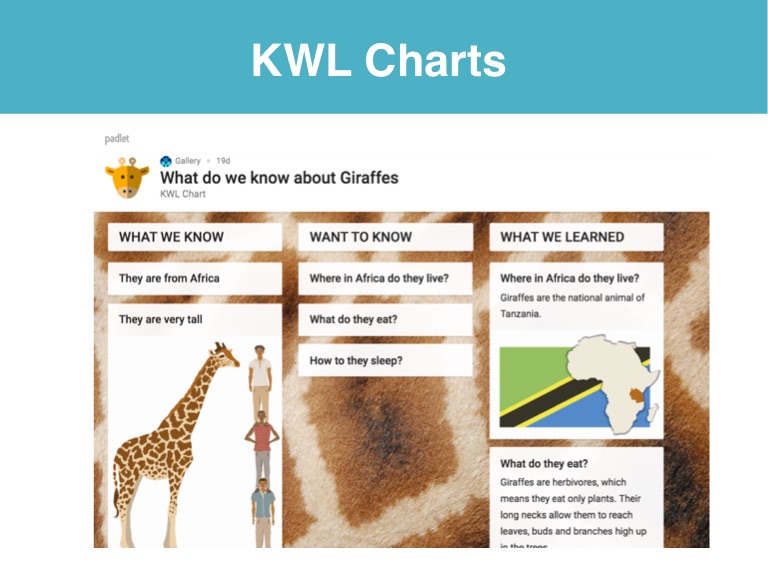
KWL Charts
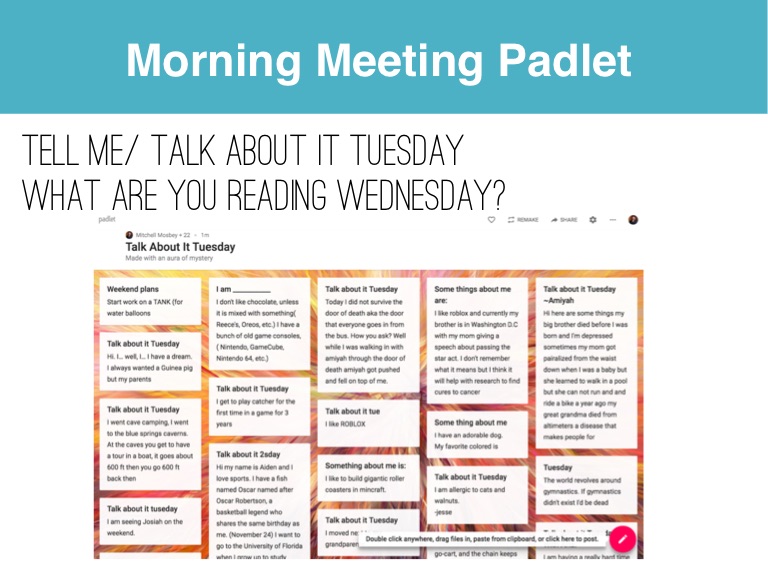
Morning Meeting Padlet
Tell me/ Talk About it Tuesday What are you reading wednesday?
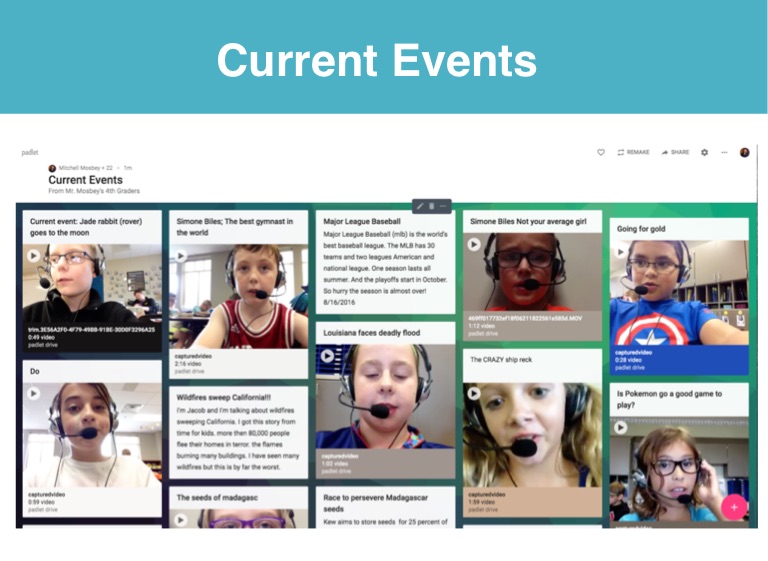
Current Events
Introduction Padlet
Students can create an introductory Padlet at the beginning of the school year. Revisit Padlet at the end of the year to see how they have changed.
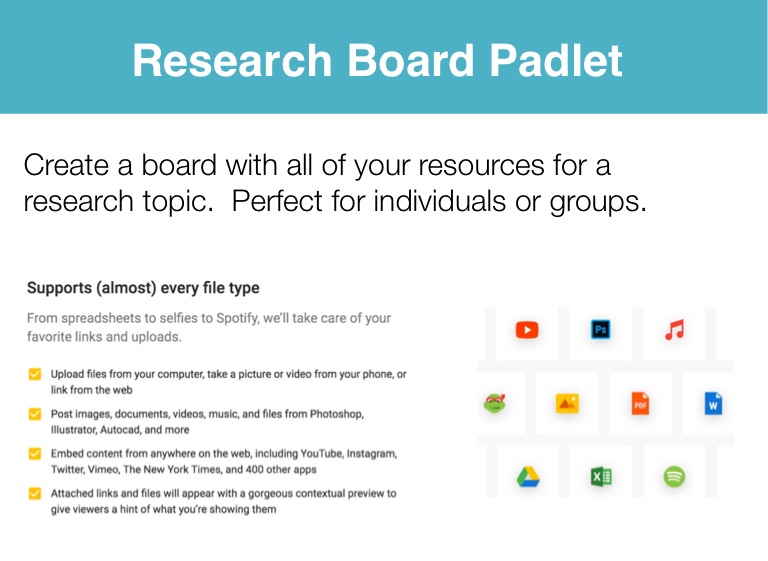
Research Board Padlet
Create a board with all of your resources for a research topic. Perfect for individuals or groups.
Share Your Padlets
Create a Padlet with a question and post it online. Use on your personal or classroom Twitter account. See where in the world responses come from!
Creation
Time to create your own Padlets. Add link to Padlet wall if you want others to see.
Time