




Share This Flow

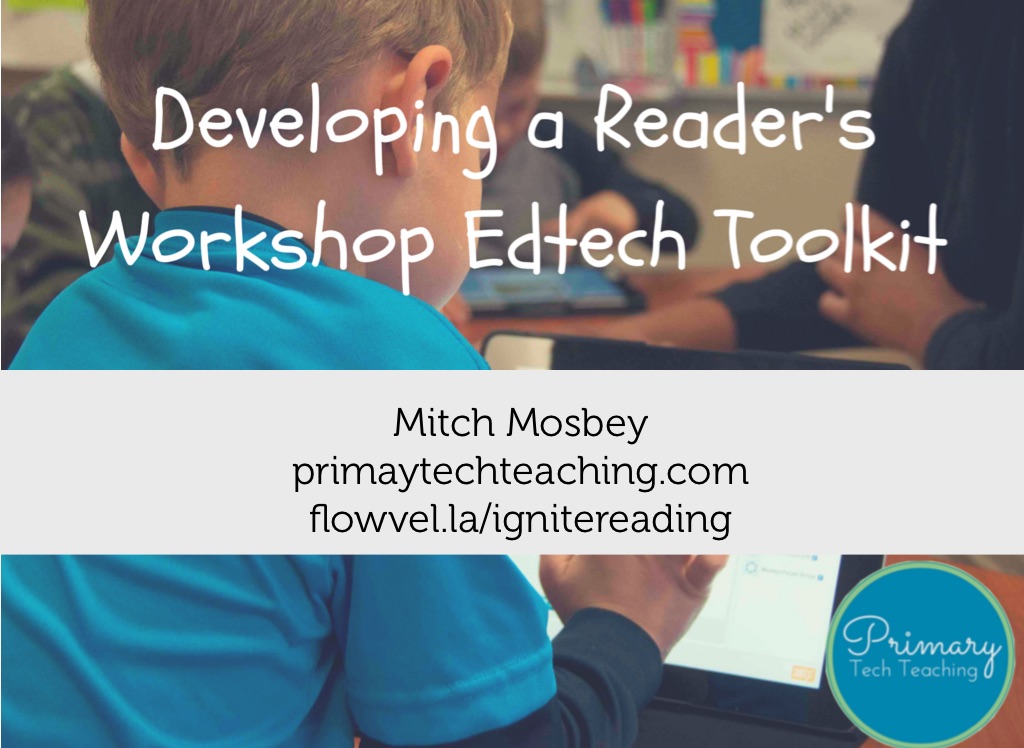
Developing a Reader’s Workshop Edtech Toolkit

1 / 27

Share This Flow

Scan to view on mobile

Loading Flow

loading...

Downloading Image /

loading...

Downloading Image /

loading...

Downloading Image /

loading...

Downloading Image /

loading...

Downloading Image /

loading...

Downloading Image /

loading...

Downloading Image /

loading...

Downloading Image /

loading...

Downloading Image /

loading...

Downloading Image /

loading...

Downloading Image /

loading...

Downloading Image /

loading...

Downloading Image /

loading...

Downloading Image /

loading...

Downloading Image /

loading...

Downloading Image /

loading...

Downloading Image /

loading...

Downloading Image /

loading...

Downloading Image /

loading...

Downloading Image /

loading...

Downloading Image /

loading...

Downloading Image /

loading...

Downloading Image /

loading...

Downloading Image /

loading...

Downloading Image /

loading...

Downloading Image /

loading...

Downloading Image /

loading...

Developing a Reader’s Workshop Edtech Toolkit


Developing a Reader’s Workshop Edtech Toolkit

Mitch Mosbey

  • 1

  • 2

  • 3

  • 4

  • 5

  • 6

  • 7

  • 8

  • 9

  • 10

  • 11

  • 12

  • 13

  • 14

  • 15

  • 16

  • 17

  • 18

  • 19

  • 20

  • 21

  • 22

  • 23

  • 24

  • 25

  • 26

  • 27

Developing a Reader’s Workshop Edtech Toolkit

By Mitch Mosbey

Mitch Mosbey primarytechteaching.com flowvel.la/ignitereading https://cdn.flowvella.com/ignitereading Mitch Mosbey @mitchmosbey primarytechteaching.com...

Made by the team behind FlowVella — meet Flow2, presentations built for the phone

Developing a Reader’s Workshop Edtech Toolkit

Mitch Mosbey primarytechteaching.com flowvel.la/ignitereading

https://cdn.flowvella.com/ignitereading

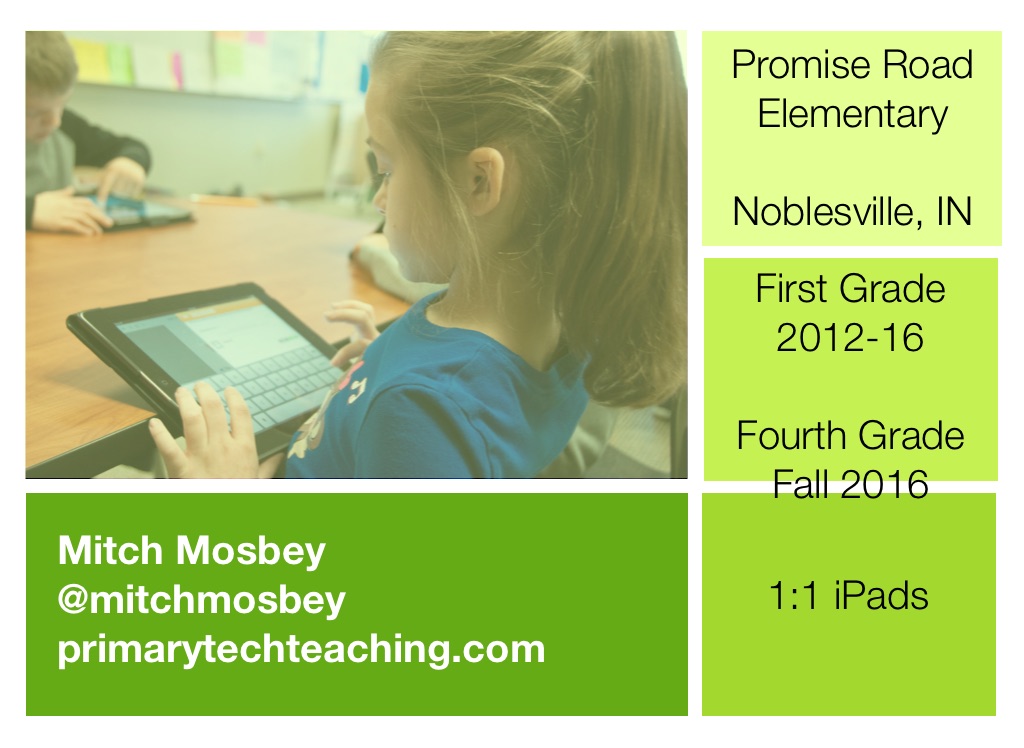
Mitch Mosbey @mitchmosbey primarytechteaching.com

Promise Road Elementary Noblesville, IN

First Grade 2012-16 Fourth Grade Fall 2016

1:1 iPads

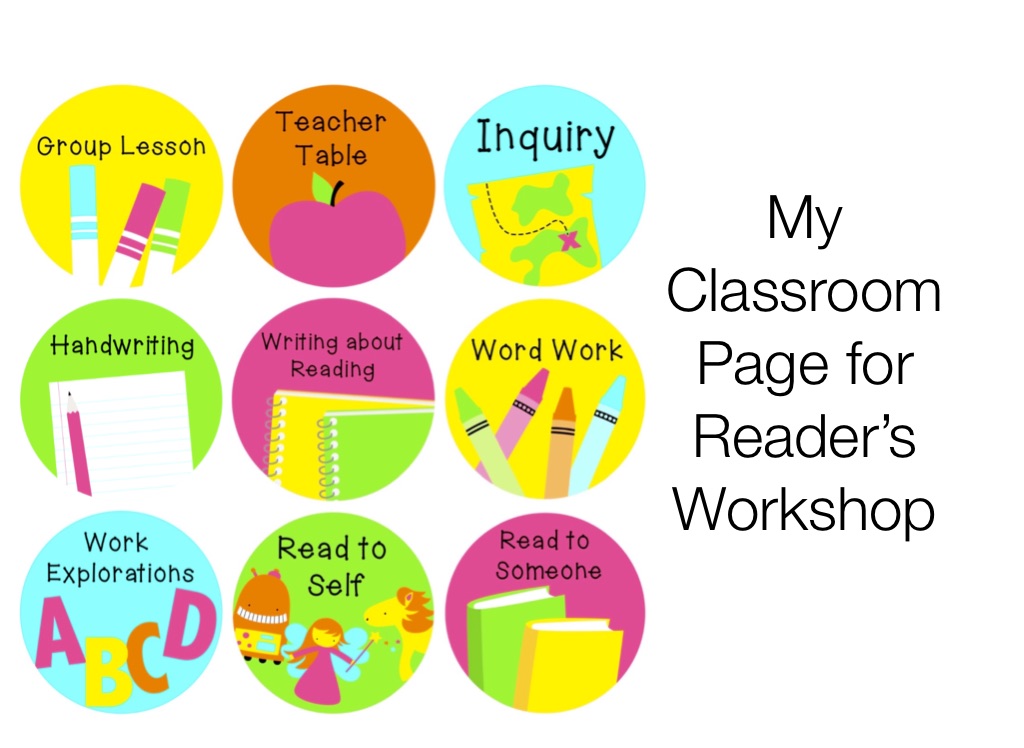
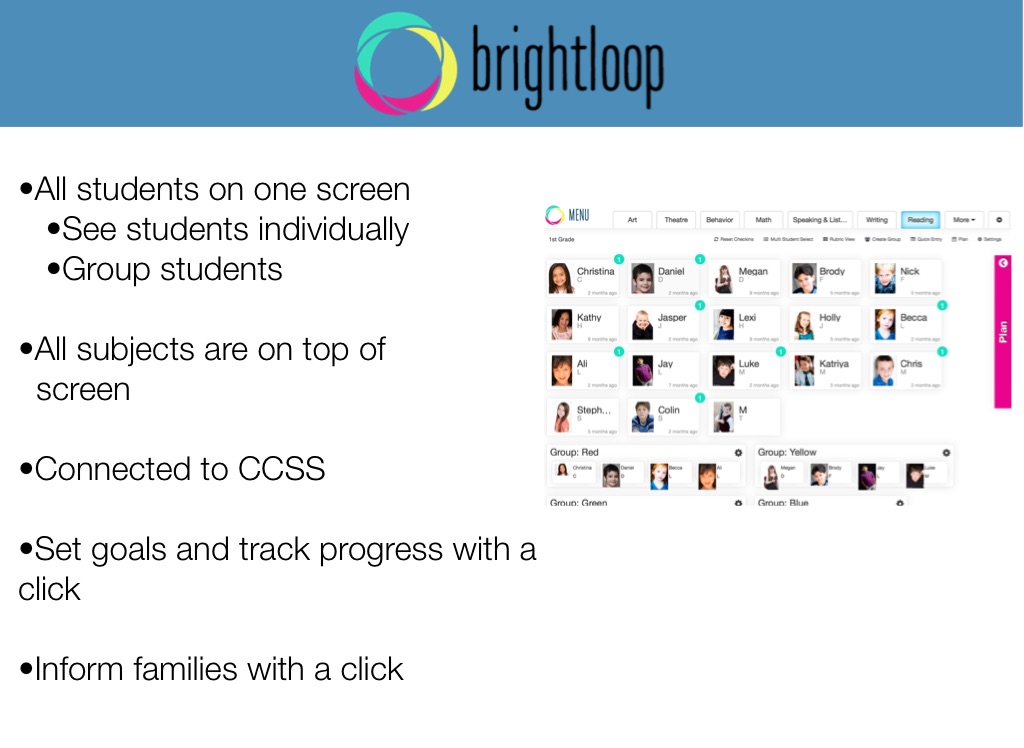
My Classroom Page for Reader’s Workshop

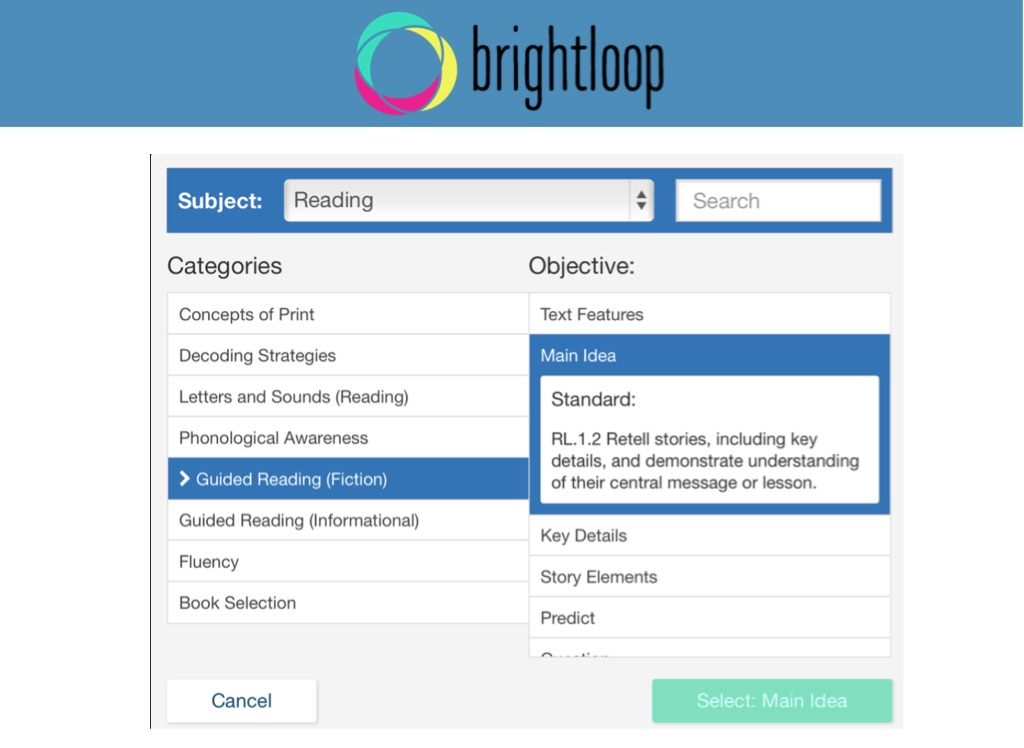
•All students on one screen •See students individually •Group students •All subjects are on top of screen •Connected to CCSS •Set goals and track progress with a click •Inform families with a click

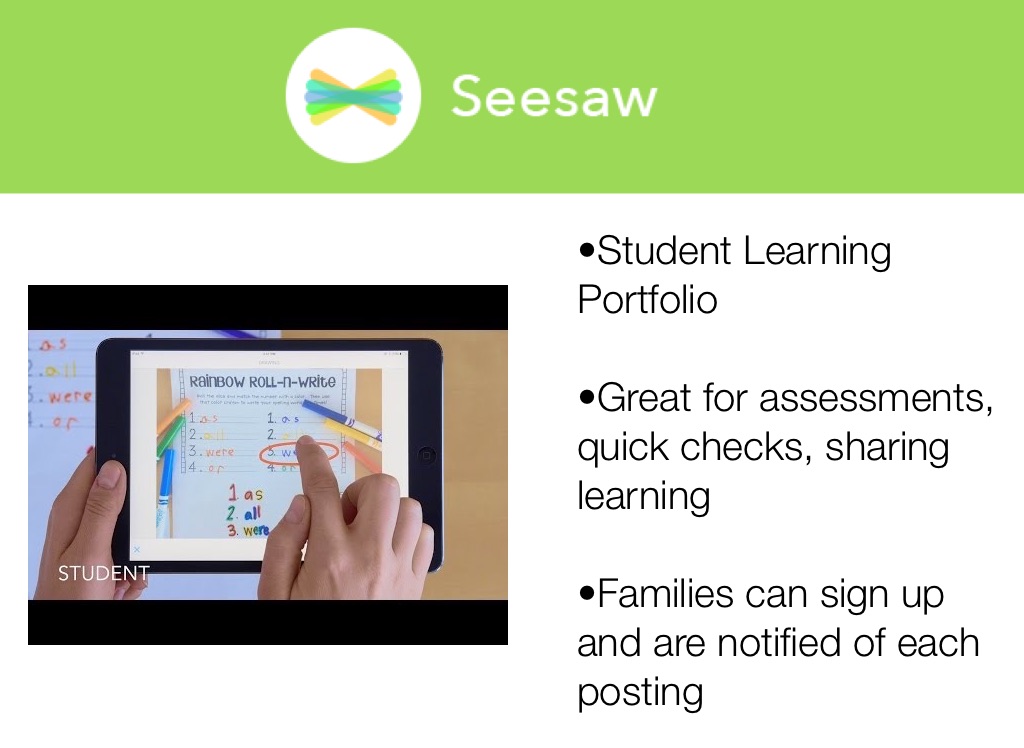
•Student Learning Portfolio •Great for assessments, quick checks, sharing learning •Families can sign up and are notified of each posting

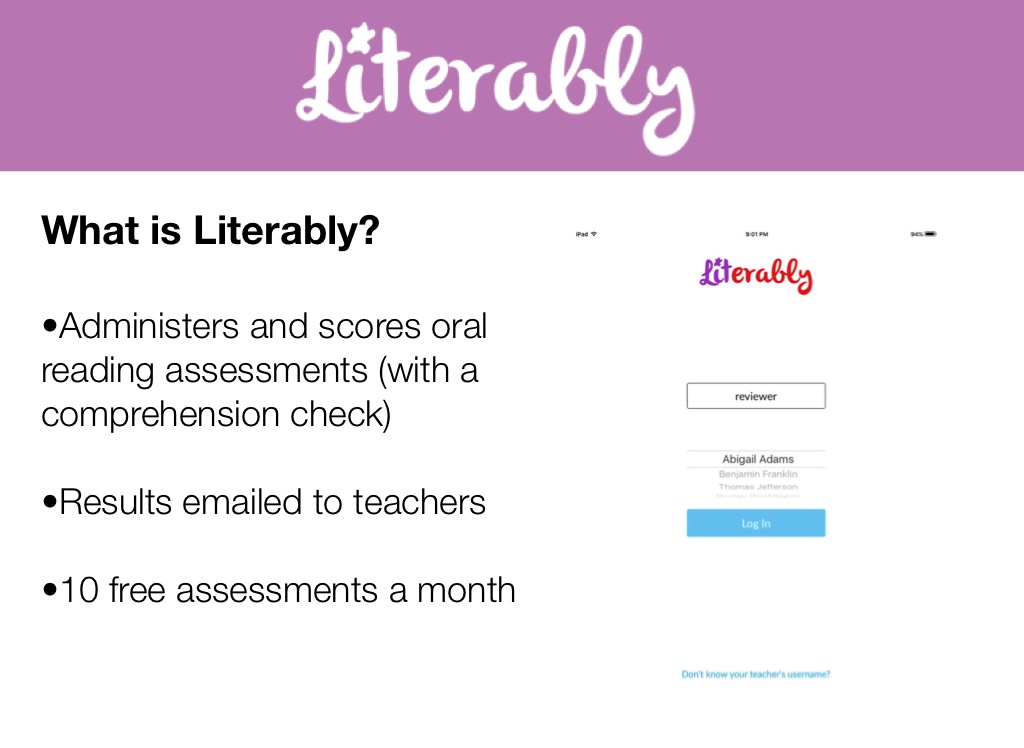
What is Literably? •Administers and scores oral reading assessments (with a comprehension check) •Results emailed to teachers •10 free assessments a month

Reading Log

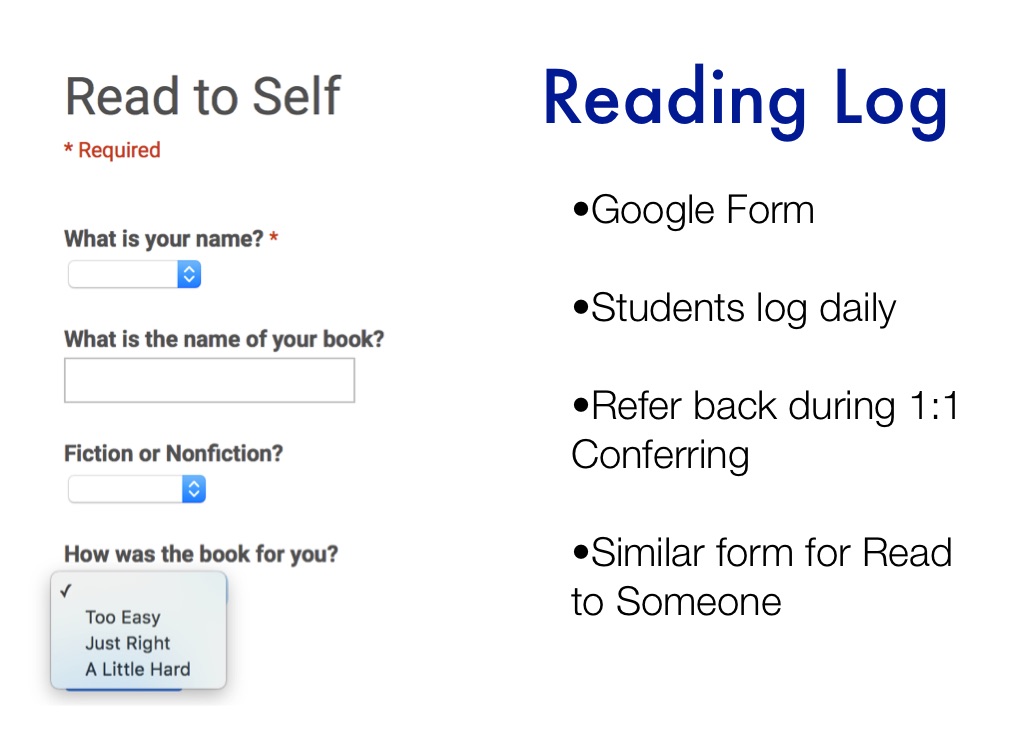
•Google Form •Students log daily •Refer back during 1:1 Conferring •Similar form for Read to Someone

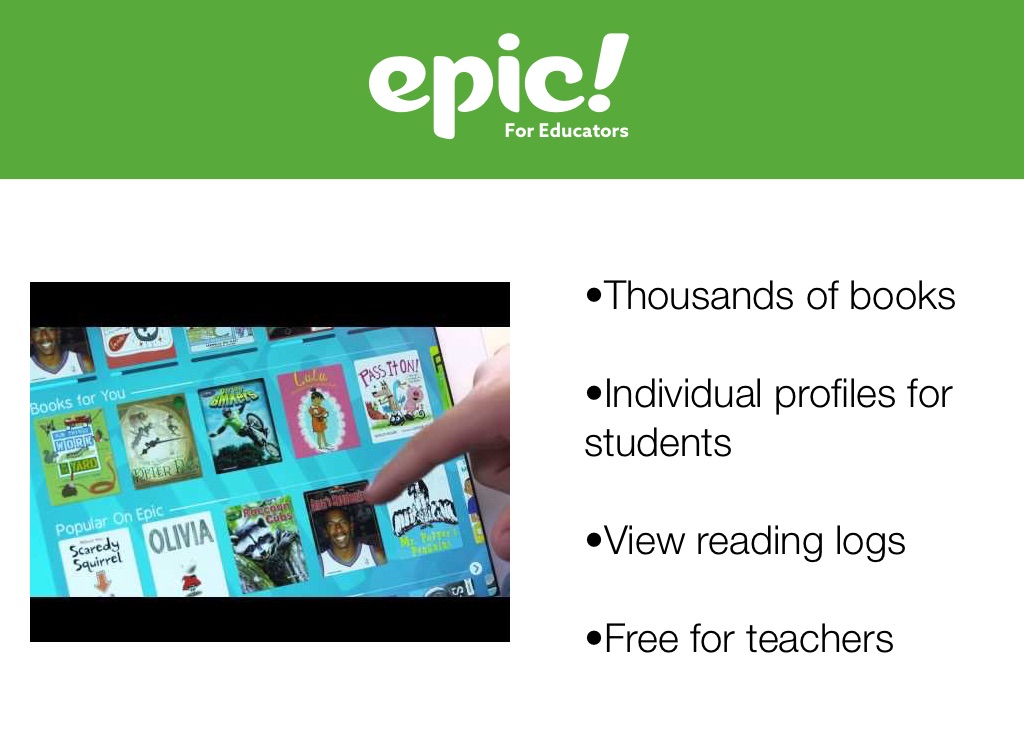
•Thousands of books •Individual profiles for students •View reading logs •Free for teachers

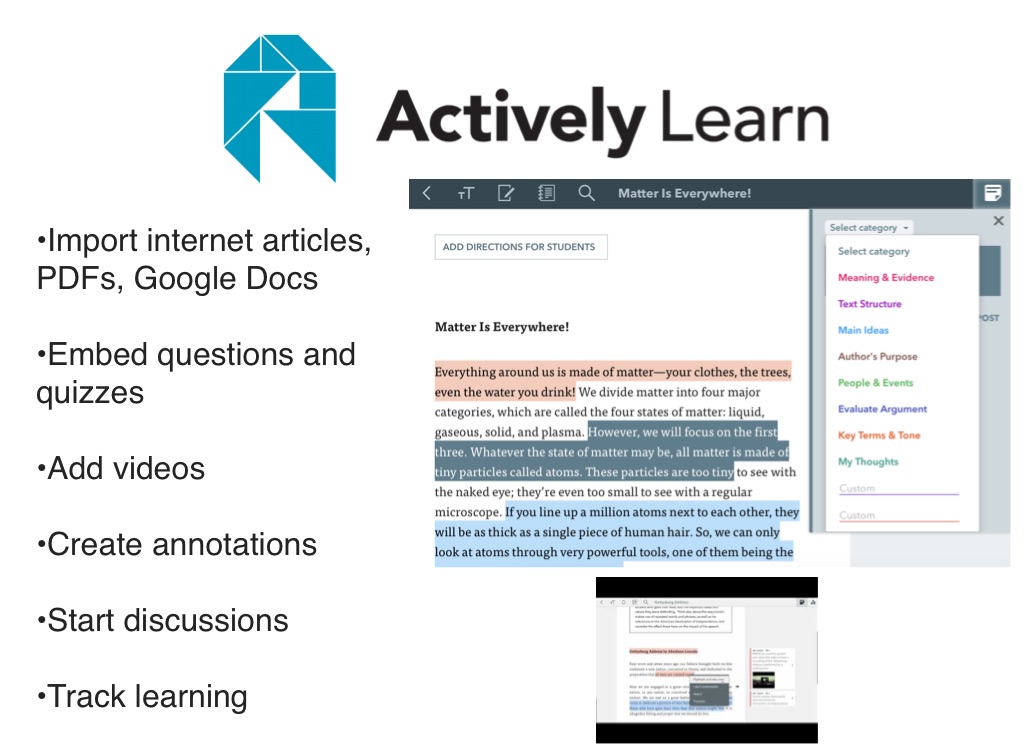
•Import internet articles, PDFs, Google Docs •Embed questions and quizzes •Add videos •Create annotations •Start discussions •Track learning

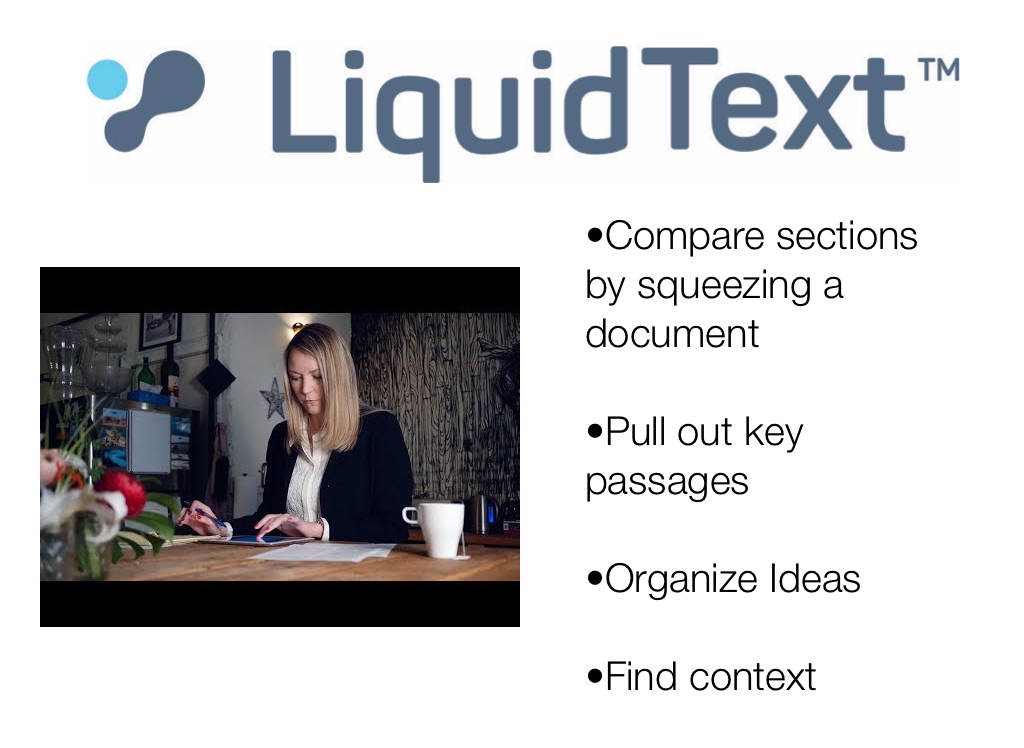
•Compare sections by squeezing a document •Pull out key passages •Organize Ideas •Find context

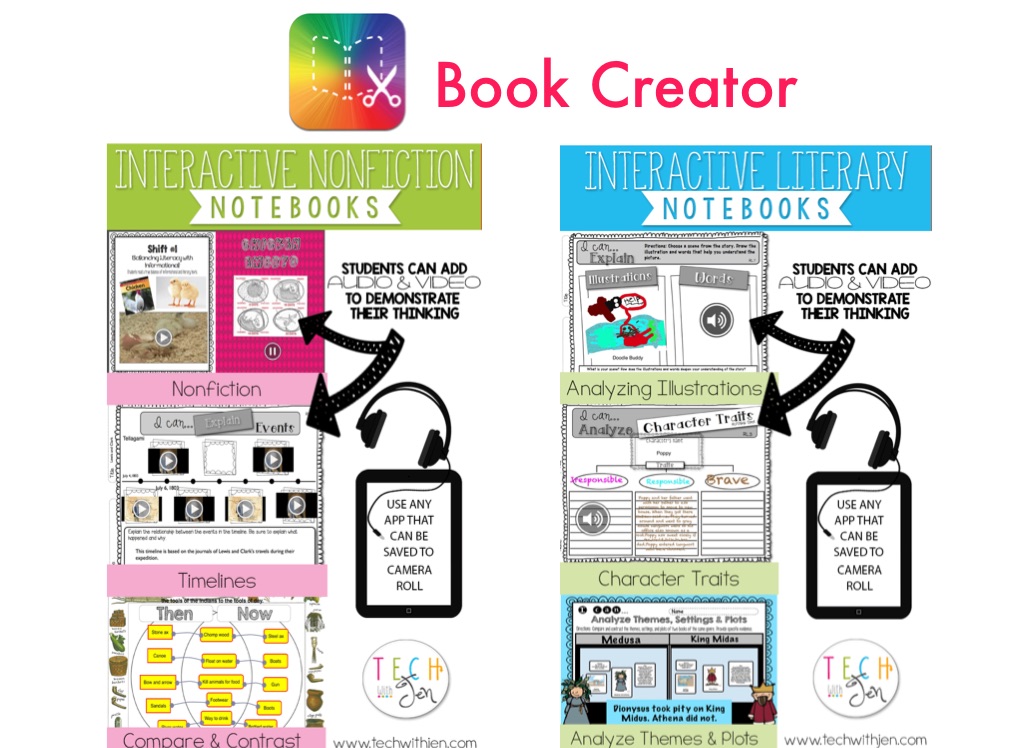
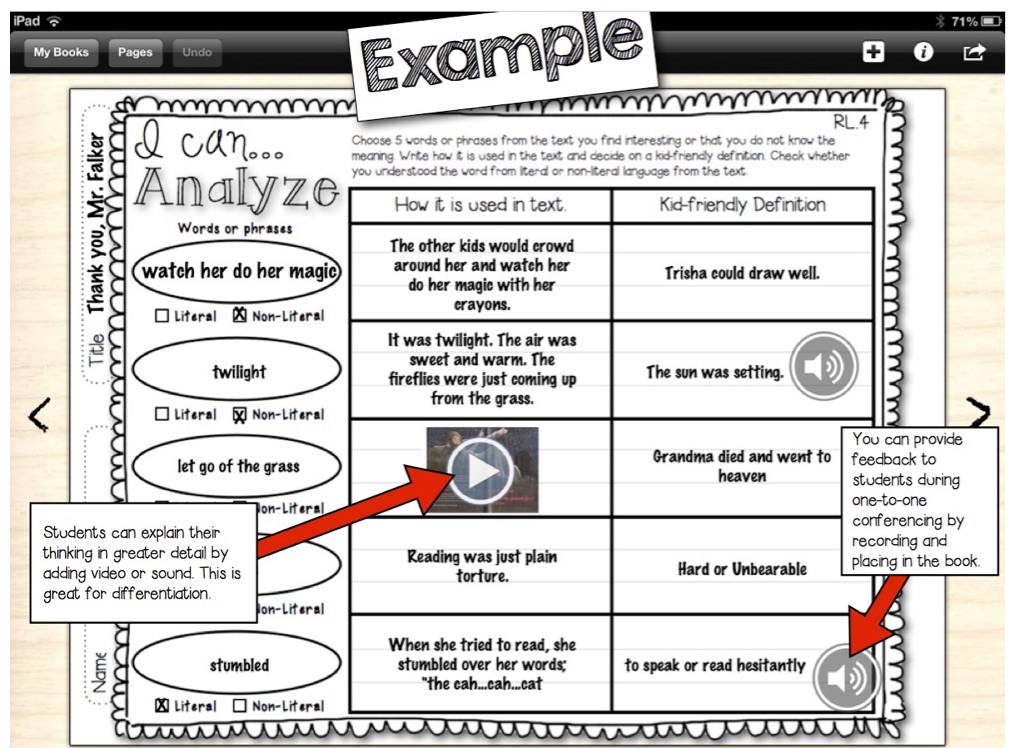
Book Creator

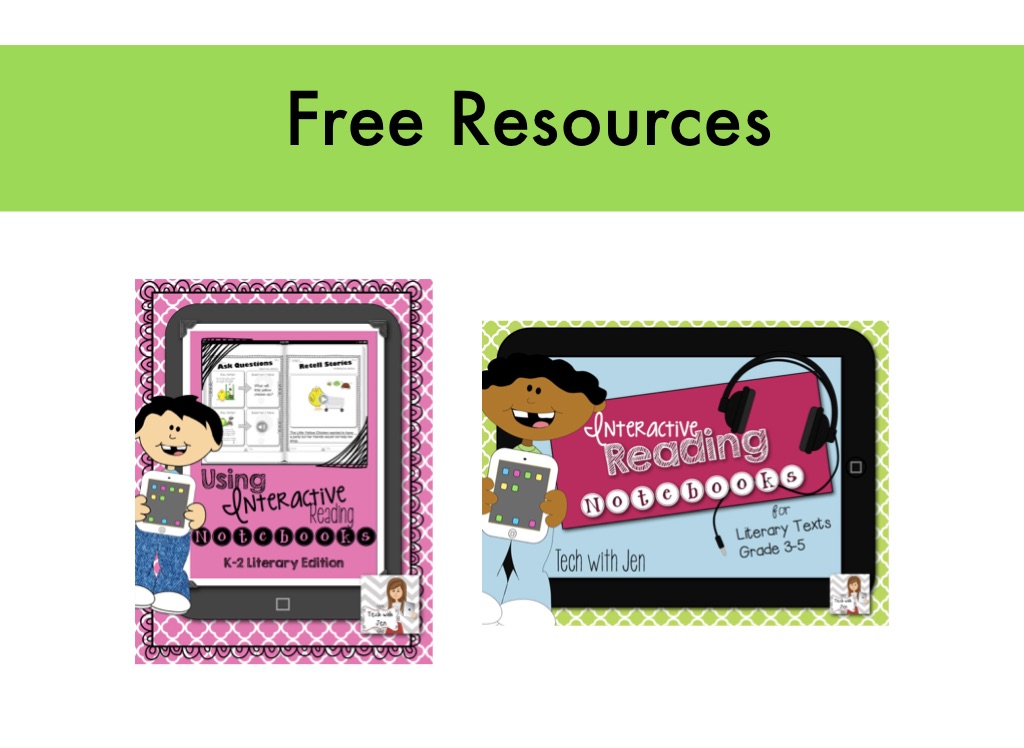
Free Resources

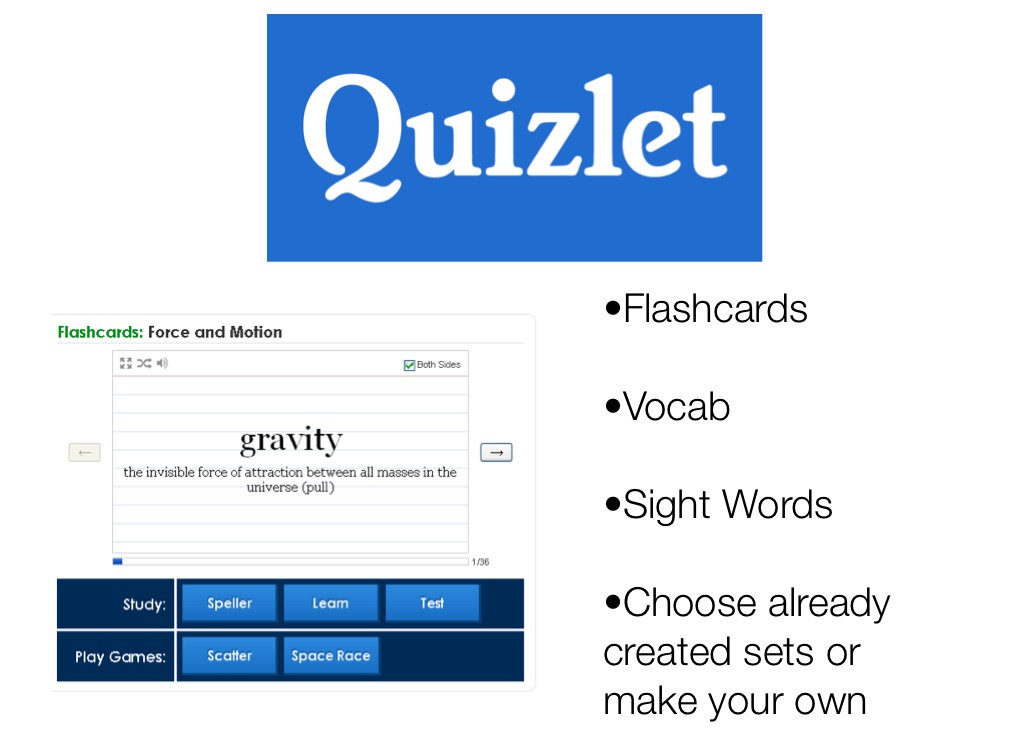
•Flashcards •Vocab •Sight Words •Choose already created sets or make your own

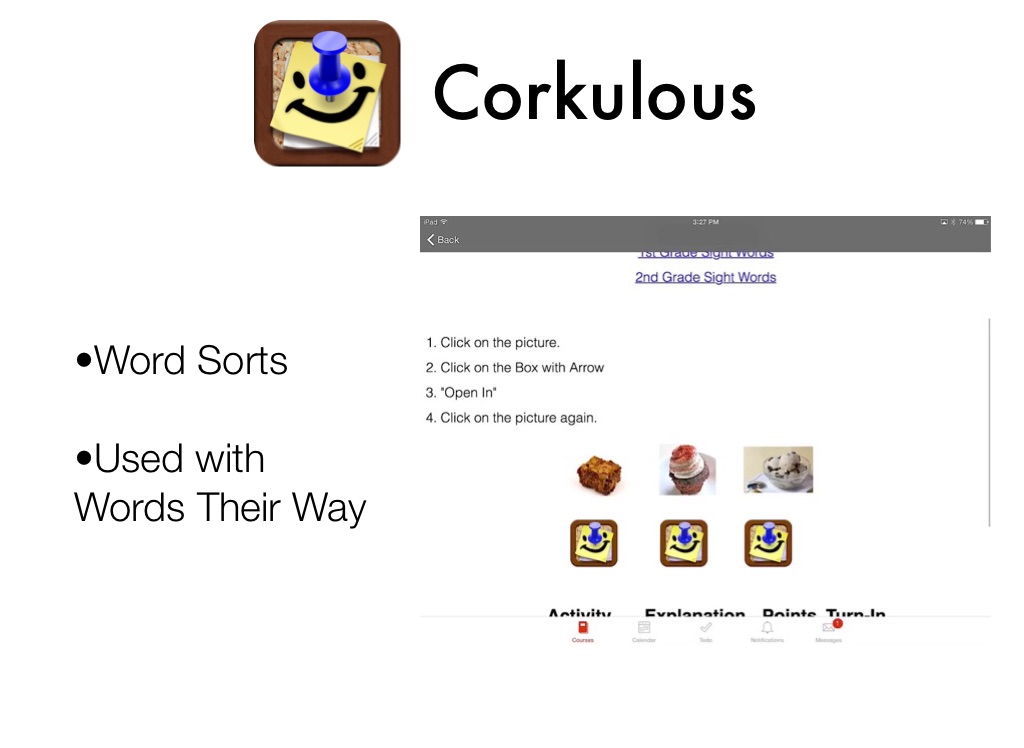
Corkulous

•Word Sorts •Used with Words Their Way

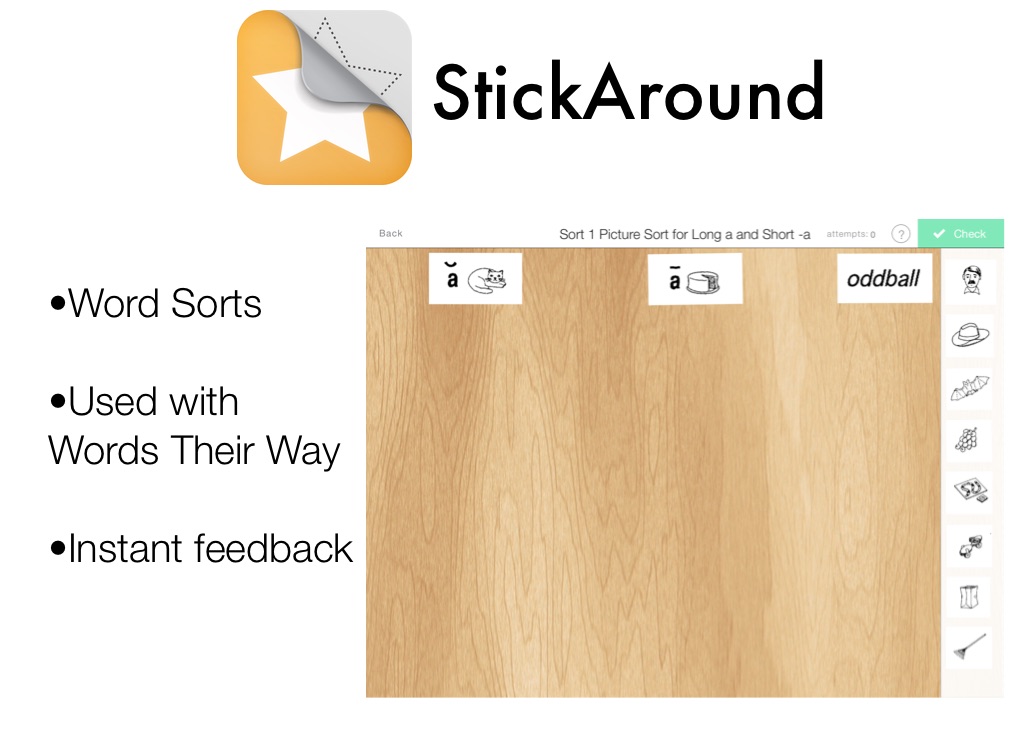
StickAround

•Word Sorts •Used with Words Their Way •Instant feedback

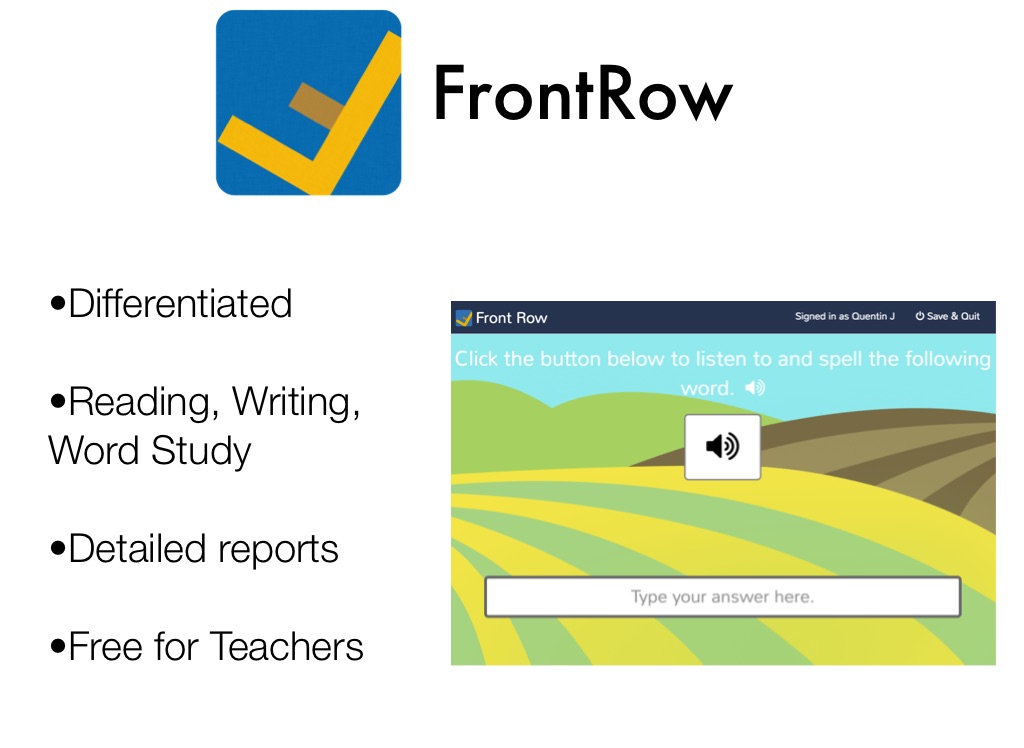
FrontRow

•Differentiated •Reading, Writing, Word Study •Detailed reports •Free for Teachers

https://cdn.flowvella.com/ignitereading

Mitch Mosbey primaytechteaching.com flowvel.la/ignitereading