















Canvas-Bremen
Mitch Mosbey @mitchmosbey primarytechteaching.com
Canvas
Making it Fun, Effective, and Useful
and how to use with Seesaw
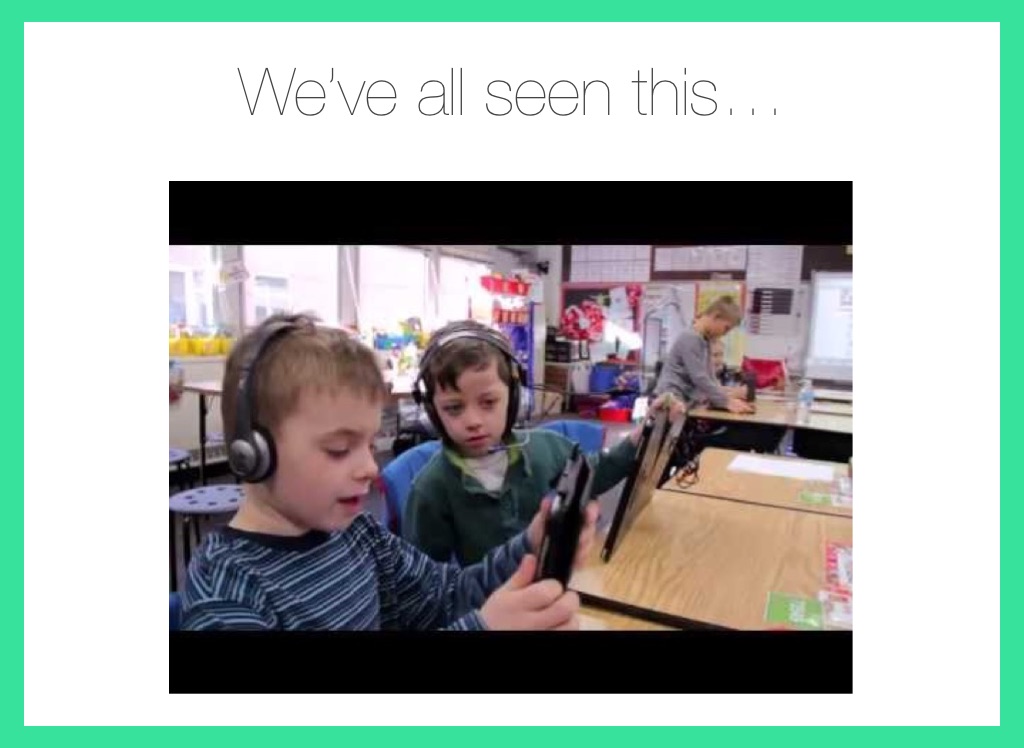
We’ve all seen this…
Add a short caption here
Question:
How is this helpful?
Prepare for resources overload!
Agenda
-Tips, Buttons, and Features -Subject Areas -Reading -Writing -Math -SeeSaw -Work Time (End goals) -Creating pages, discussions, assignments, and using calendar
Click to Edit Text
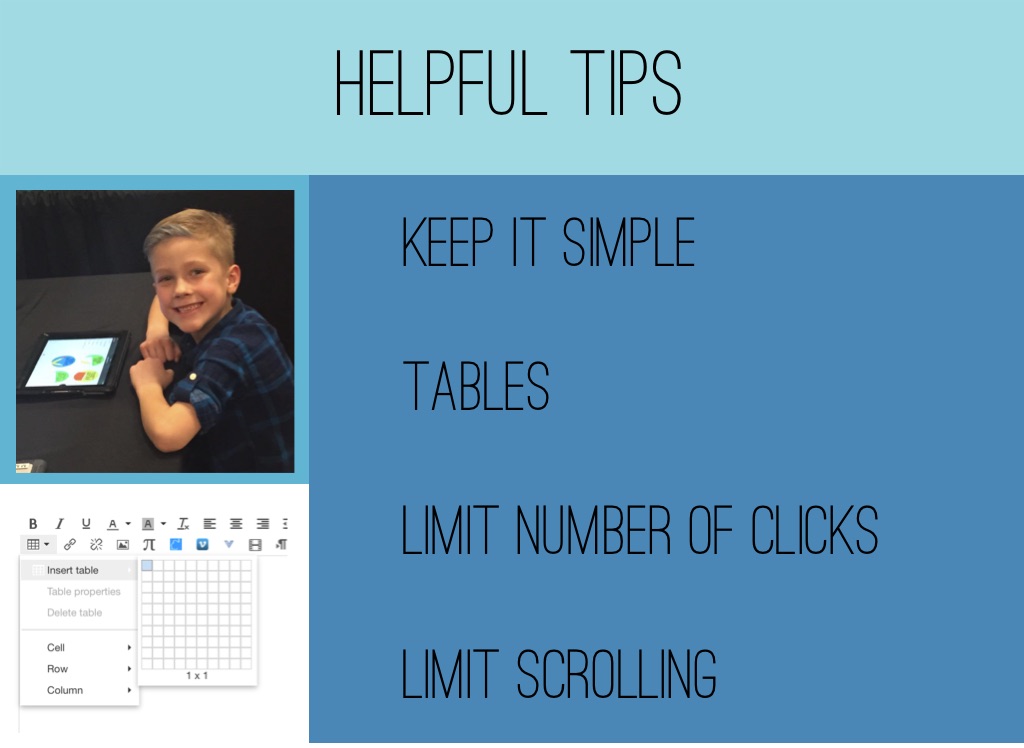
Helpful Tips
Keep it simple TAbles Limit Number of Clicks Limit Scrolling
Your Username
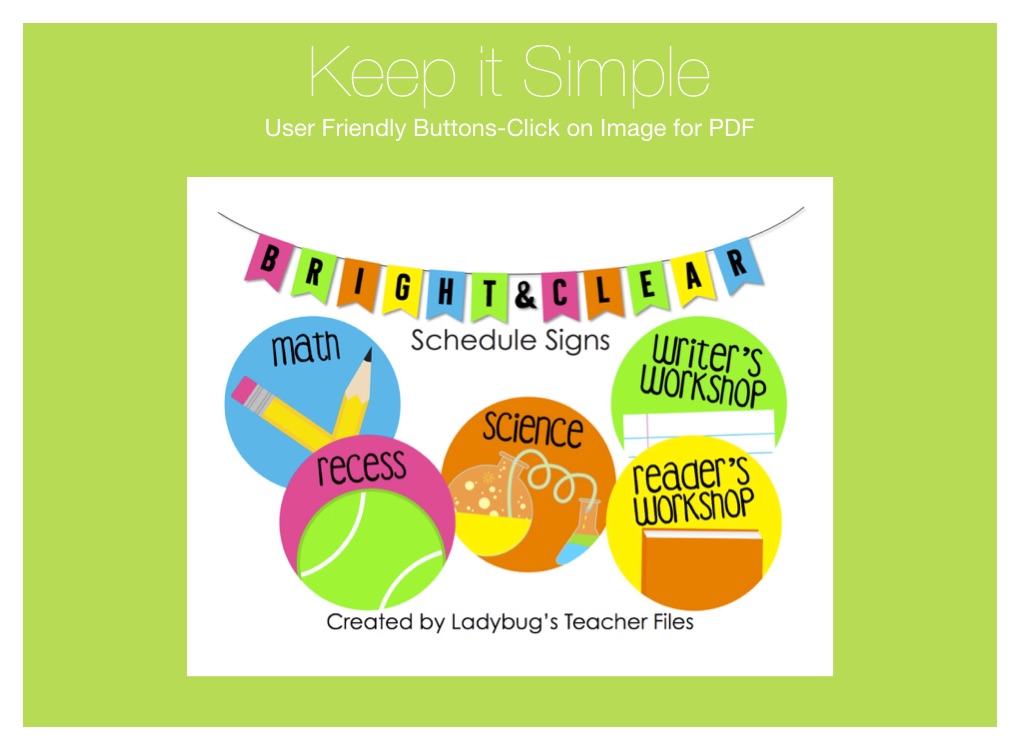
Keep it Simple
User Friendly Buttons-Click on Image for PDF
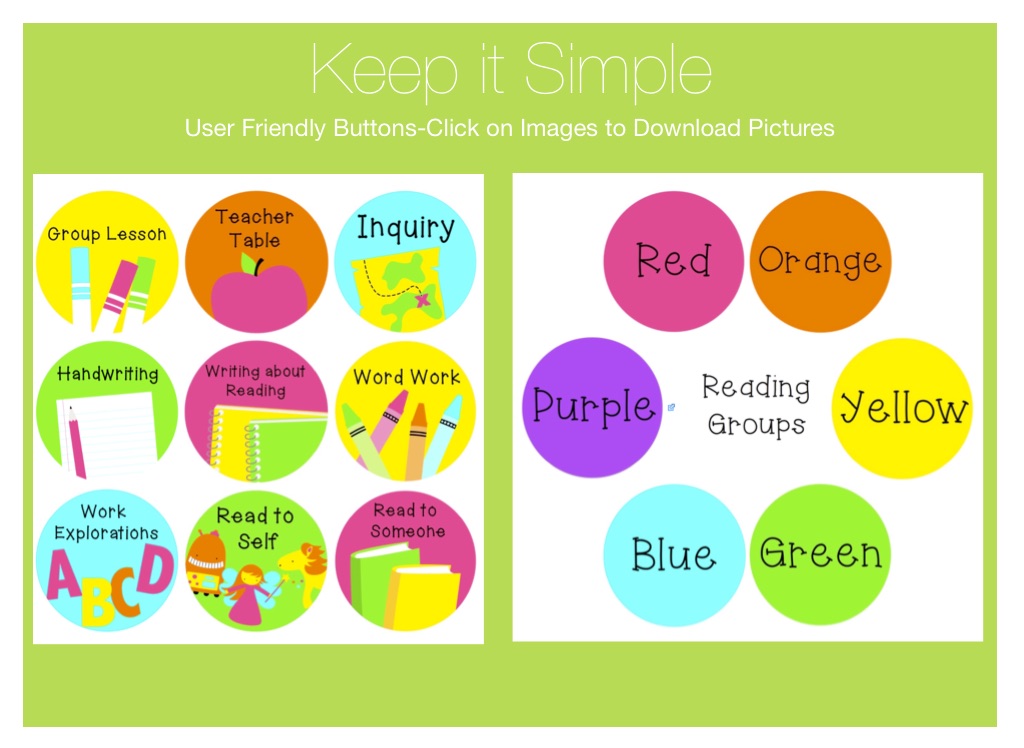
Keep it Simple
User Friendly Buttons-Click on Images to Download Pictures
Keep it Simple
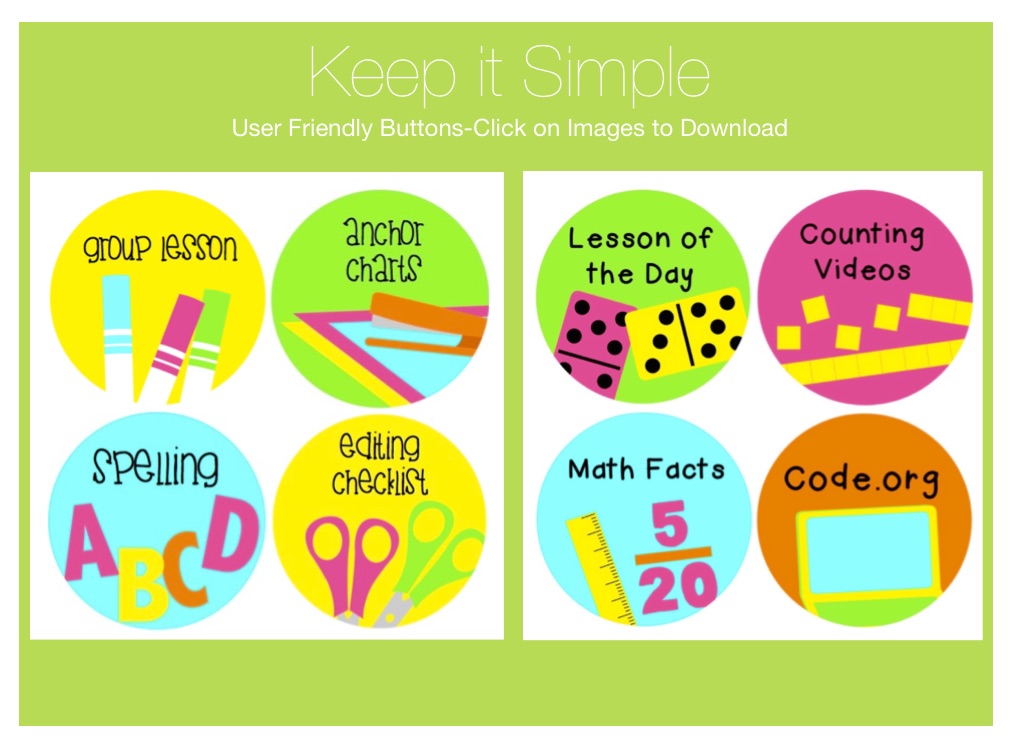
User Friendly Buttons-Click on Images to Download
Pre-Build Pages on Canvas Commons
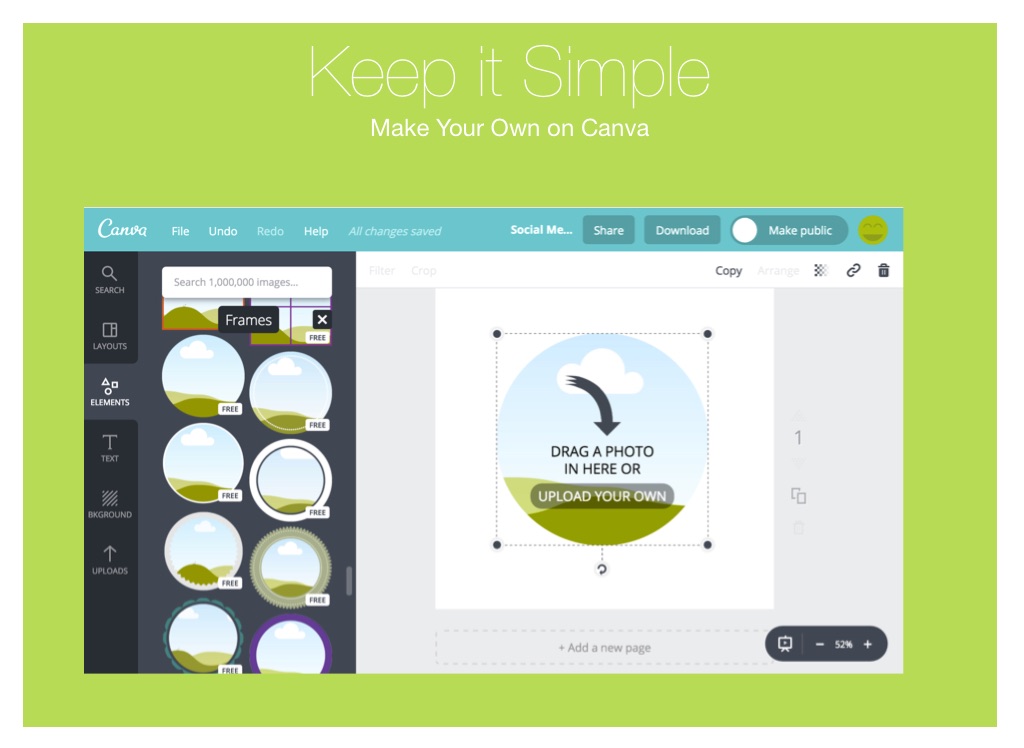
Keep it Simple
Make Your Own on Canva
reading
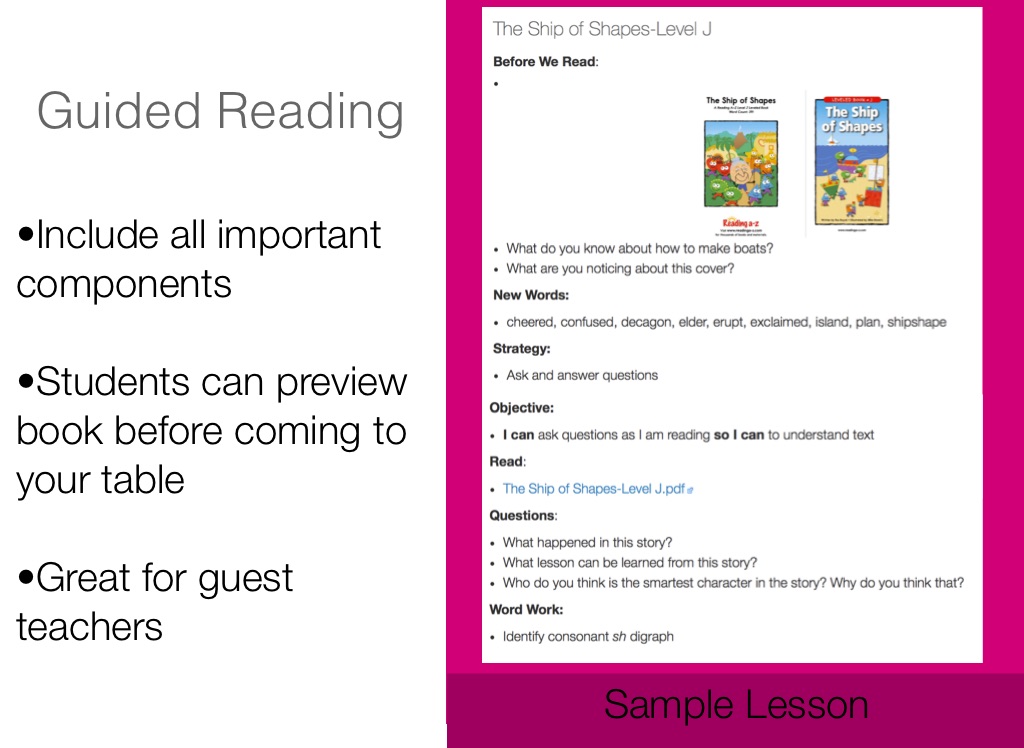
Guided Reading
•Include all important components •Students can preview book before coming to your table •Great for guest teachers
You can put a short caption here
Sample Lesson
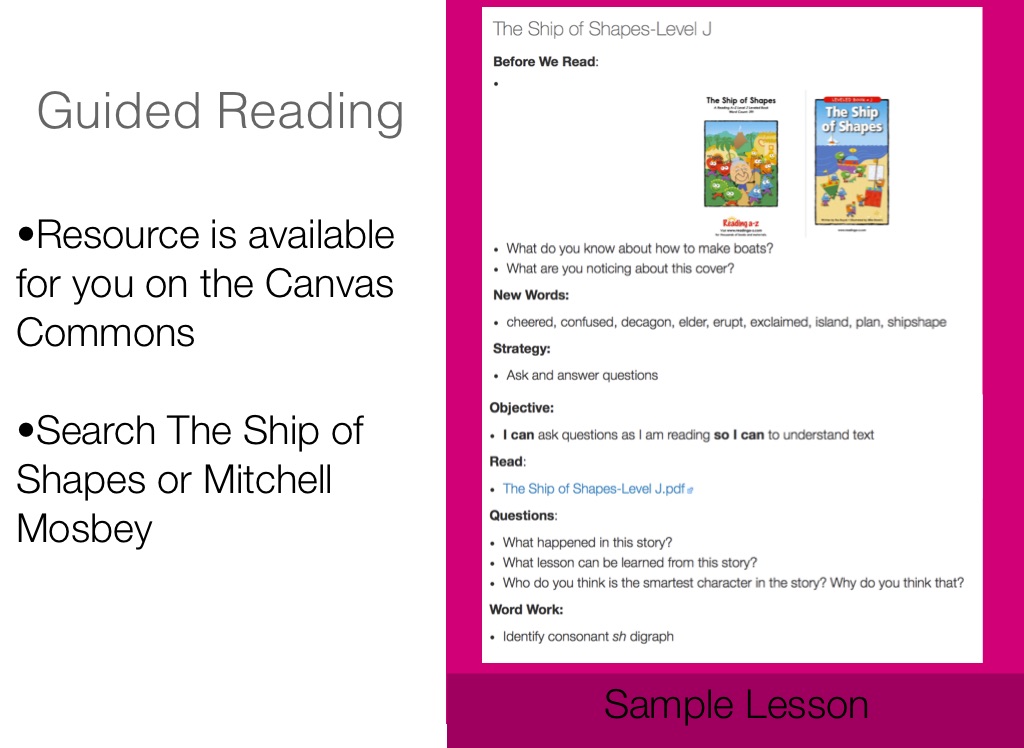
Guided Reading
•Resource is available for you on the Canvas Commons •Search The Ship of Shapes or Mitchell Mosbey
You can put a short caption here
Sample Lesson
Video title
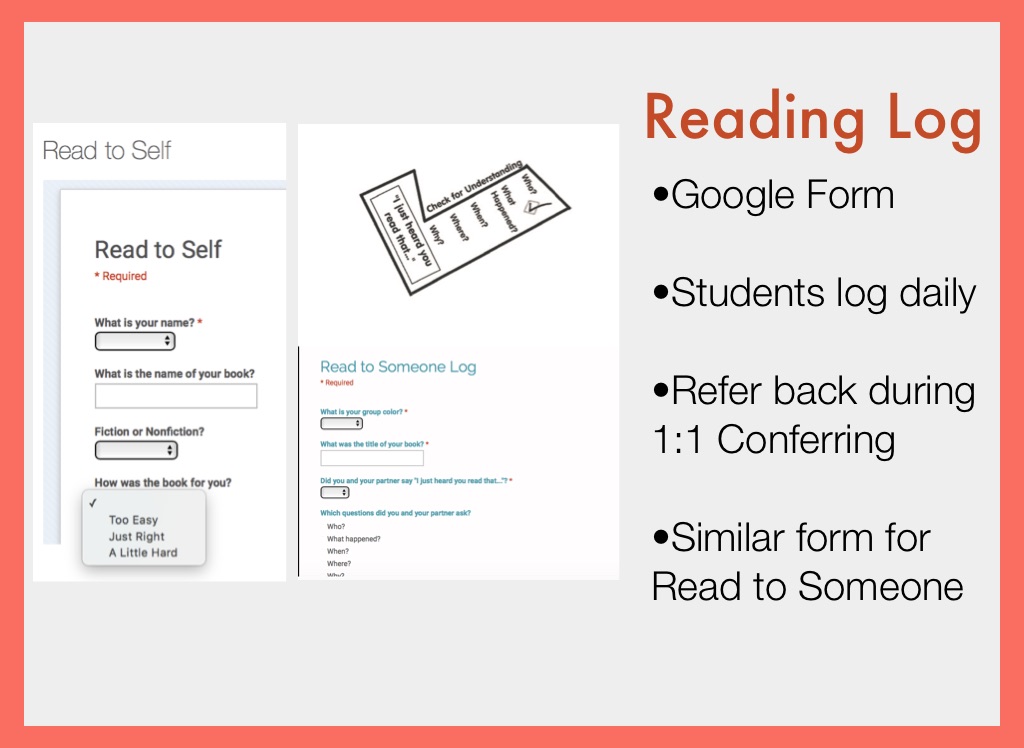
Reading Log
A short description of your video goes here
•Google Form •Students log daily •Refer back during 1:1 Conferring •Similar form for Read to Someone
Video title
A short description of your video goes here
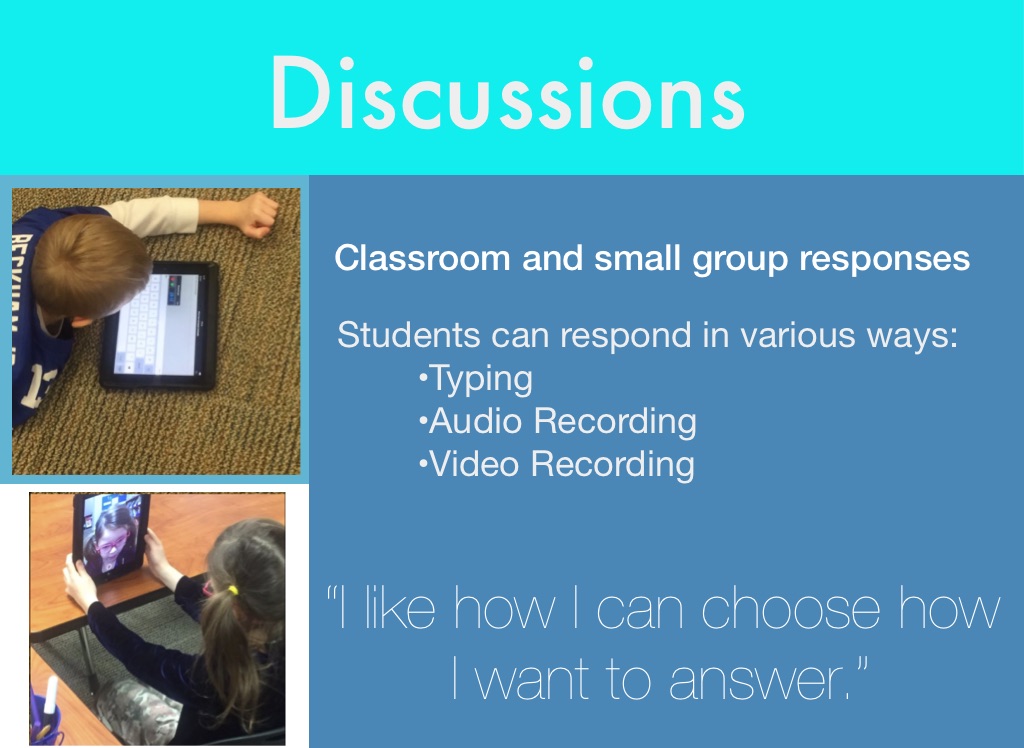
“I like how I can choose how I want to answer.”
Discussions
Classroom and small group responses
Students can respond in various ways: •Typing •Audio Recording •Video Recording
Your Username
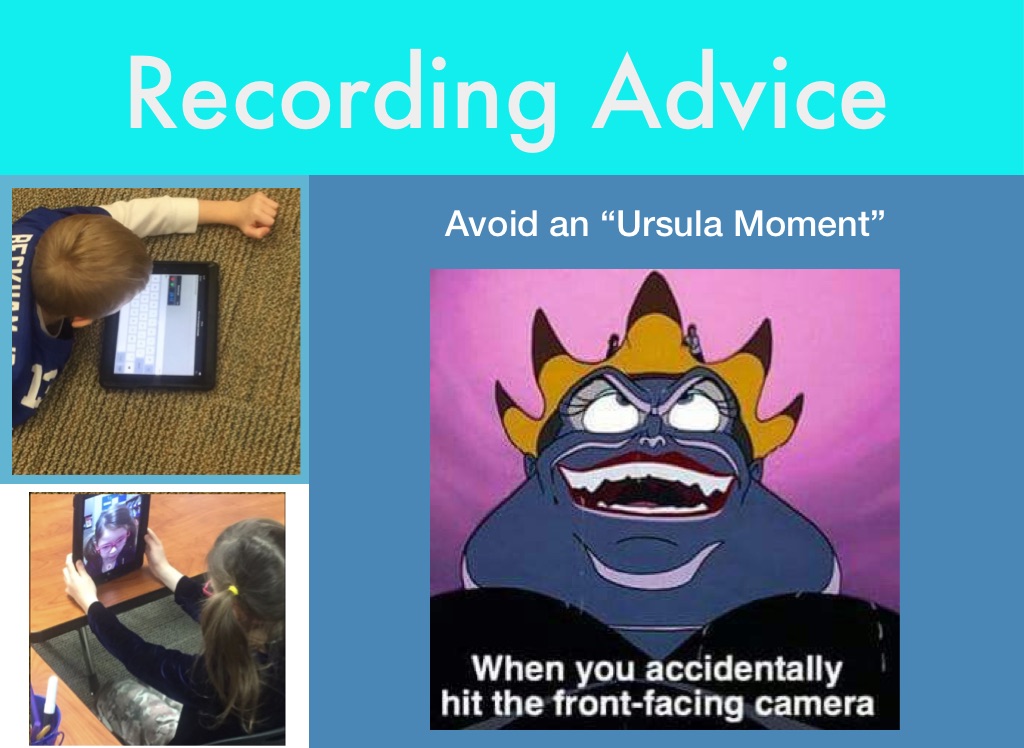
Recording Advice
Avoid an “Ursula Moment”
Your Username
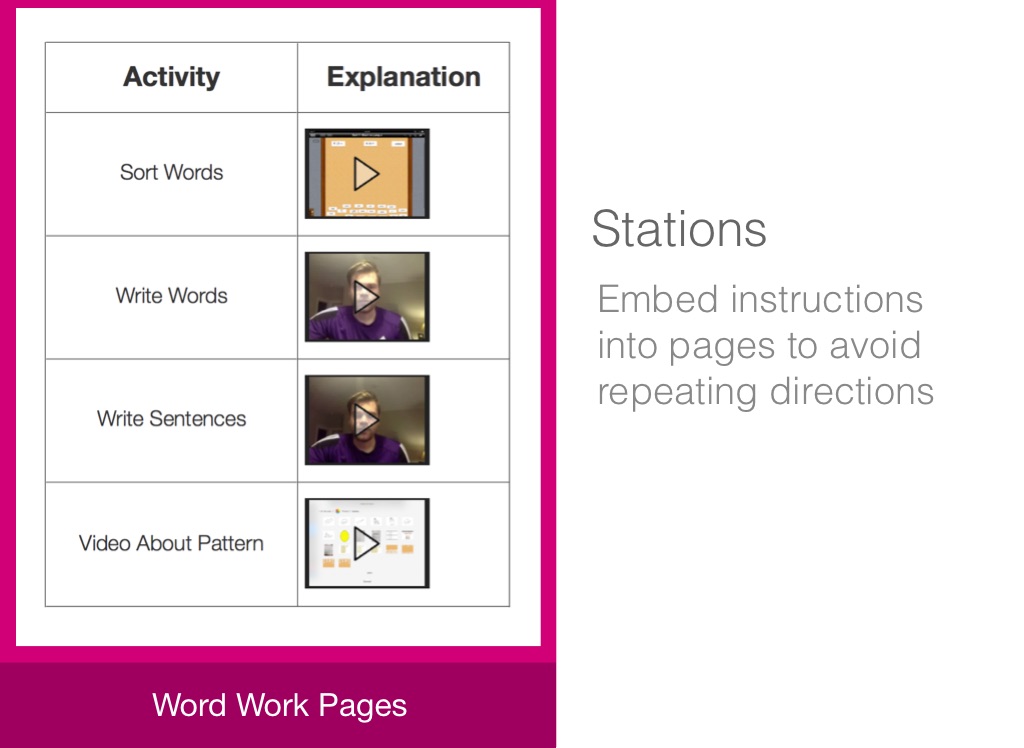
Stations
Embed instructions into pages to avoid repeating directions
Word Work Pages
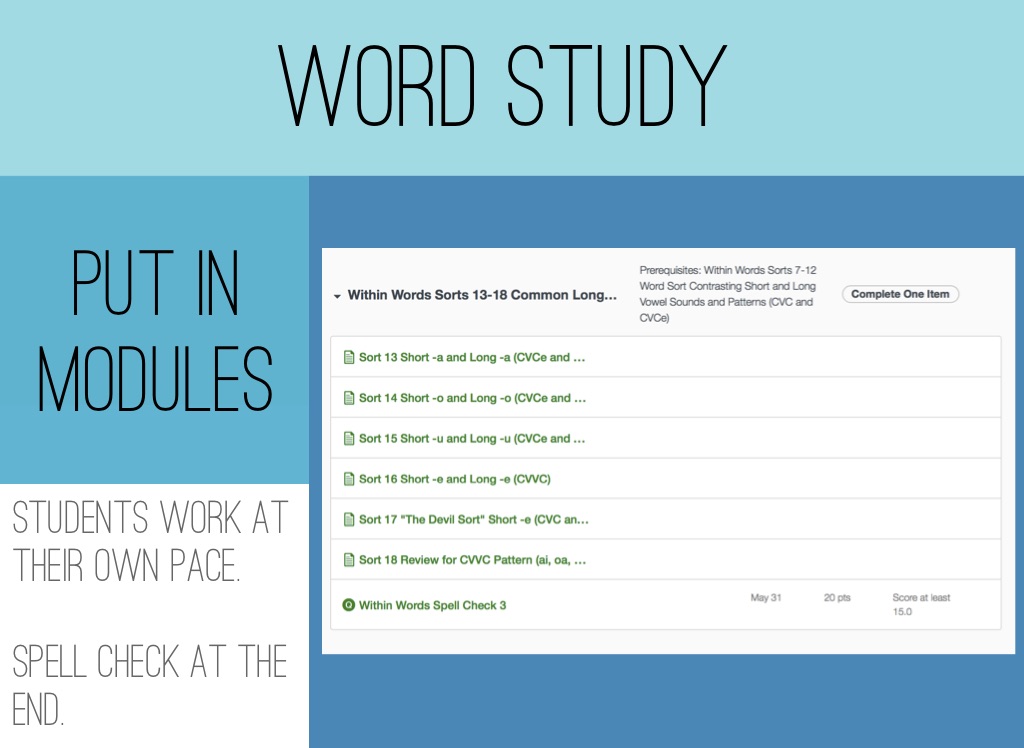
Word Study
Put in modules
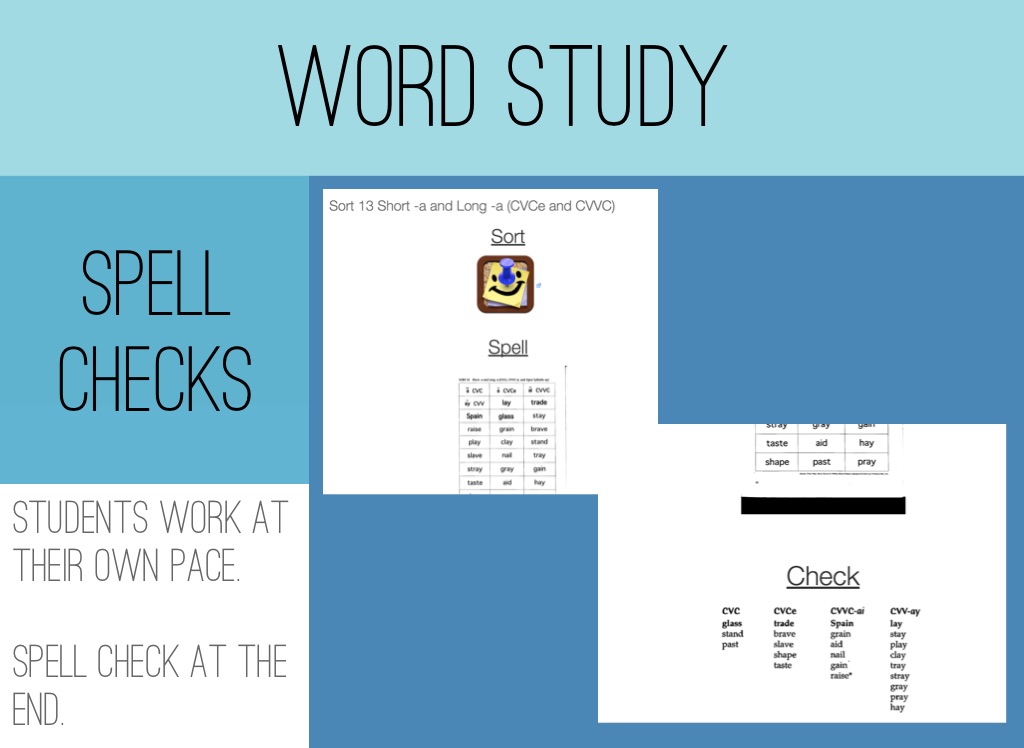
Students work at their own pace. Spell check at the end.
Word Study
Spell Checks
Students work at their own pace. Spell check at the end.
Word Study
Spell Checks
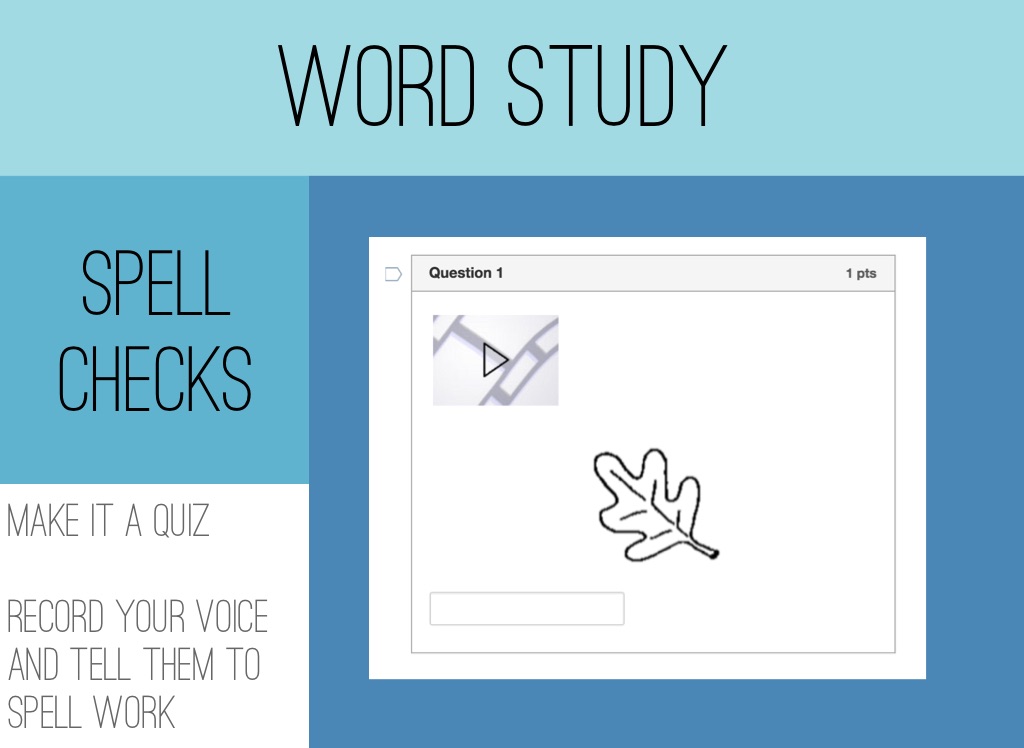
Make It a Quiz Record your voice and tell them to spell work
Word Study
Free TOO!
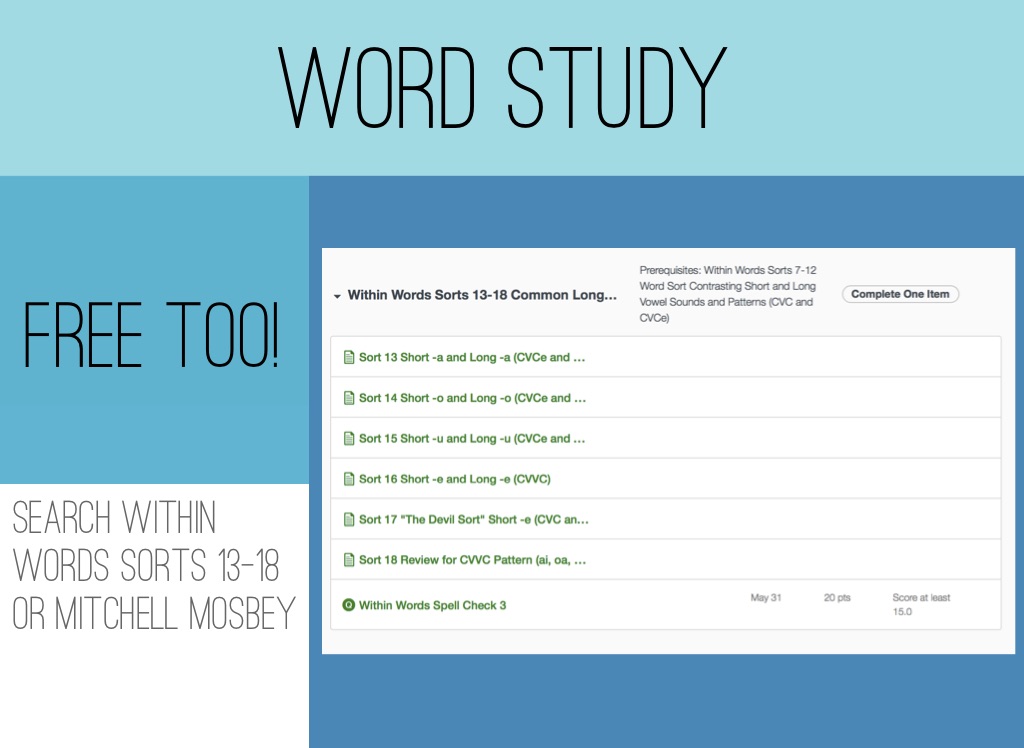
Search Within Words Sorts 13-18 or Mitchell Mosbey
Word Study
More Resources
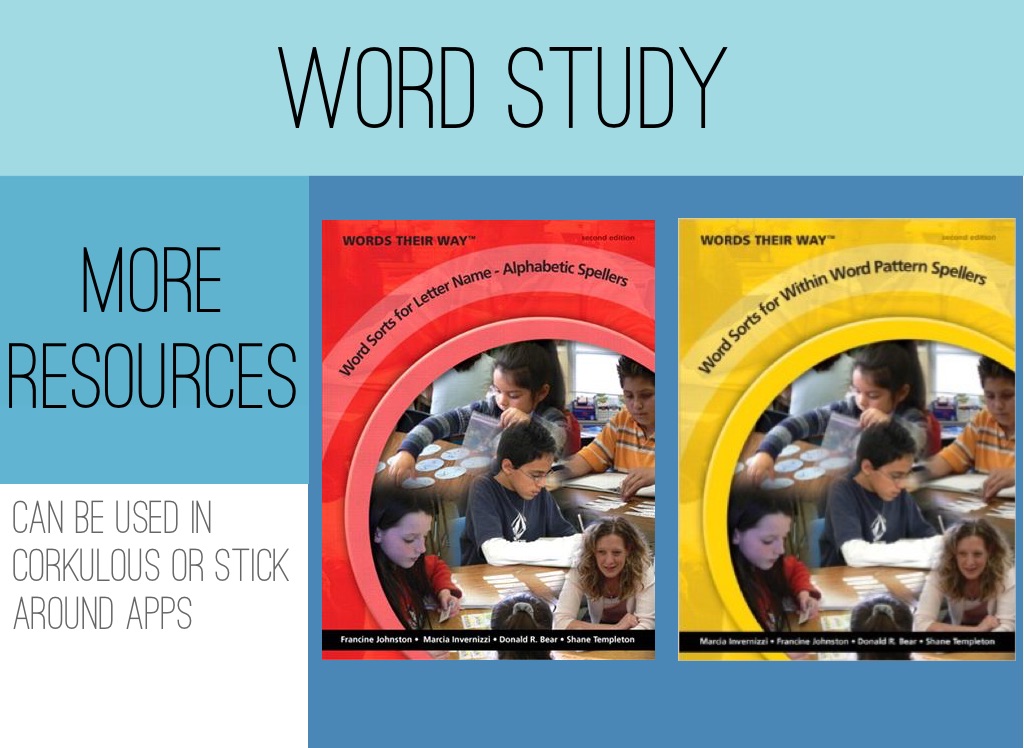
Can be Used in Corkulous or Stick Around Apps
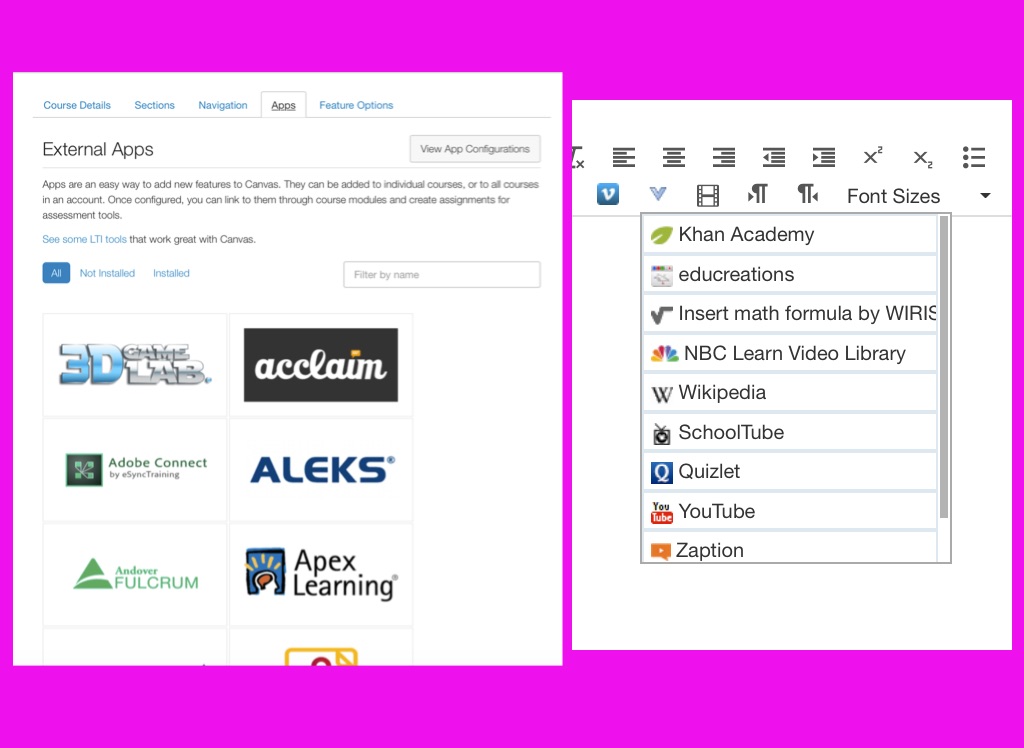
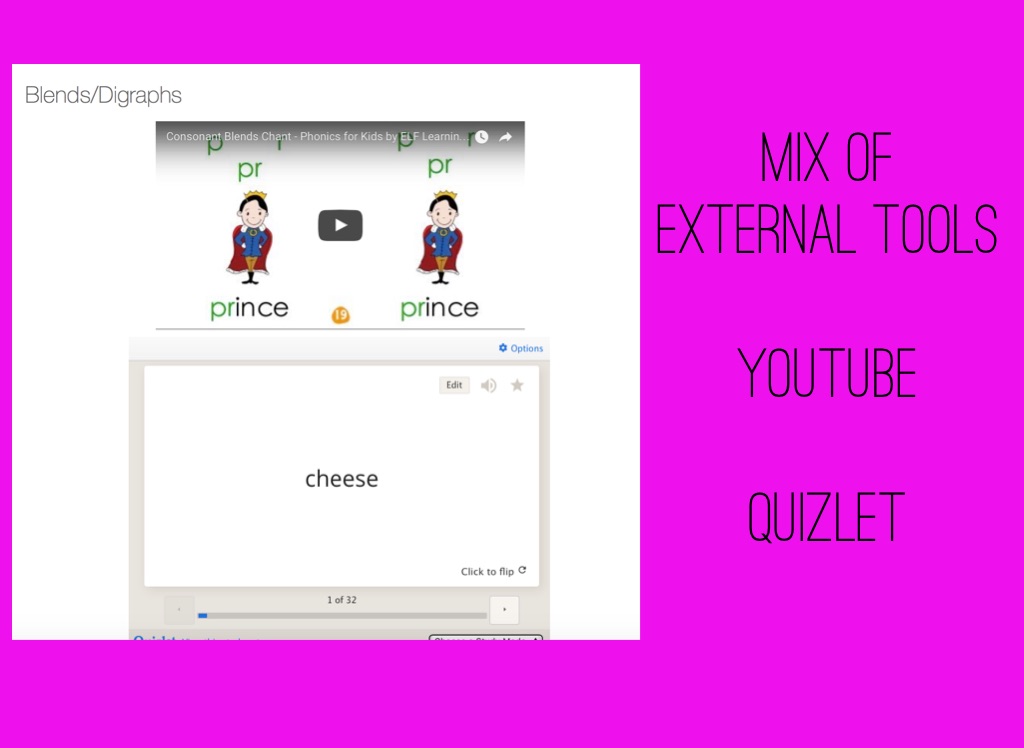
Mix of External Tools YouTube Quizlet
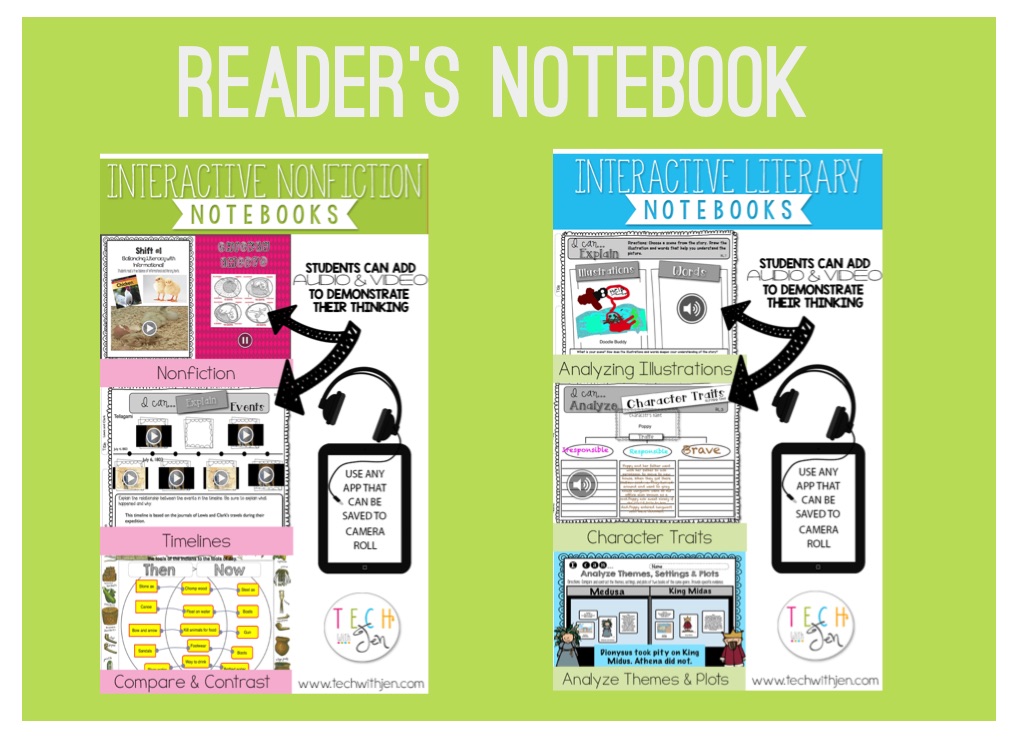
Reader’s Notebook
Math
Lessons
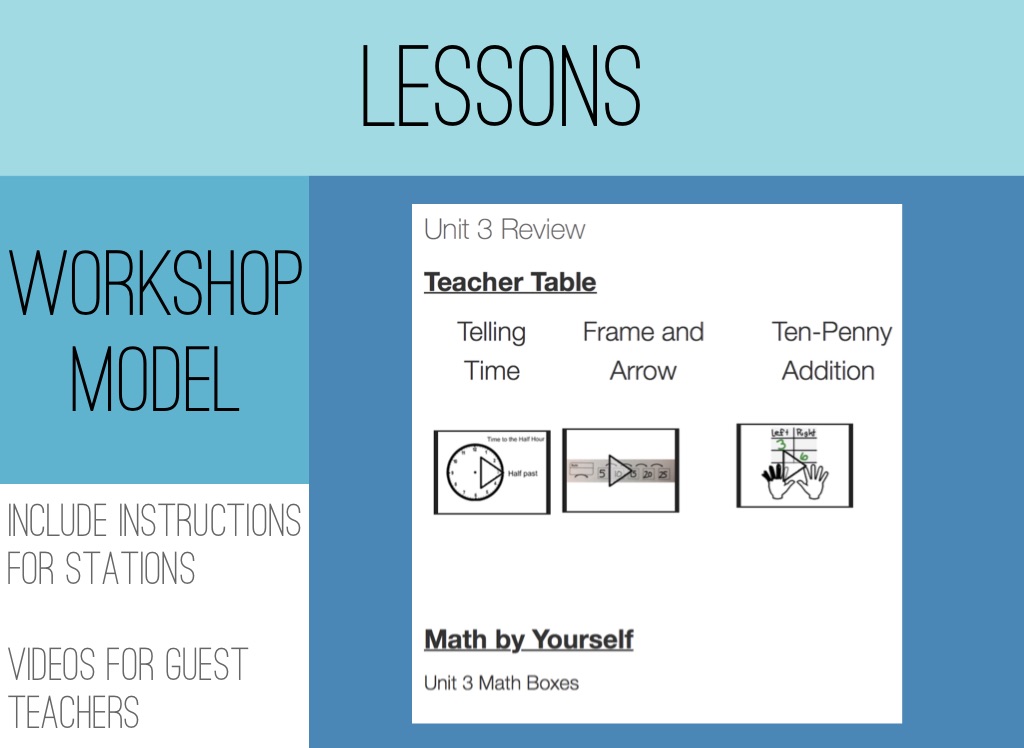
Workshop Model
Include instructions for stations Videos for Guest Teachers
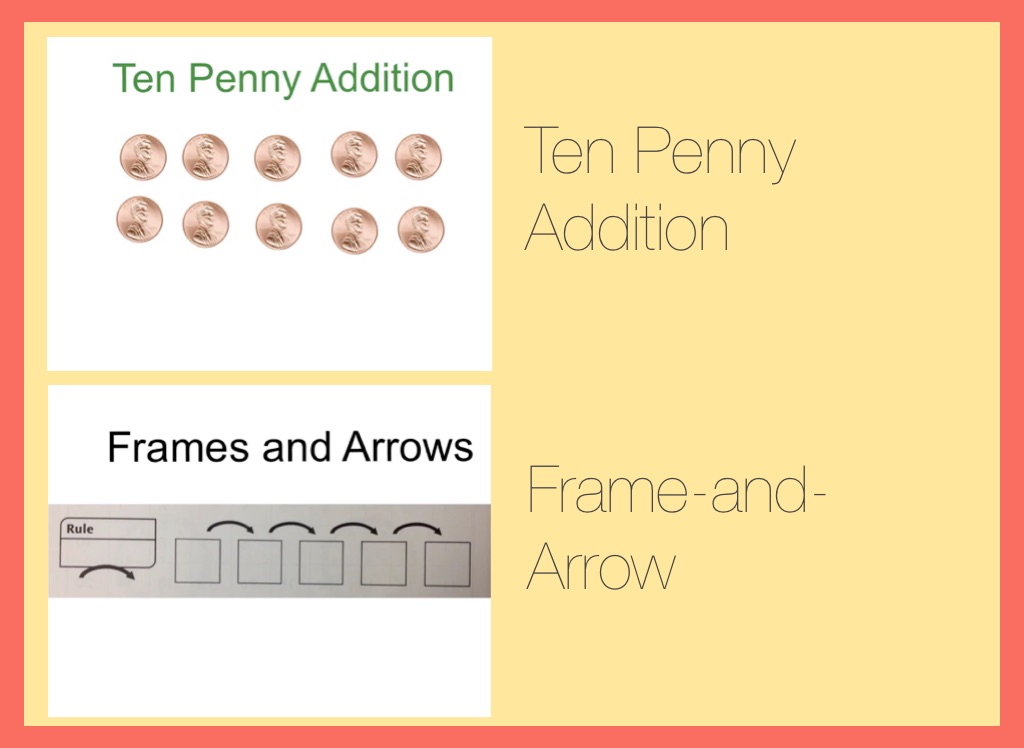
Ten Penny Addition
Frame-and-Arrow
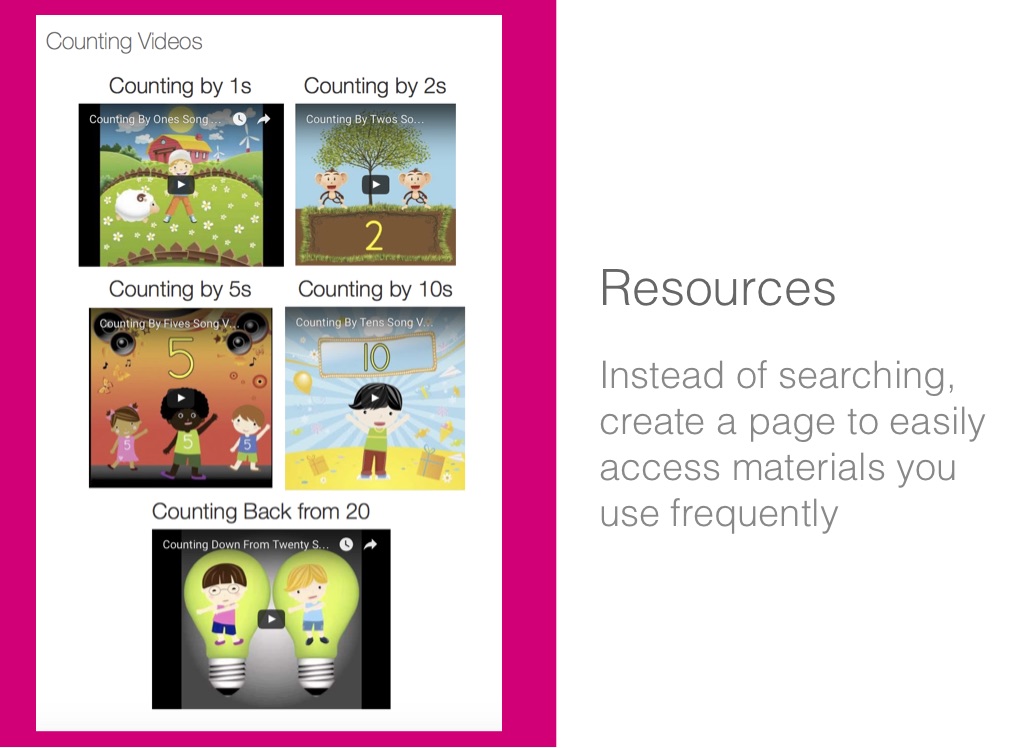
Resources
Instead of searching, create a page to easily access materials you use frequently
Writing
Tips
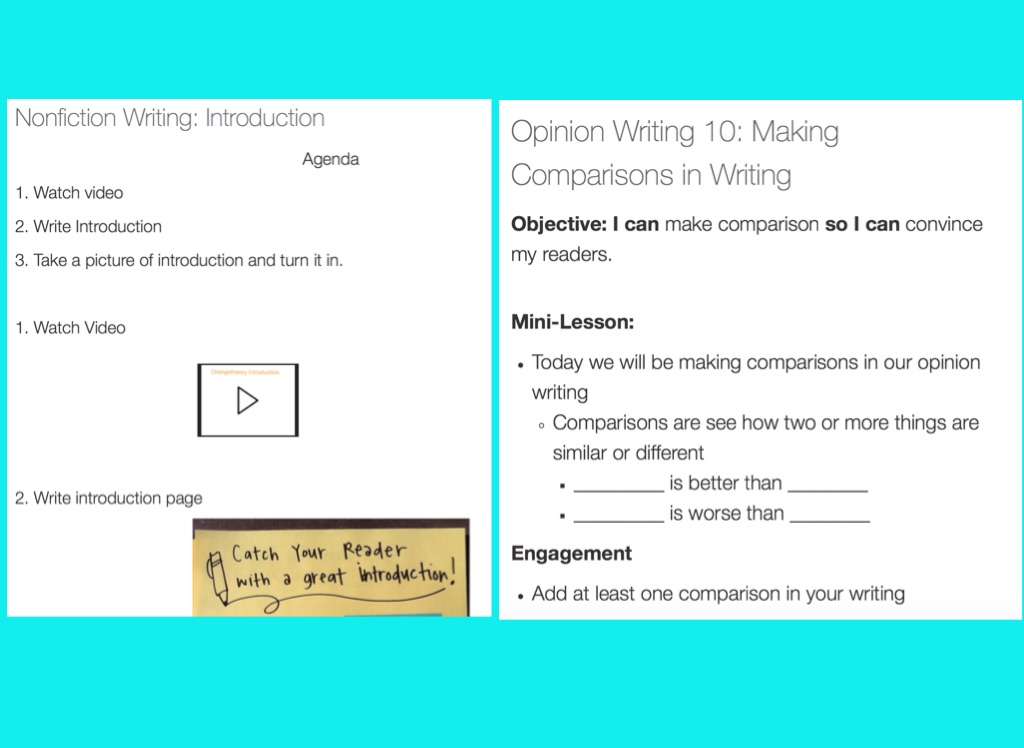
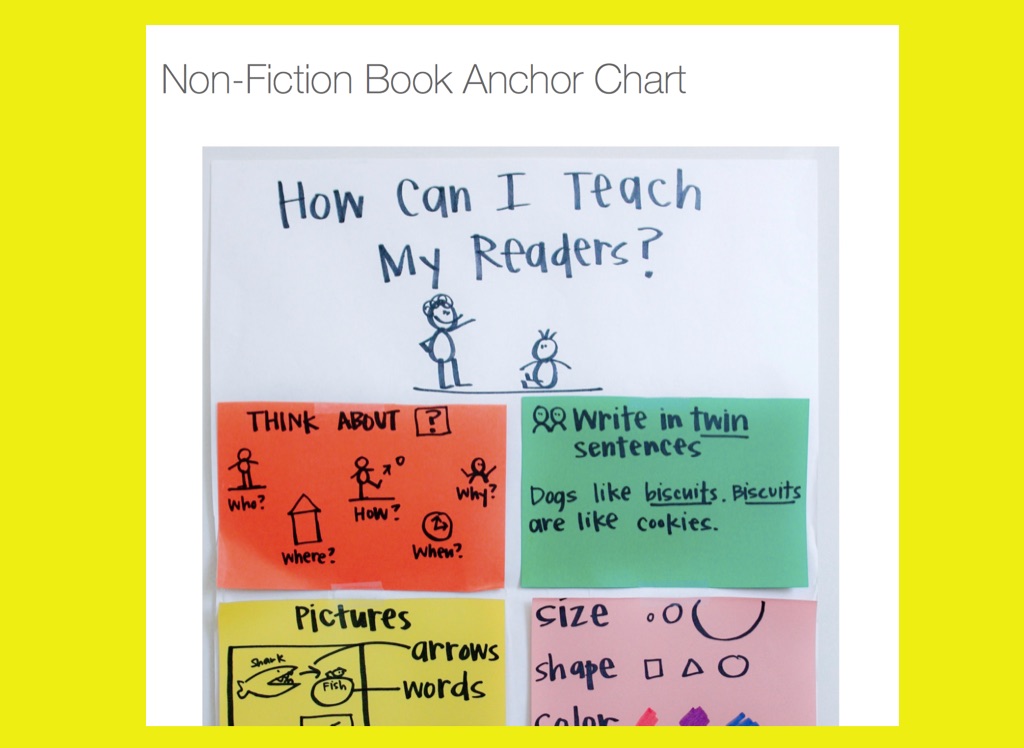
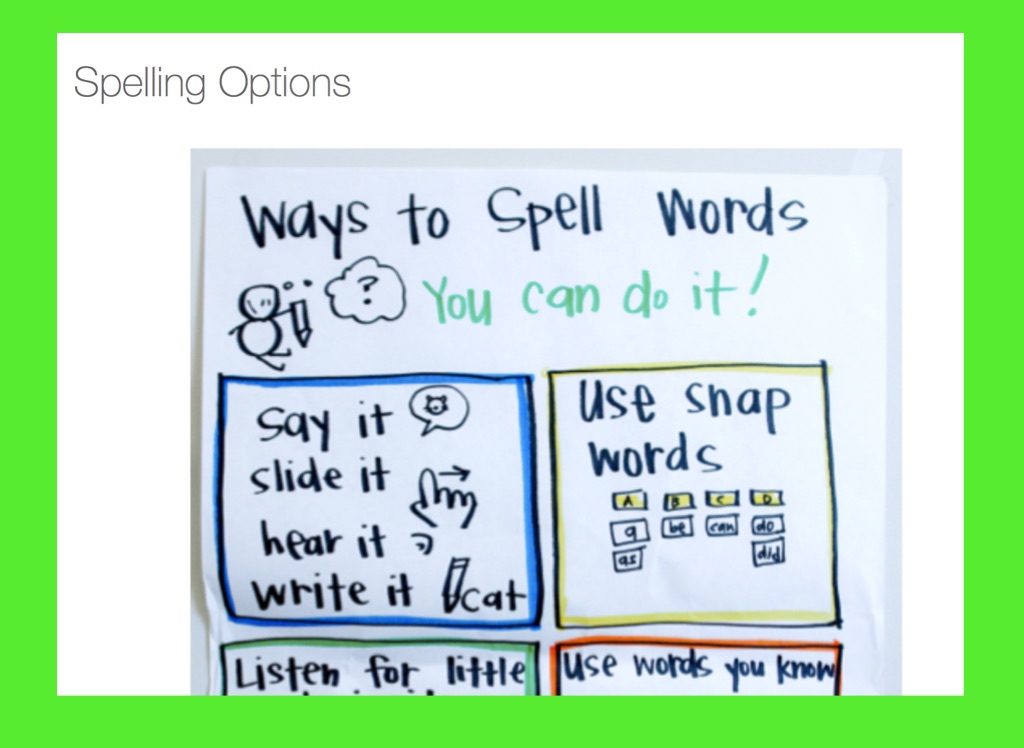
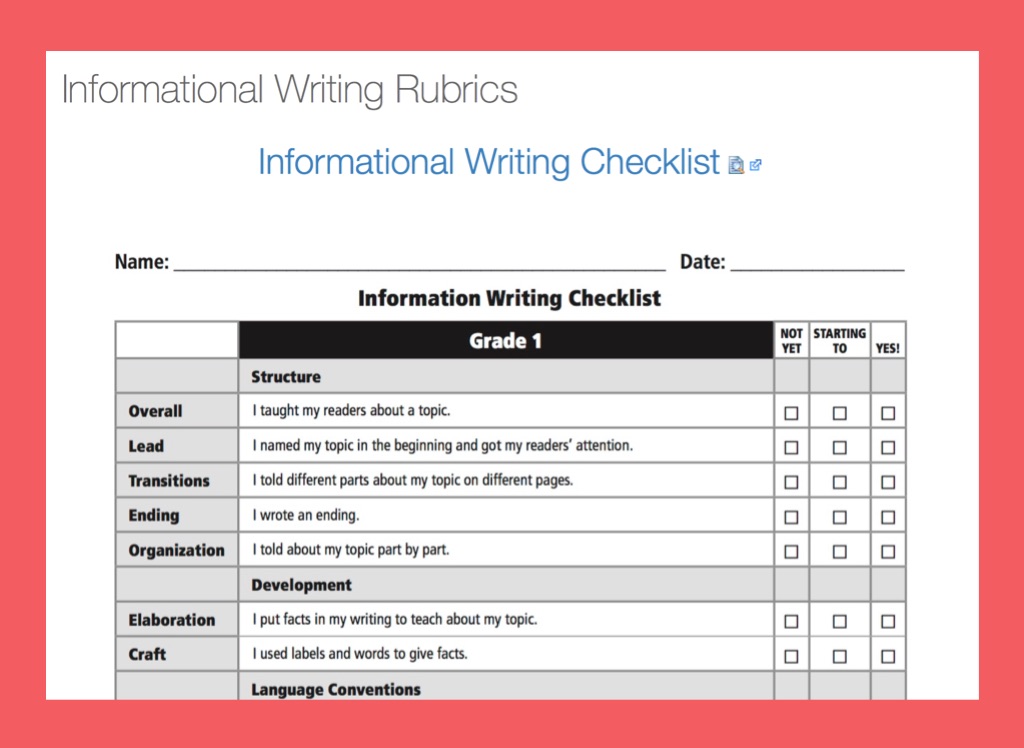
Start with you Lesson plans -Take out the Teacher Notes Options to include Anchor Charts Directly from Pinterest
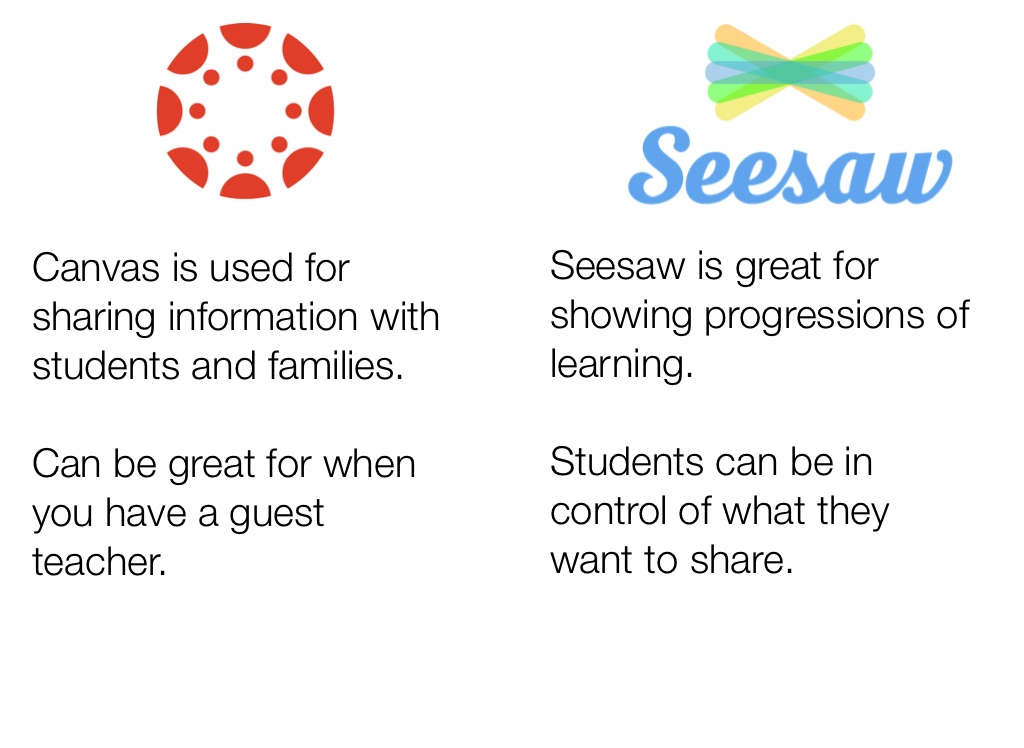
Canvas is used for sharing information with students and families. Can be great for when you have a guest teacher.
Seesaw is great for showing progressions of learning. Students can be in control of what they want to share.
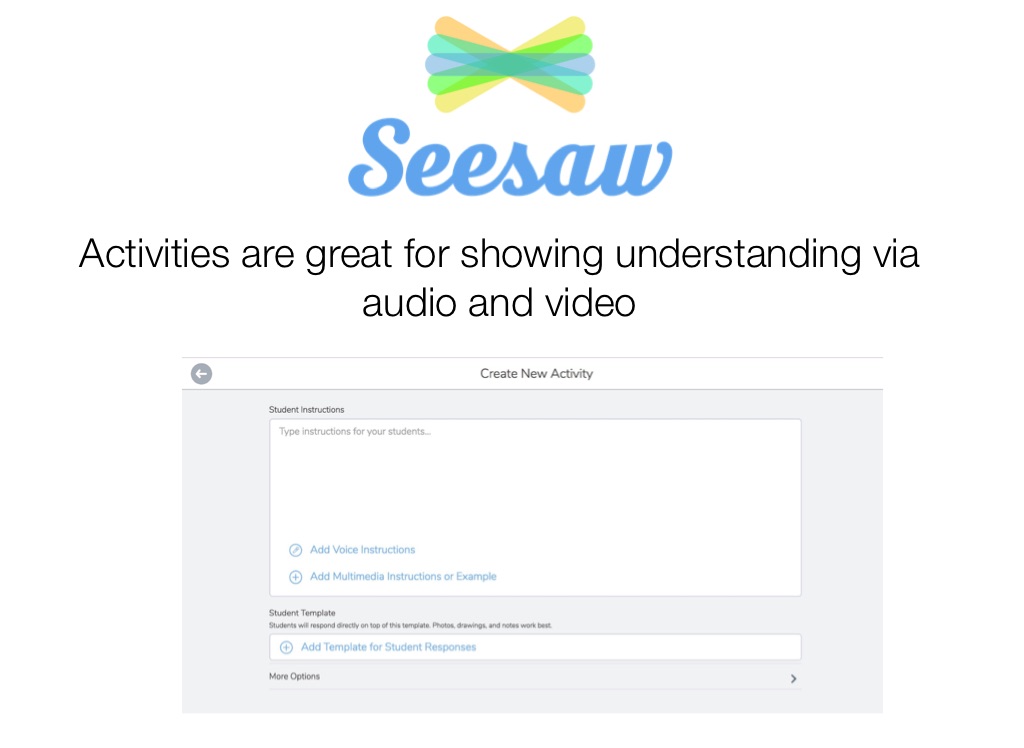
Activities are great for showing understanding via audio and video
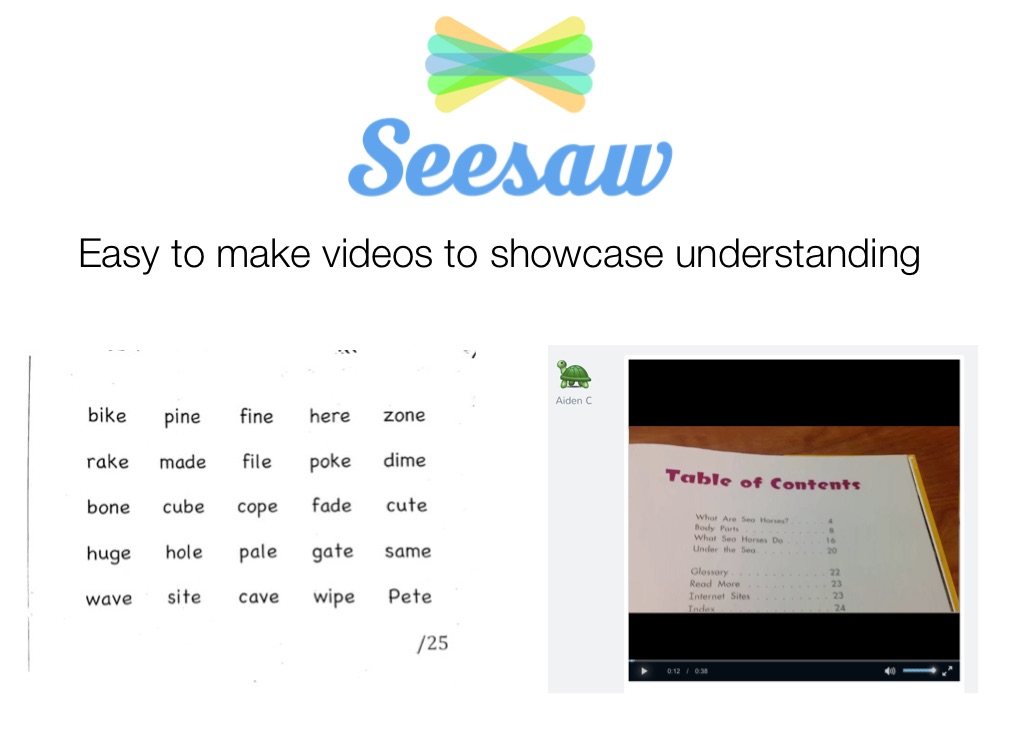
Easy to make videos to showcase understanding
Questions from Survey That Haven’t Been Covered
Can you take a picture of an assignment and turn it in? Are you able to write on assignments via the iPad? I.e. Could students take a picture of a worksheet and fill it Can we Create Assignment/Page Together?
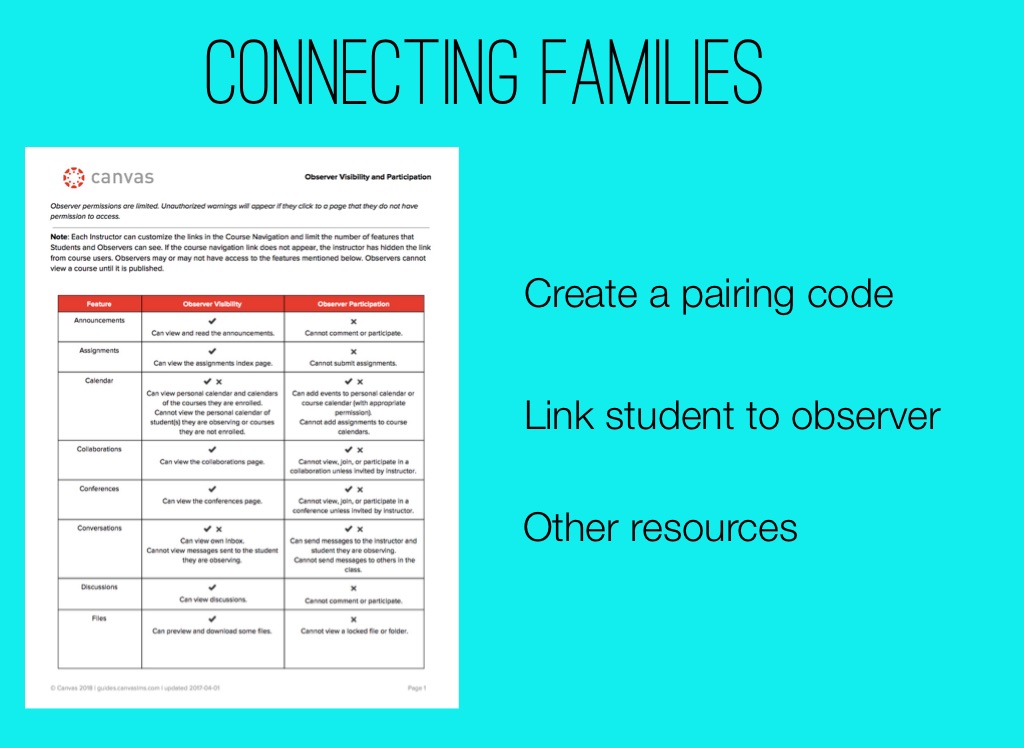
Connecting Families
Create a pairing code
Link student to observer
Other resources
WORK
TIME