









World Language Pd workshop copy
blake middle school
1:1 iPads in the World Language Classroom
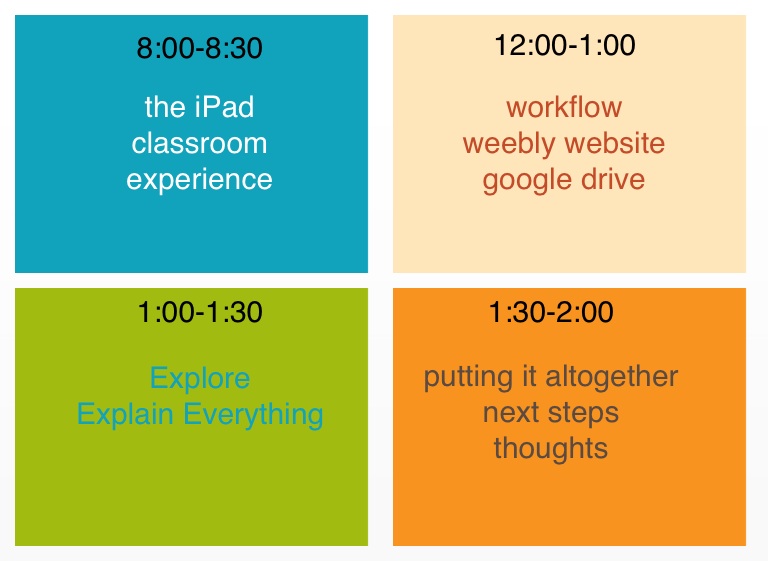
8:00-8:30
12:00-1:00
the iPad classroom experience
workflow weebly website google drive
1:00-1:30
1:30-2:00
Explore Explain Everything
putting it altogether next steps thoughts
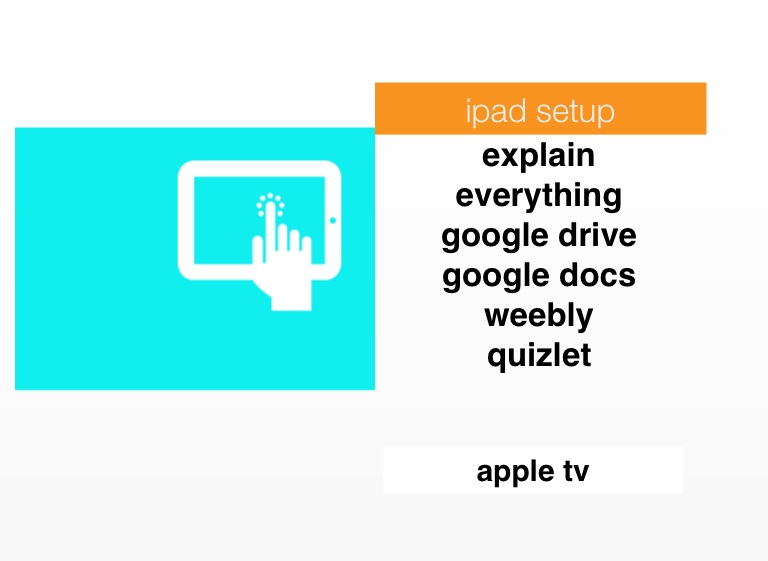
ipad setup
explain everything google drive google docs weebly quizlet
apple tv
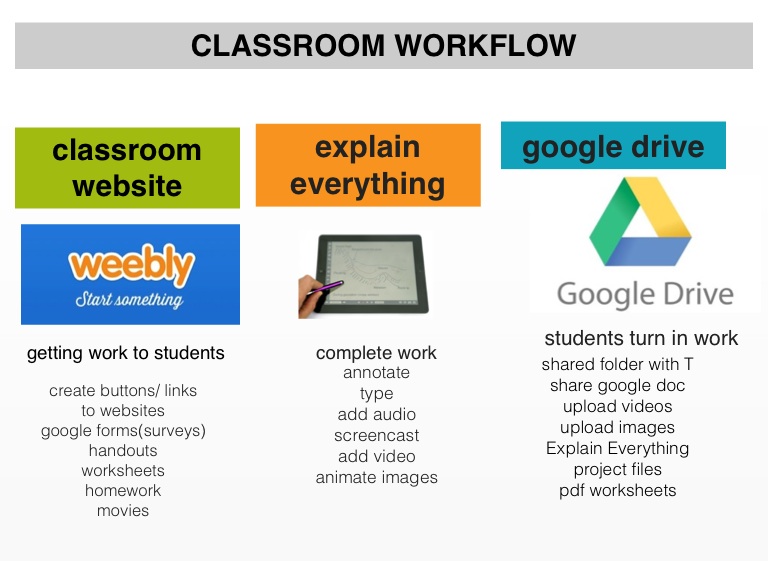
explain everything
CLASSROOM WORKFLOW
classroom website
google drive
students turn in work
getting work to students
complete work
create buttons/ links to websites google forms(surveys) handouts worksheets homework movies
annotate type add audio screencast add video animate images
shared folder with T share google doc upload videos upload images Explain Everything project files pdf worksheets
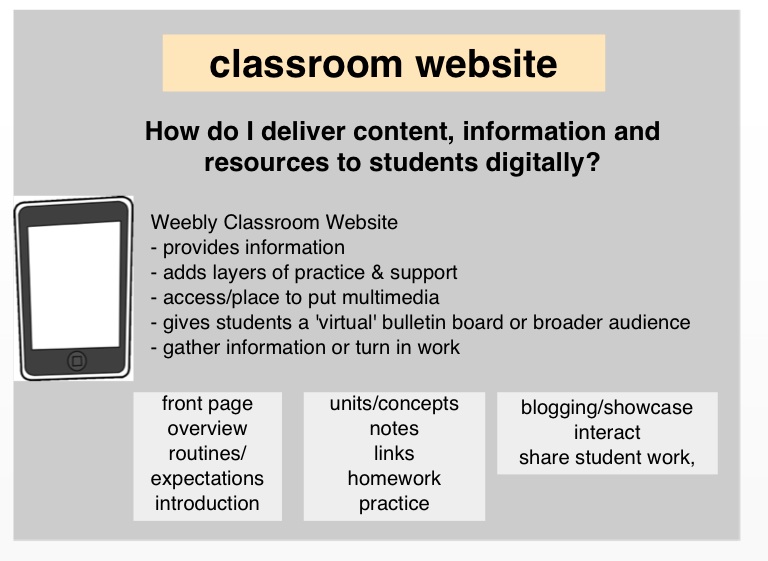
classroom website
How do I deliver content, information and resources to students digitally?
Weebly Classroom Website - provides information - adds layers of practice & support - access/place to put multimedia - gives students a 'virtual' bulletin board or broader audience - gather information or turn in work
front page overview routines/ expectations introduction
units/concepts notes links homework practice
blogging/showcase interact share student work,
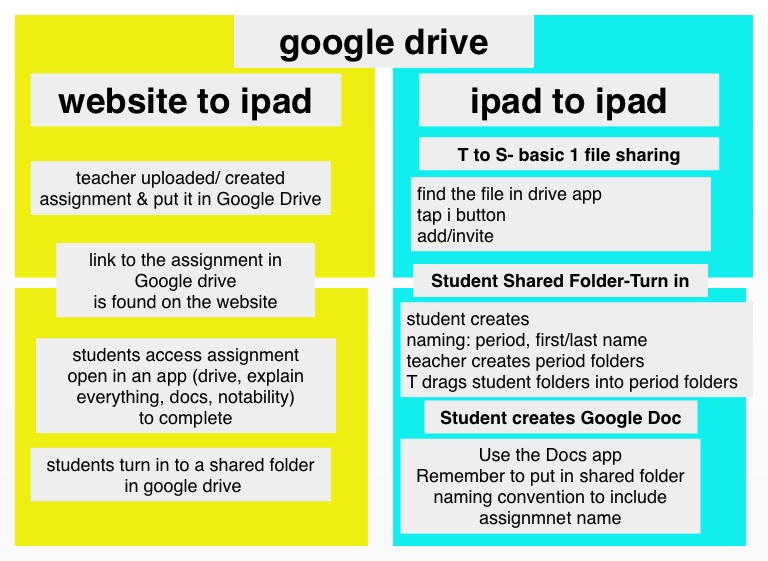
google drive
website to ipad
ipad to ipad
T to S- basic 1 file sharing
teacher uploaded/ created assignment & put it in Google Drive
find the file in drive app tap i button add/invite
link to the assignment in Google drive is found on the website
Student Shared Folder-Turn in
student creates naming: period, first/last name teacher creates period folders T drags student folders into period folders
students access assignment open in an app (drive, explain everything, docs, notability) to complete
Student creates Google Doc
students turn in to a shared folder in google drive
Use the Docs app Remember to put in shared folder naming convention to include assignmnet name
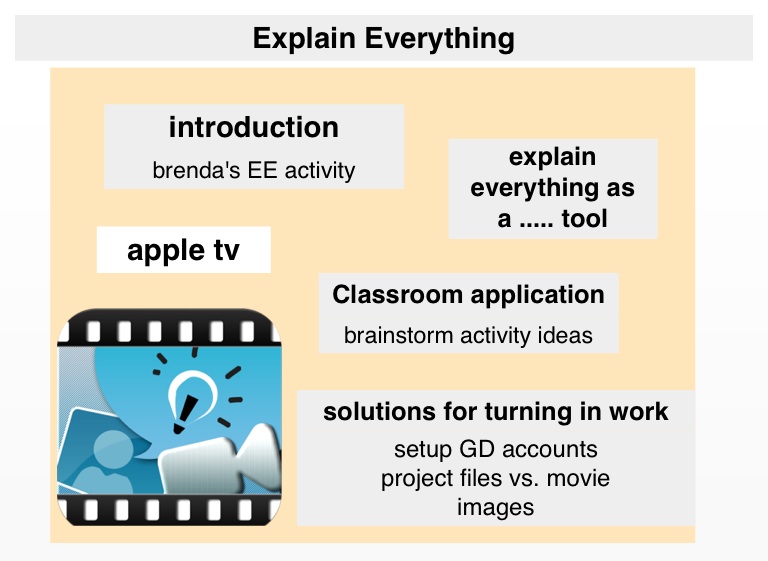
apple tv
Explain Everything
introduction
explain everything as a ..... tool
brenda's EE activity
Classroom application
brainstorm activity ideas
solutions for turning in work
setup GD accounts project files vs. movie images
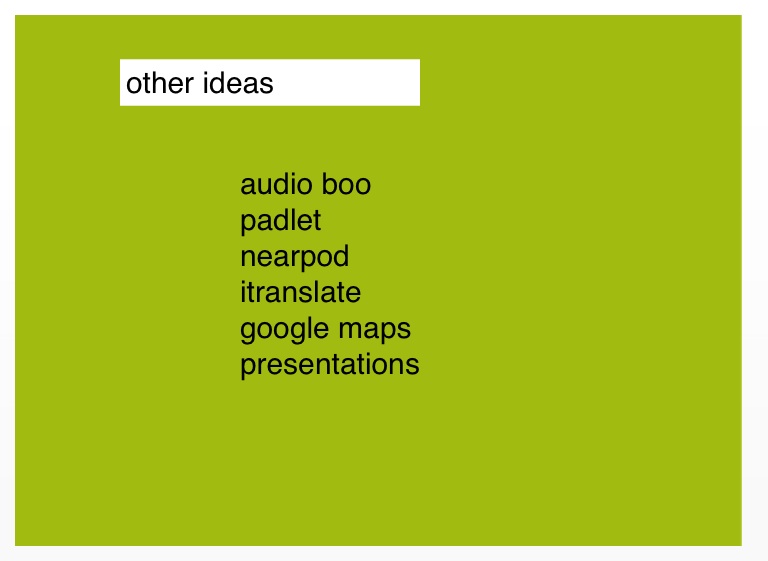
other ideas
audio boo padlet nearpod itranslate google maps presentations