








Presentation Pro Tips #2 - Mac 1.2 Release
ProTips #2
“Mac 1.2 Release”
Presenter Notes & Looping Auto Advance
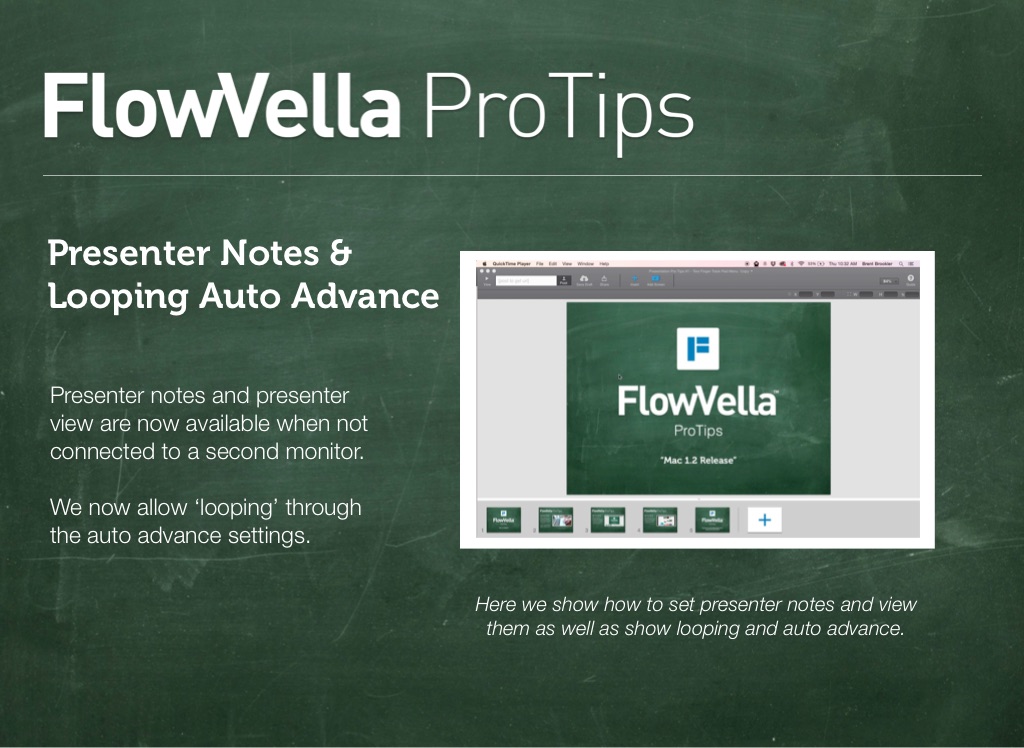
Presenter notes and presenter view are now available when not connected to a second monitor. We now allow ‘looping’ through the auto advance settings.
Here we show how to set presenter notes and view them as well as show looping and auto advance.
“Flowception” or Link to Flow
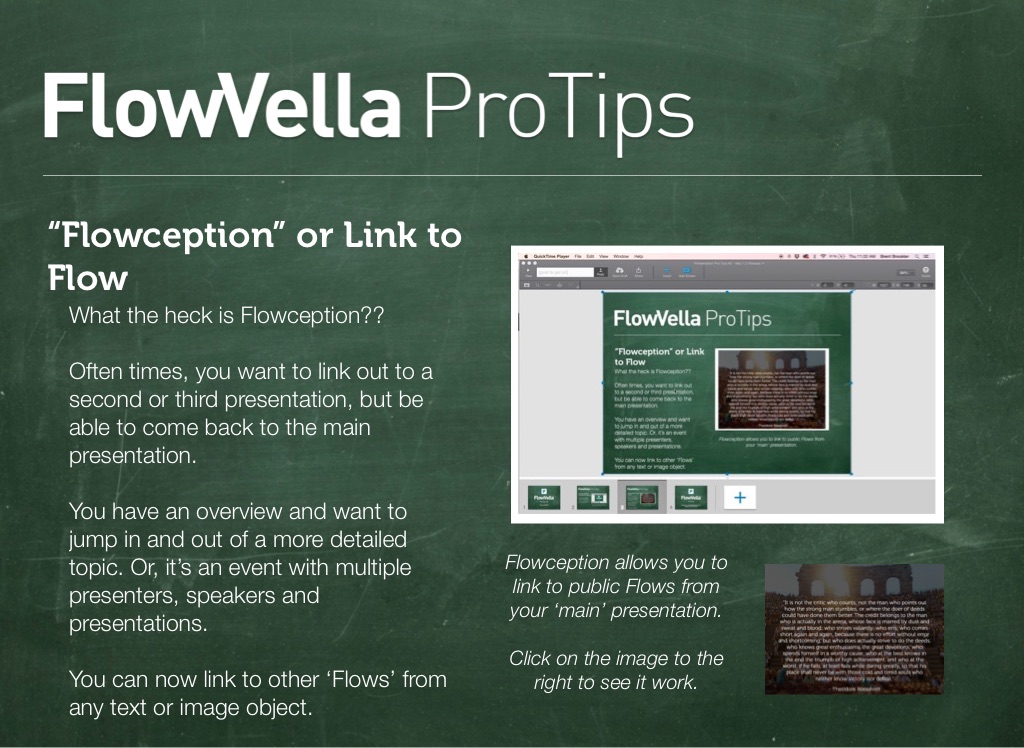
What the heck is Flowception?? Often times, you want to link out to a second or third presentation, but be able to come back to the main presentation. You have an overview and want to jump in and out of a more detailed topic. Or, it’s an event with multiple presenters, speakers and presentations. You can now link to other ‘Flows’ from any text or image object.
Flowception allows you to link to public Flows from your ‘main’ presentation. Click on the image to the right to see it work.
Full List of Updates and Features in 1.2
What's New in Version 1.2 • Auto-advance now supports looping when reaching the last screen • Can now pause an auto-advancing presentation by pressing spacebar • Flowception! You can now create links to (public) Flows from within your Flows • Users without a second monitor can now open Presenter Notes • Added diagonal arrow shape • Improved stability • Library and Catalog pages now load correctly • Auto-advance progress bar now shows properly in presenter notes • Red spellcheck underline no longer shows in screen previews • Fixed bug where dragging images from Chrome/Safari would often not work • Fixed visual issue when cropping some images added from iPad • Minor updates to PPTX importer
Download here!
ProTips
Email me at [email protected] to request the next ProTip!